New Blocks Added: December 2025 - January 2026
55 new blocks added to Starwind Pro from 2025-12-25 to 2026-01-23. Includes authentication, background, contact, effect, feature, footer, form, hero, logo-cloud, pricing, services, specialized-components components.

Branden
We’ve added 55 new blocks to Starwind Pro! Here’s what’s new:
Summary
- Authentication: 2 blocks
- Background: 17 blocks
- Contact: 6 blocks
- Effect: 2 blocks
- Feature: 6 blocks
- Footer: 4 blocks
- Form: 3 blocks
- Hero: 2 blocks
- Logo-cloud: 2 blocks
- Pricing: 2 blocks
- Services: 8 blocks
- Specialized-components: 1 block
Authentication
2 new authentication blocks.
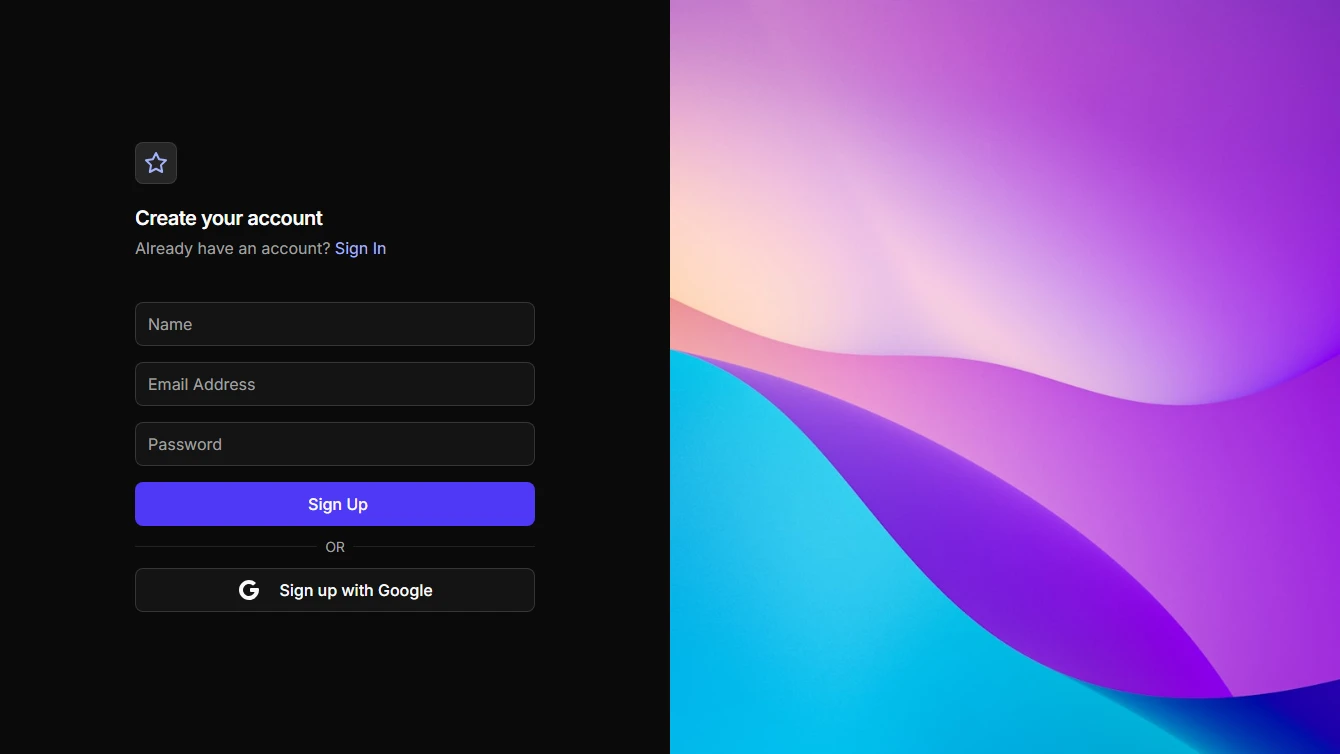
- Signup 3 - Split Screen with Image: Full screen signup with form on the left and a vertical image on the right.
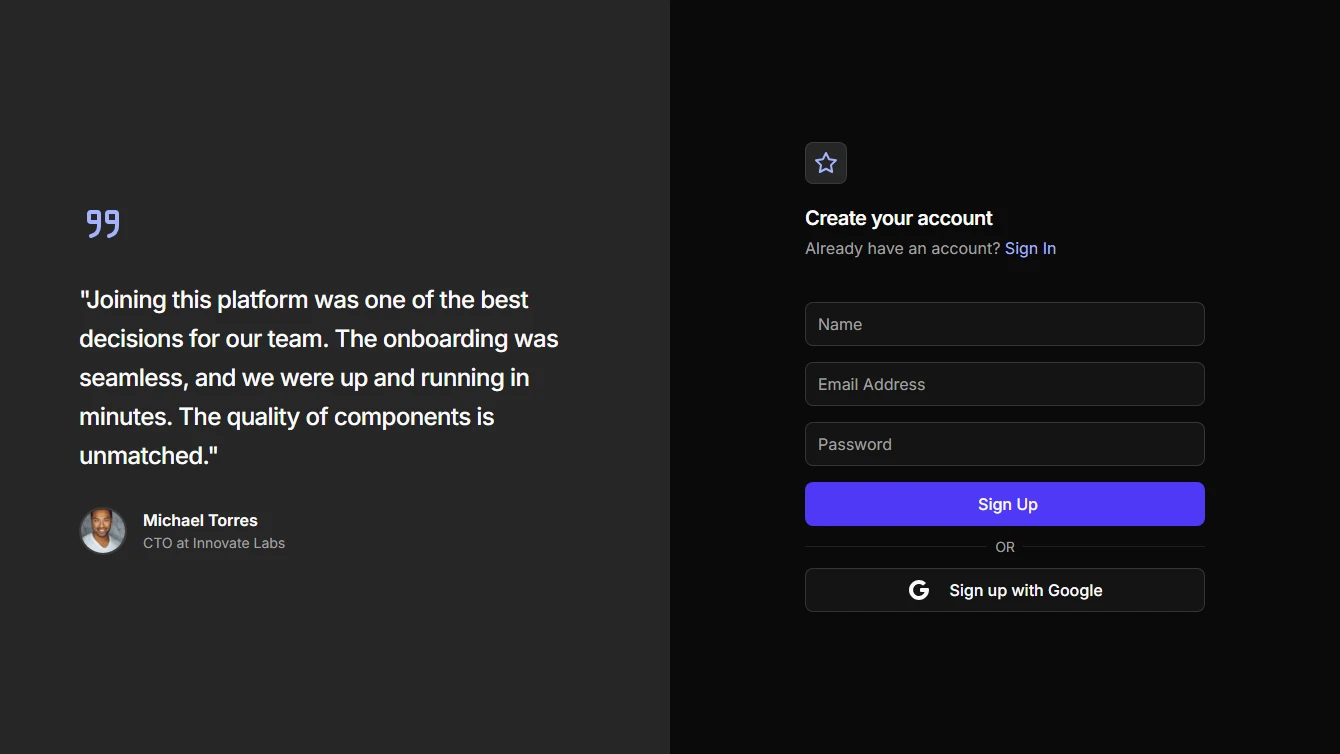
- Signup 4 - Split Screen with Testimonial: Full screen signup with a large testimonial on the left and form on the right.
Background
17 new background blocks.
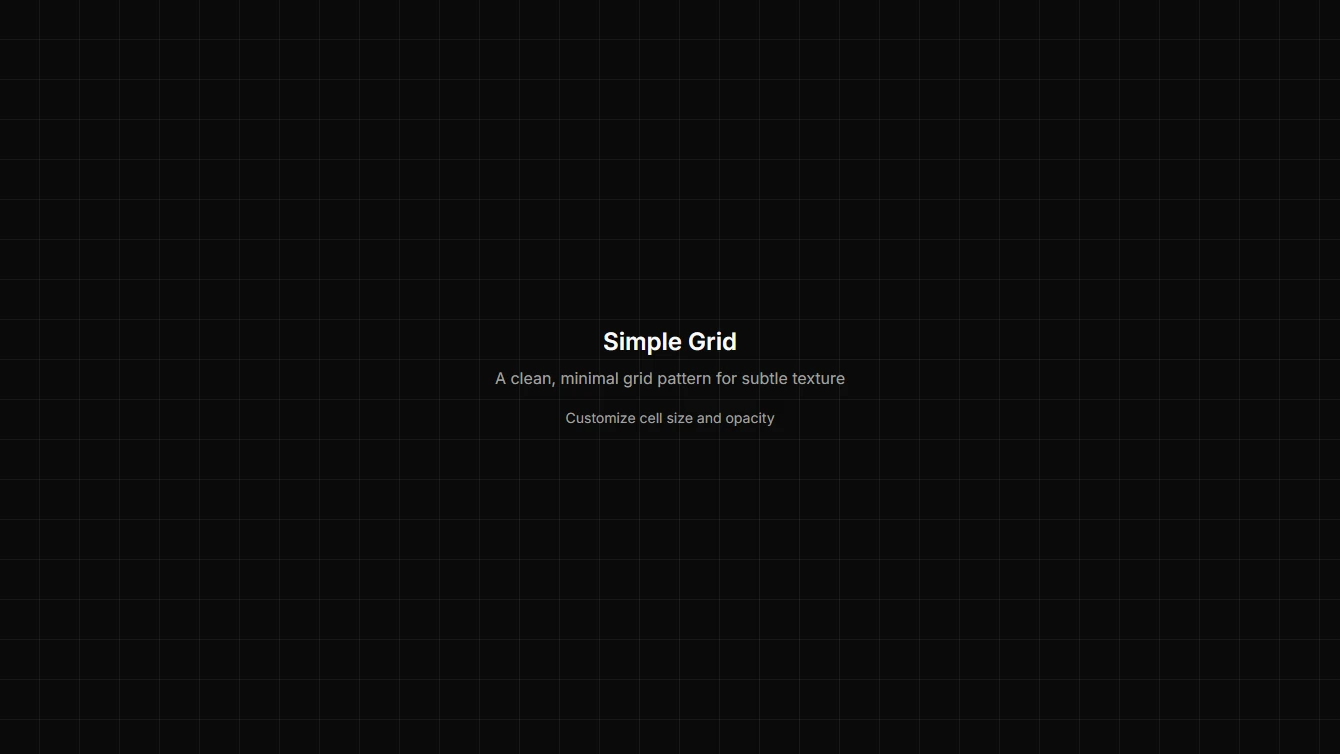
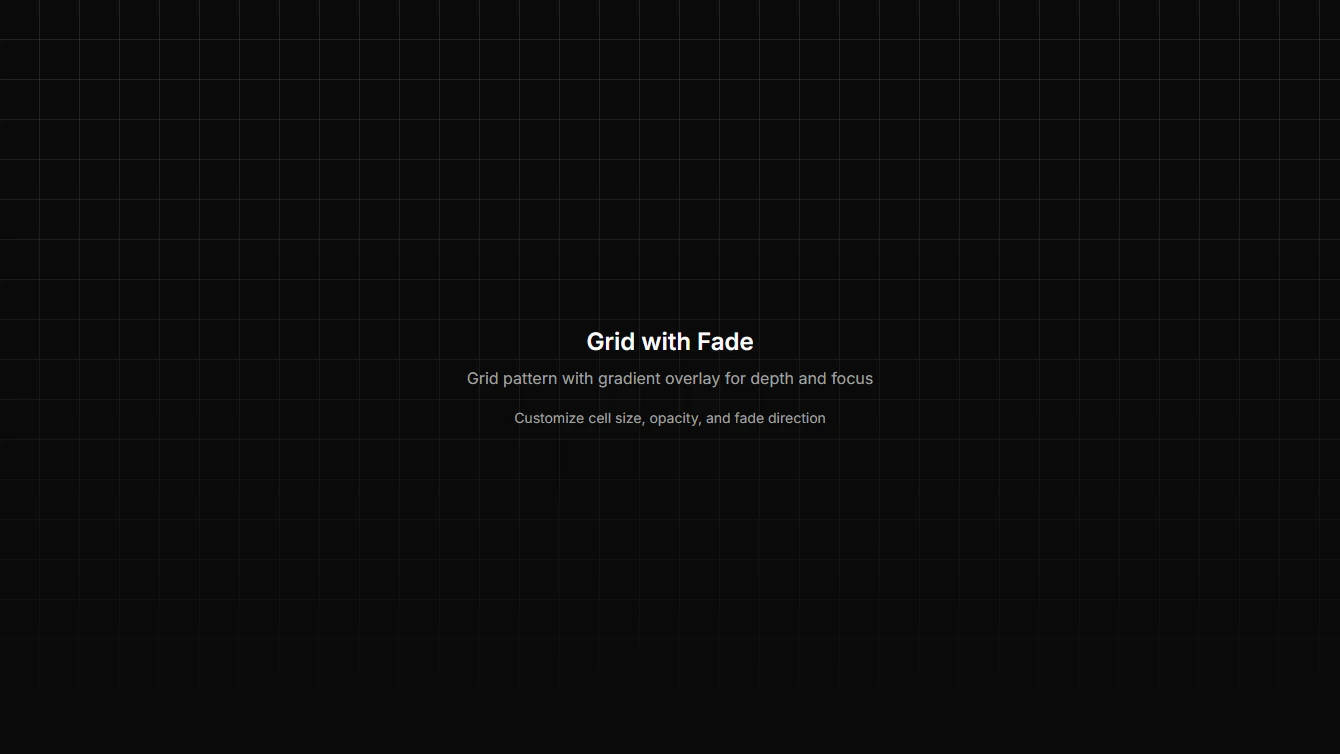
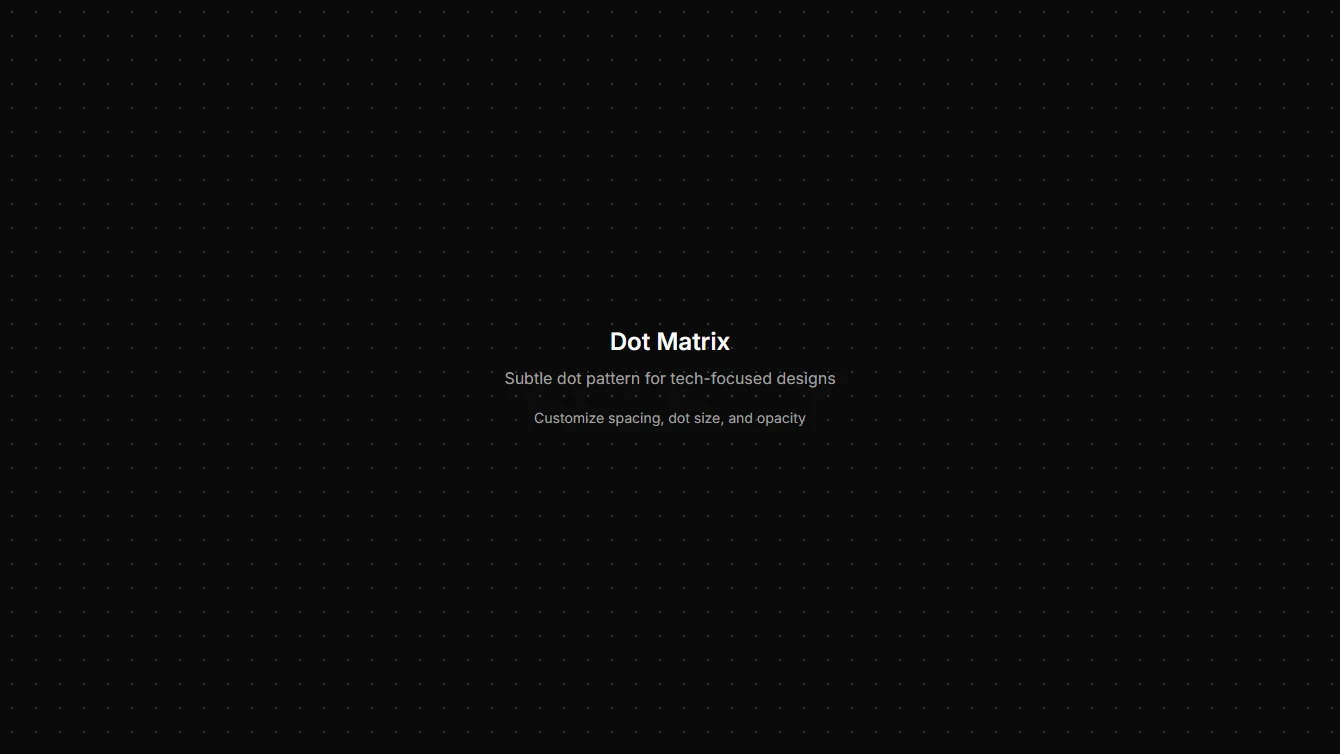
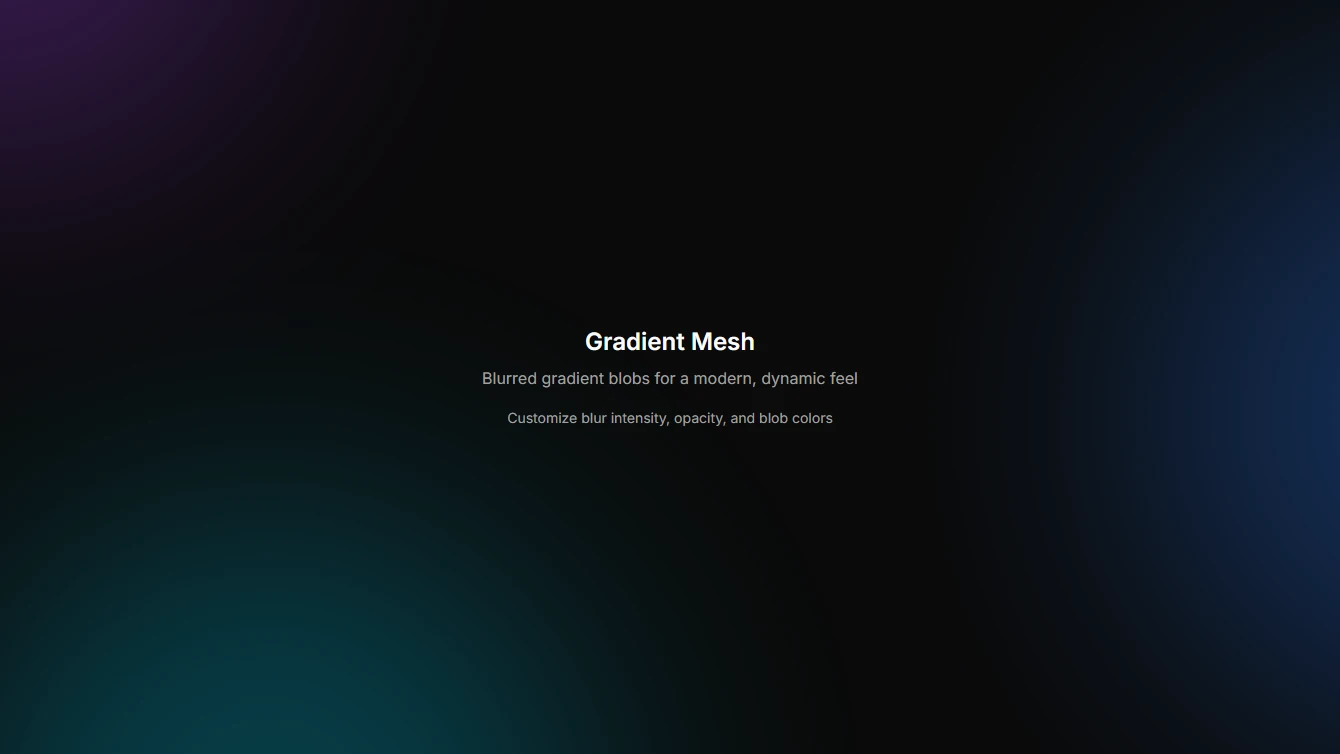
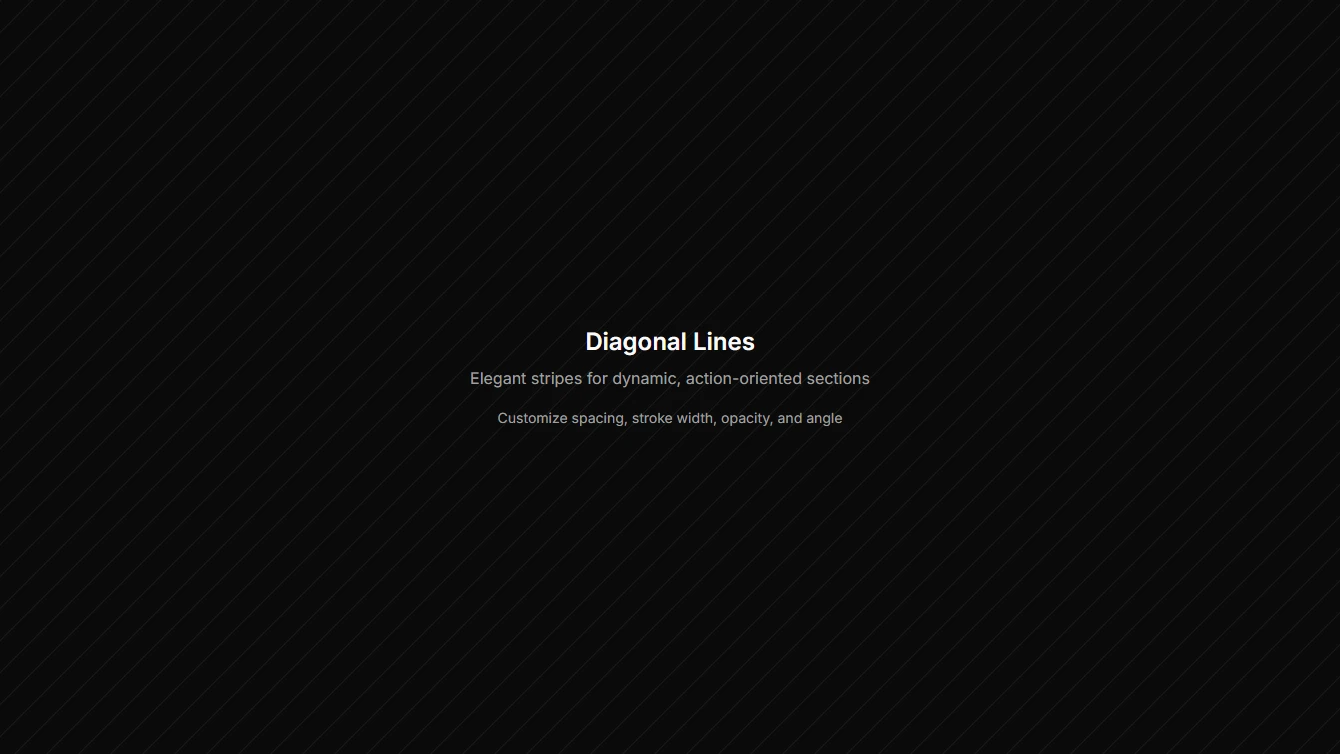
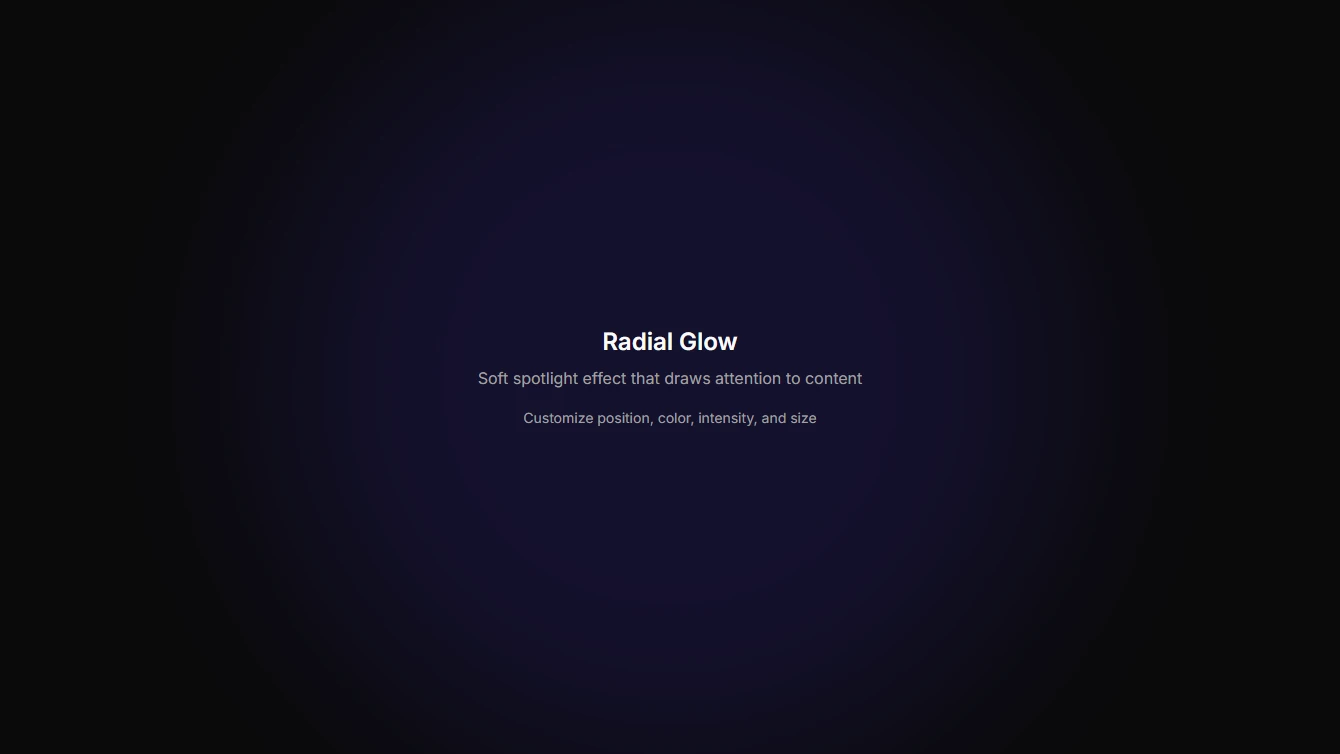
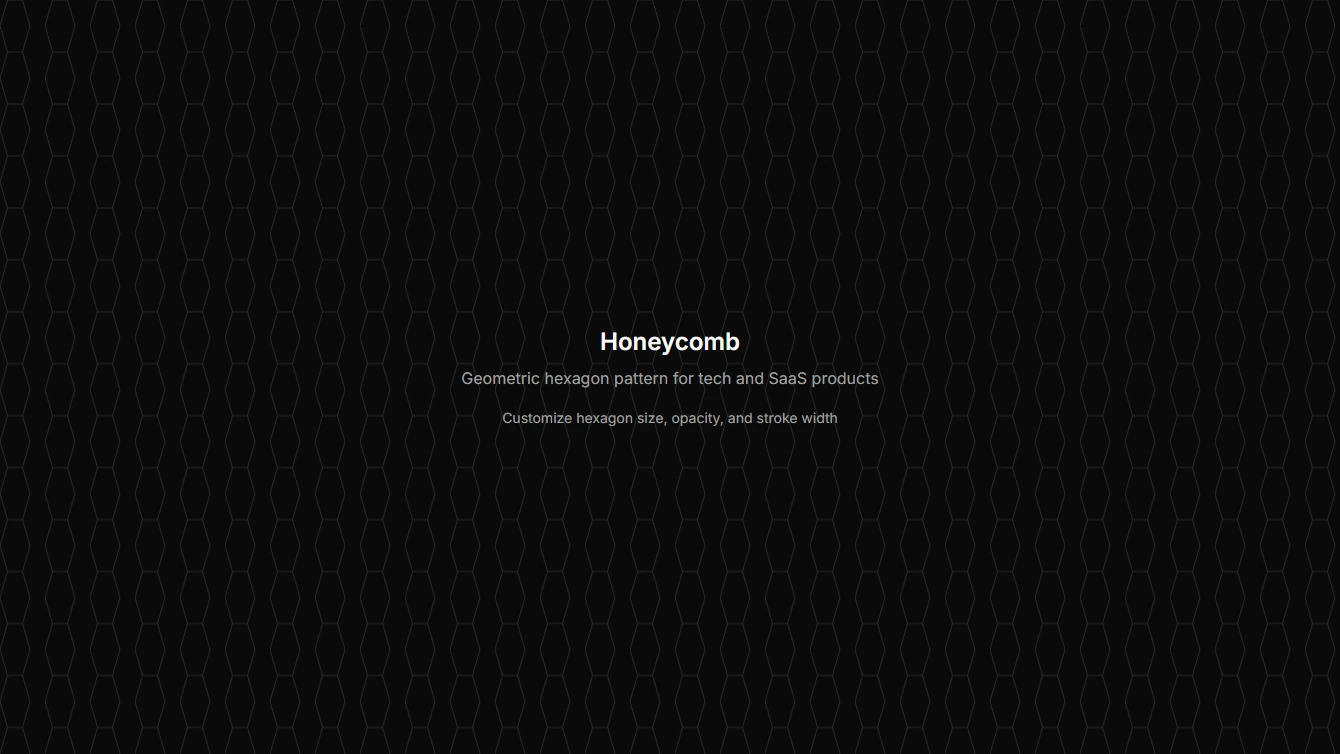
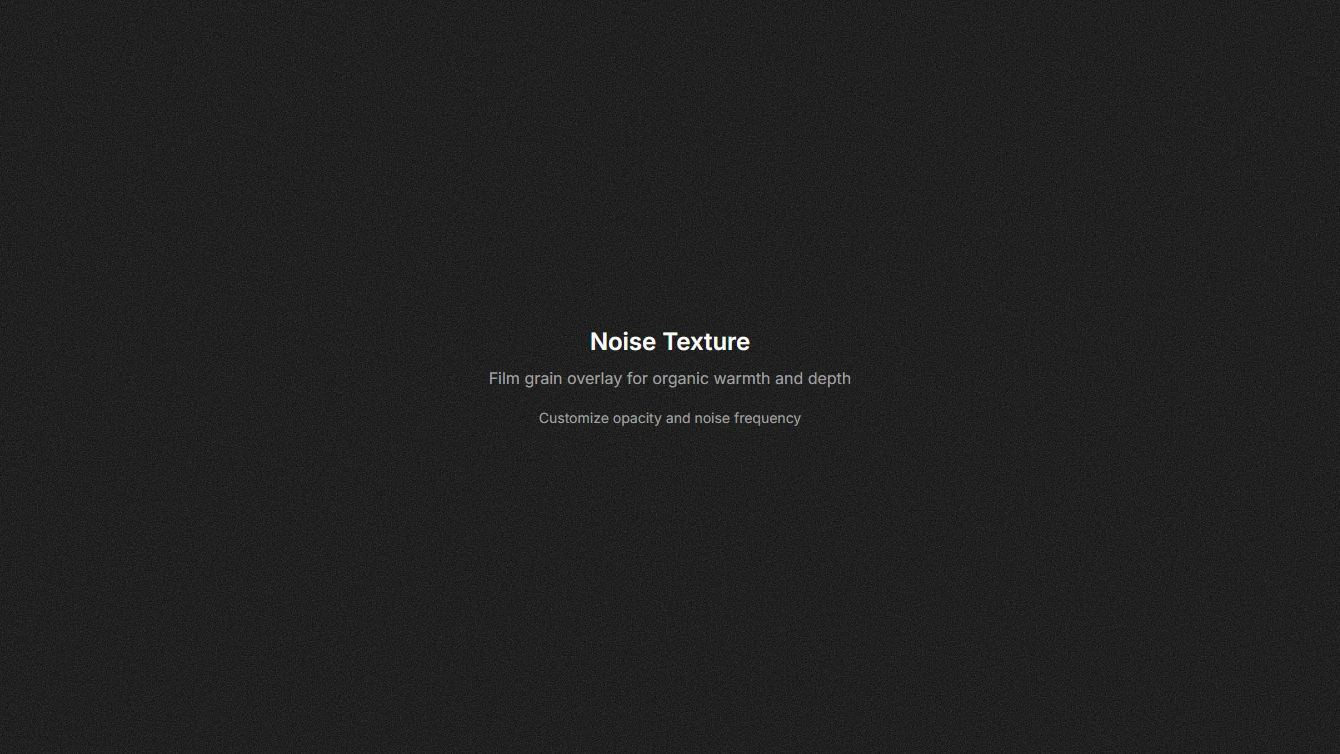
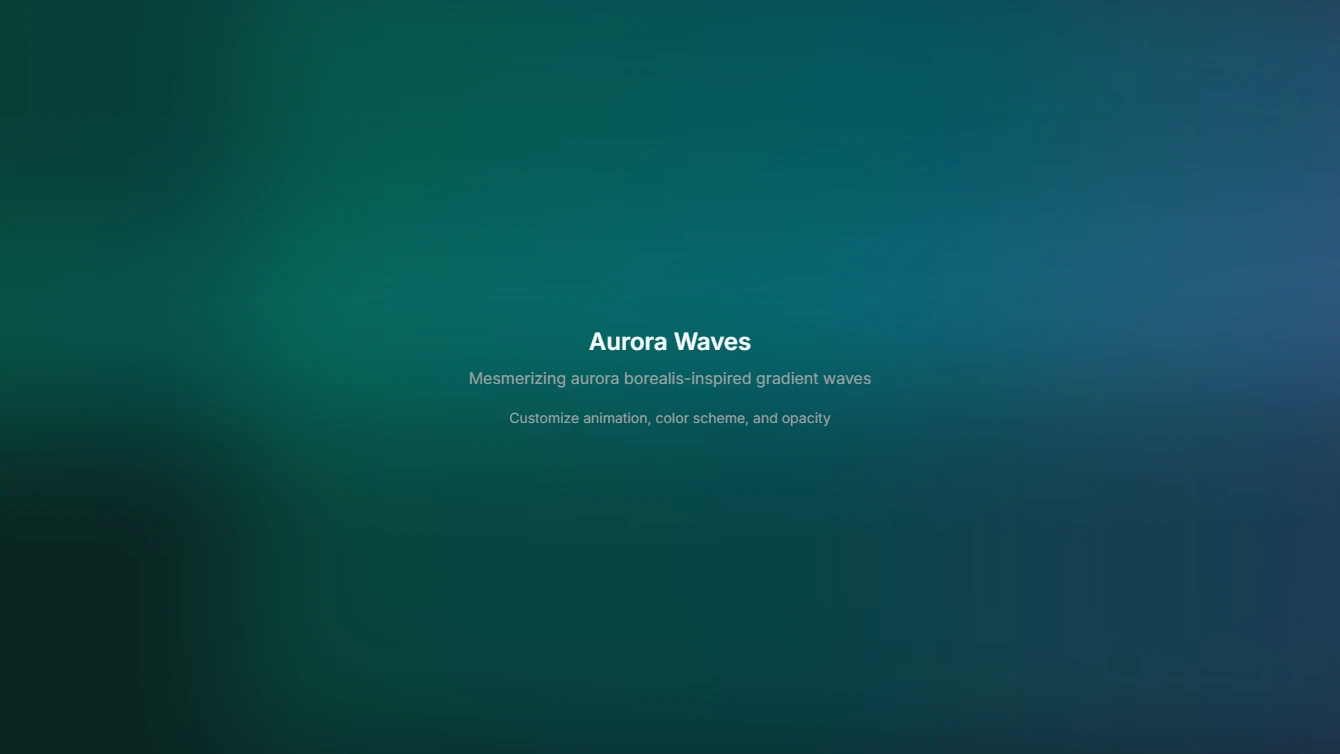
- Background 1 - Simple Grid: A clean, minimal grid pattern using SVG. Perfect for adding subtle texture to hero sections.
- Background 2 - Grid with Fade: A grid pattern with gradient fade overlay. Creates depth and draws focus to the center content.
- Background 3 - Dot Matrix: A subtle dot matrix pattern that adds texture without overwhelming content. Great for tech-focused designs.
- Background 4 - Gradient Mesh: A vibrant gradient mesh background with blurred color blobs. Creates a modern, dynamic atmosphere.
- Background 5 - Diagonal Lines: Elegant diagonal stripes pattern that adds movement and energy. Perfect for dynamic, action-oriented sections.
- Background 6 - Radial Glow: A soft radial gradient glow emanating from the center. Creates a spotlight effect that draws attention to content.
- Background 7 - Honeycomb: A geometric honeycomb hexagon pattern. Adds a structured, technical aesthetic perfect for SaaS and tech products.
- Background 8 - Noise Texture: A subtle film grain noise texture overlay. Adds organic warmth and visual interest to flat backgrounds.
- Background 9 - Aurora Waves: Animated aurora borealis-inspired gradient waves. Creates a mesmerizing, premium atmosphere for hero sections.
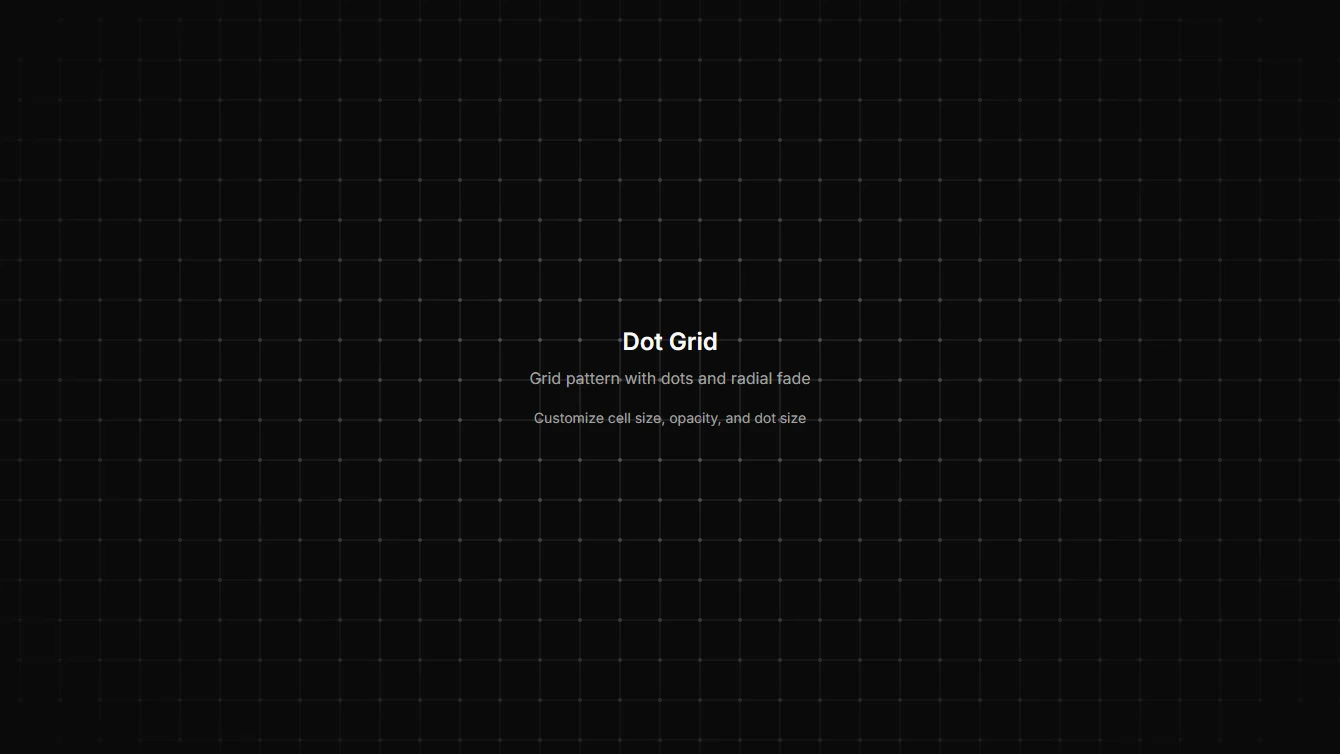
- Background 10 - Dot Grid with Radial Fade: A clean grid pattern with dots at intersection points and a radial fade effect. Perfect for focused hero sections.
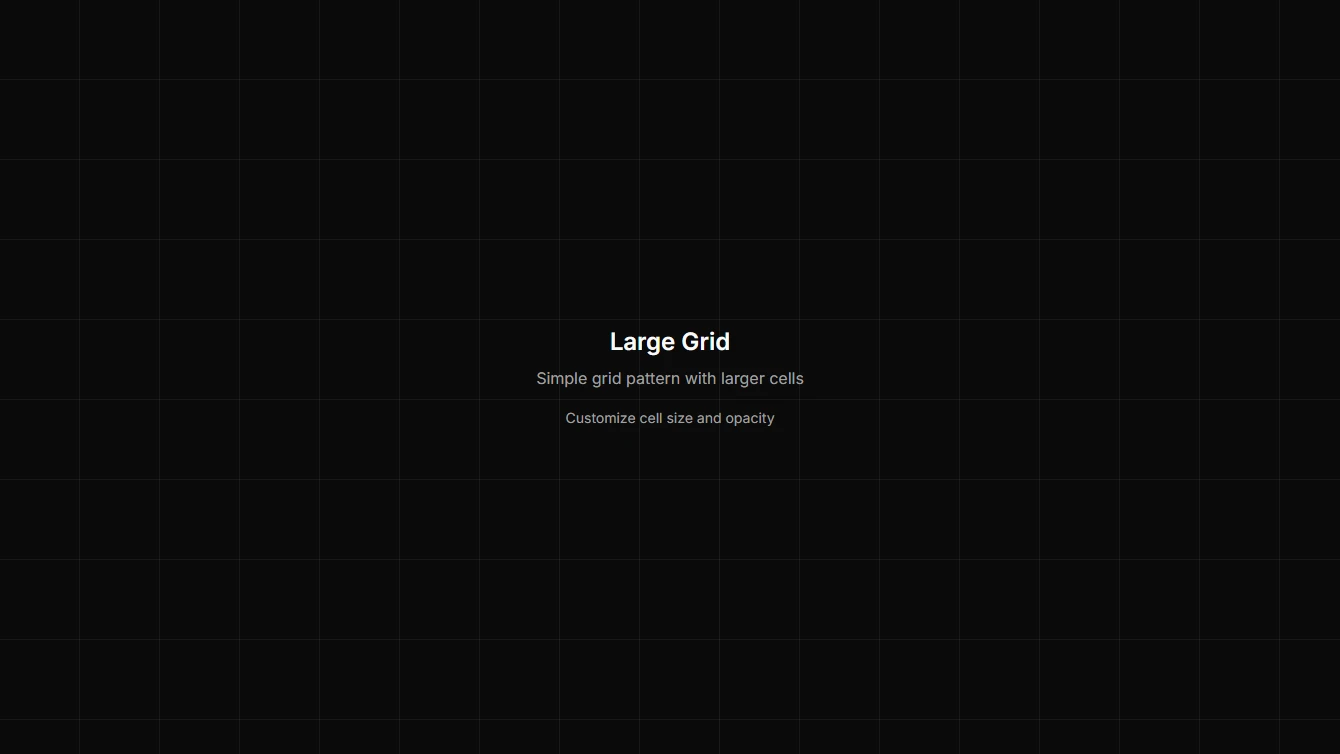
- Background 11 - Large Grid: A clean, minimal grid pattern with larger cells. Perfect for spacious hero sections.
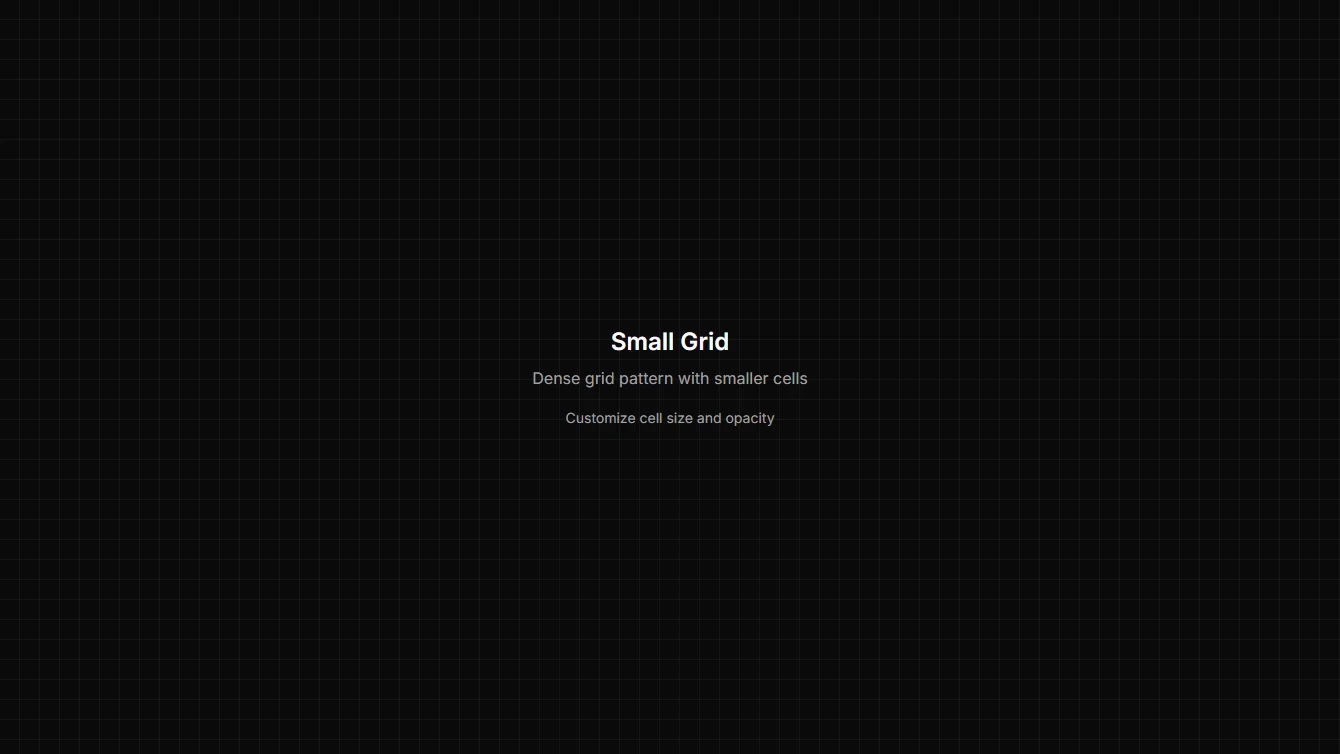
- Background 12 - Small Grid: A clean, minimal grid pattern with smaller cells for a denser texture. Great for detailed backgrounds.
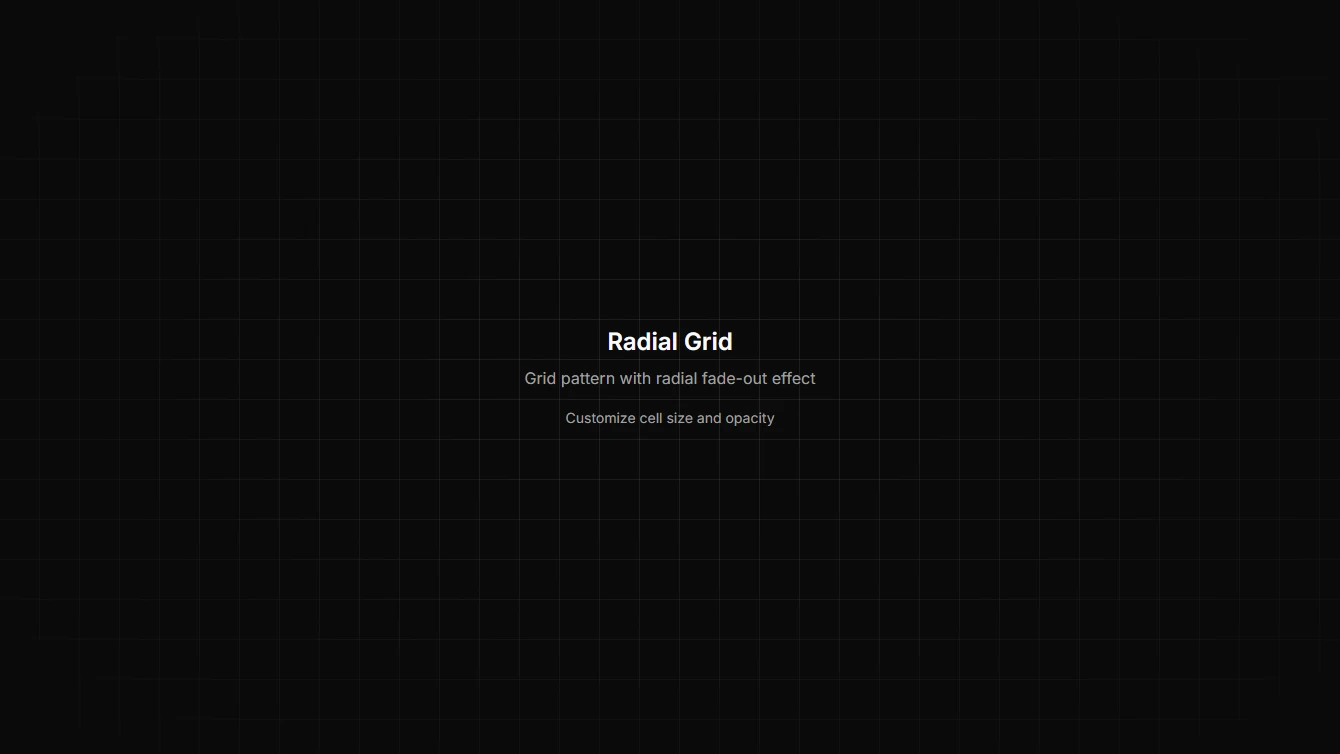
- Background 13 - Grid with Radial Fade: A clean grid pattern with a radial fade-out effect that draws focus to the center. Perfect for hero sections.
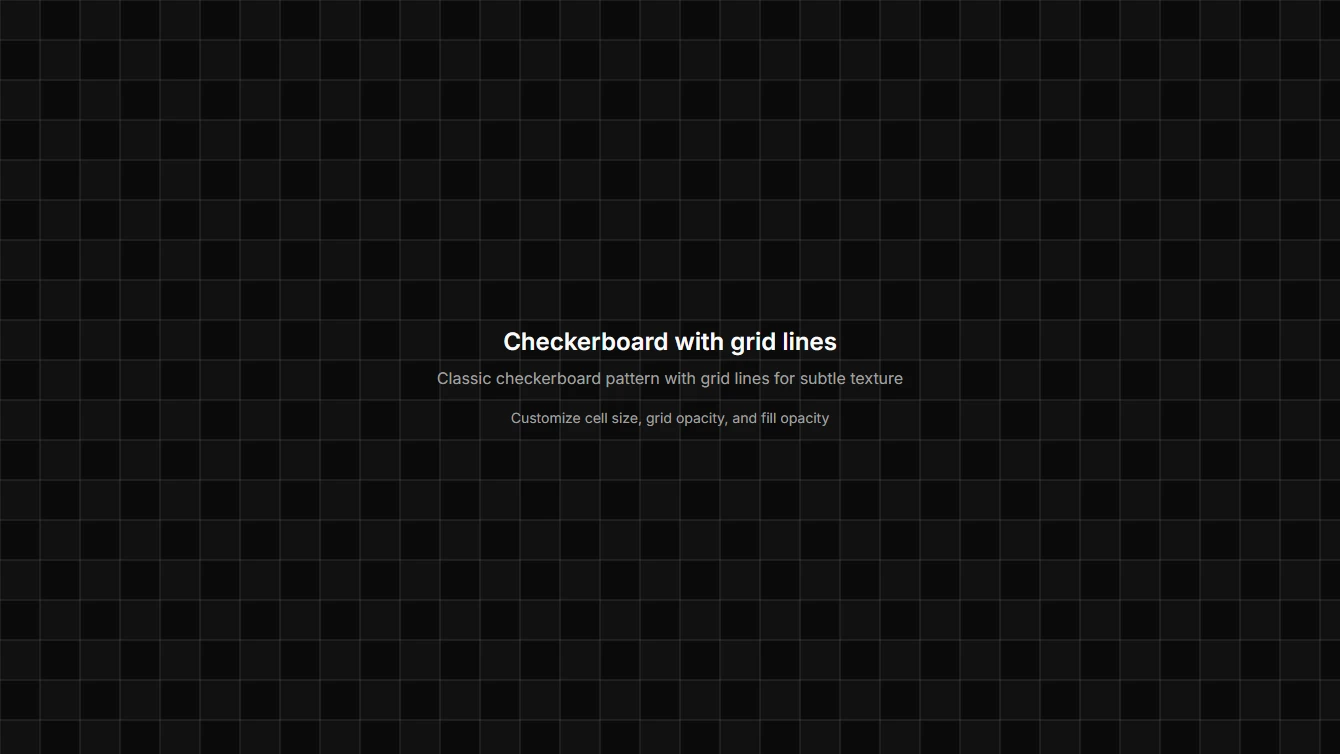
- Background 14 - Checkerboard with Grid: A checkerboard pattern with prominent grid lines and subtle fills. Separate opacity controls for grid and fill.
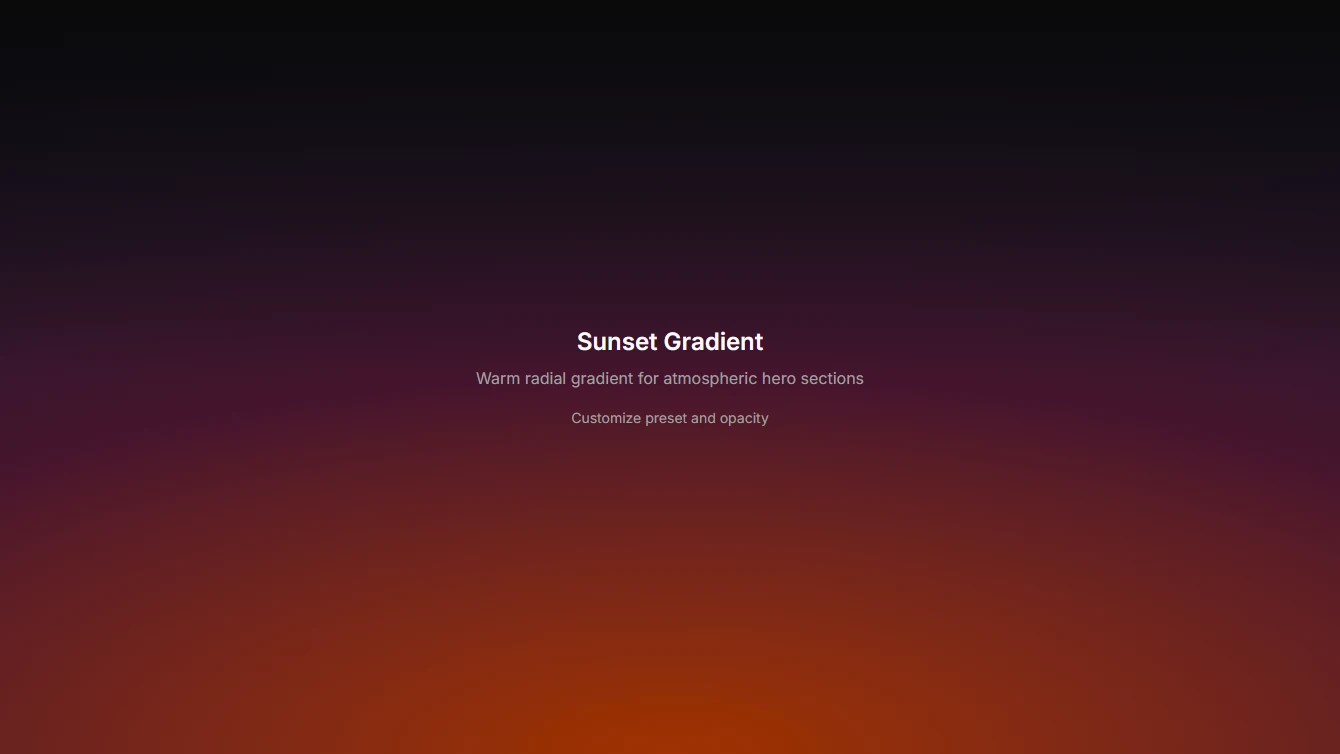
- Background 15 - Sunrise/Sunset Gradient: A beautiful radial gradient that mimics sunrise or sunset colors. Includes presets for sunrise, sunset, dawn, and dusk.
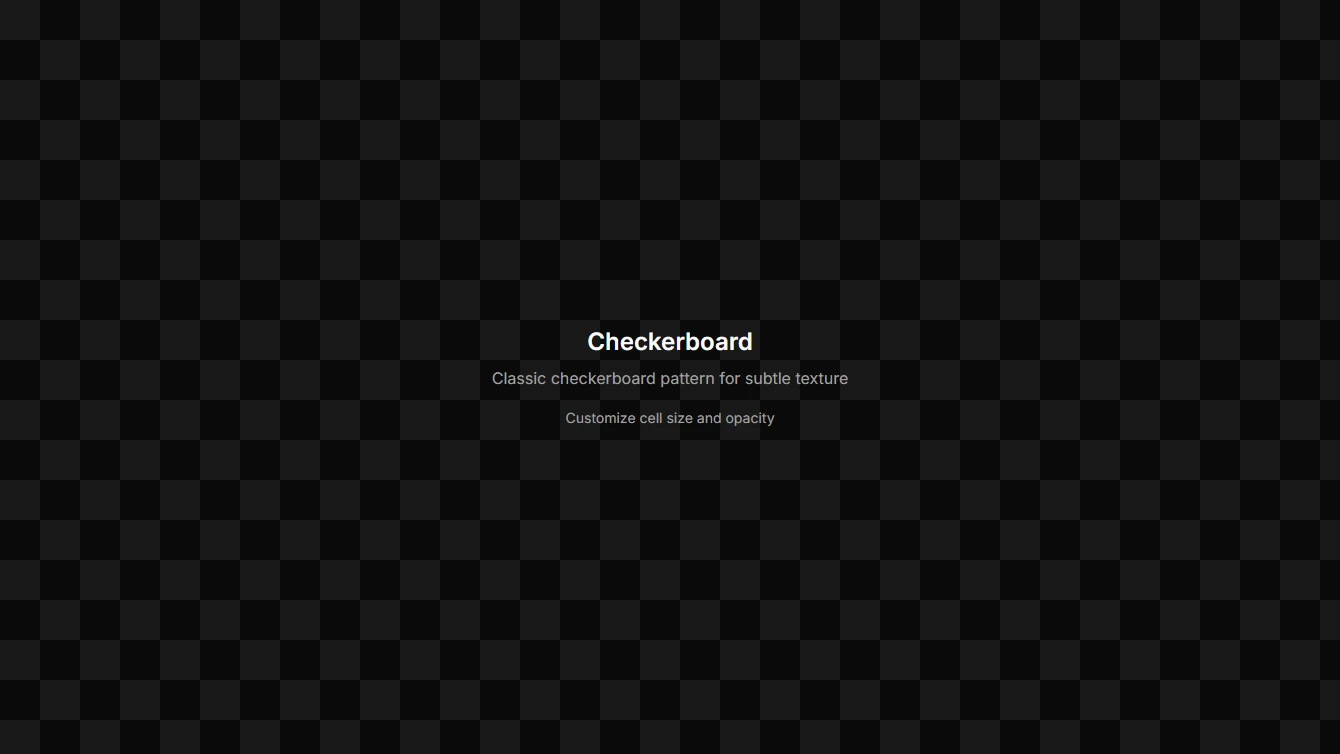
- Background 16 - Checkerboard: A classic checkerboard pattern with alternating filled squares. Great for adding subtle texture.
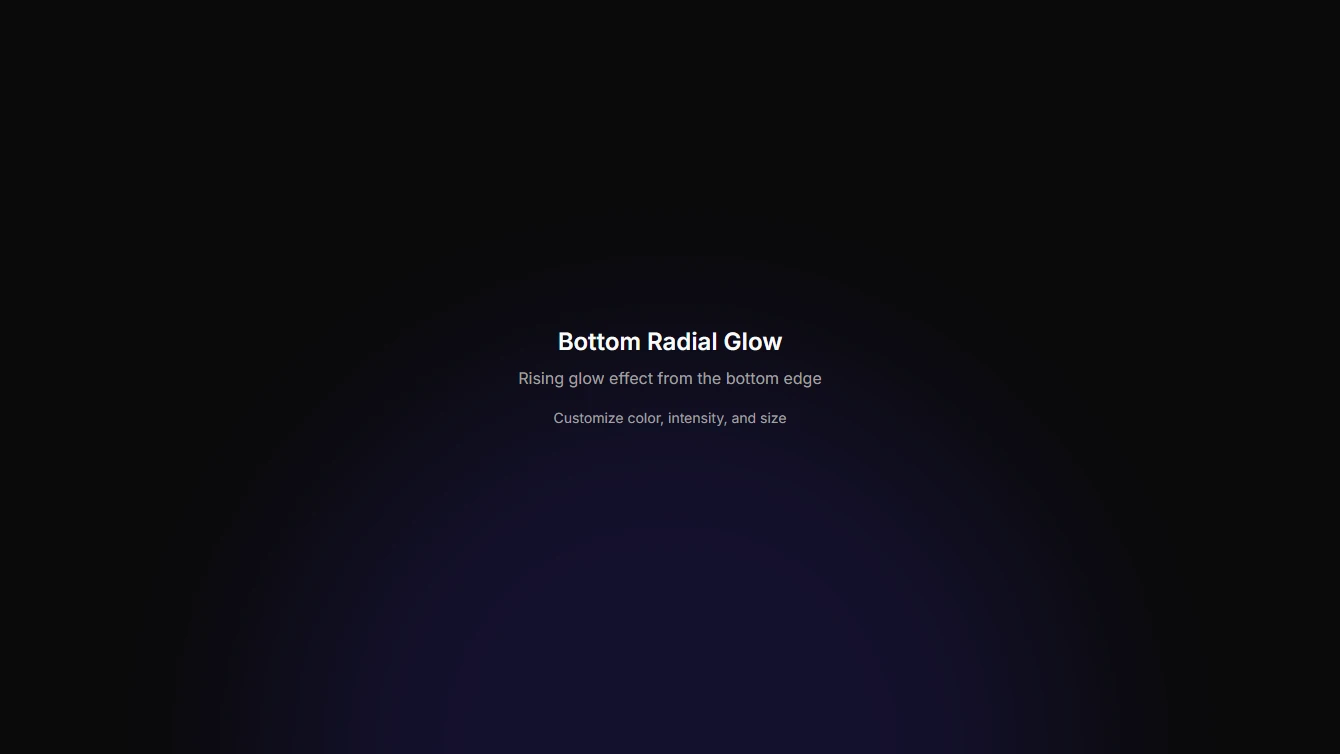
- Background 17 - Bottom Radial Glow: A soft radial glow positioned at the bottom edge with half the orb visible. Creates a rising glow effect for footers and CTAs.
Contact
6 new contact blocks.
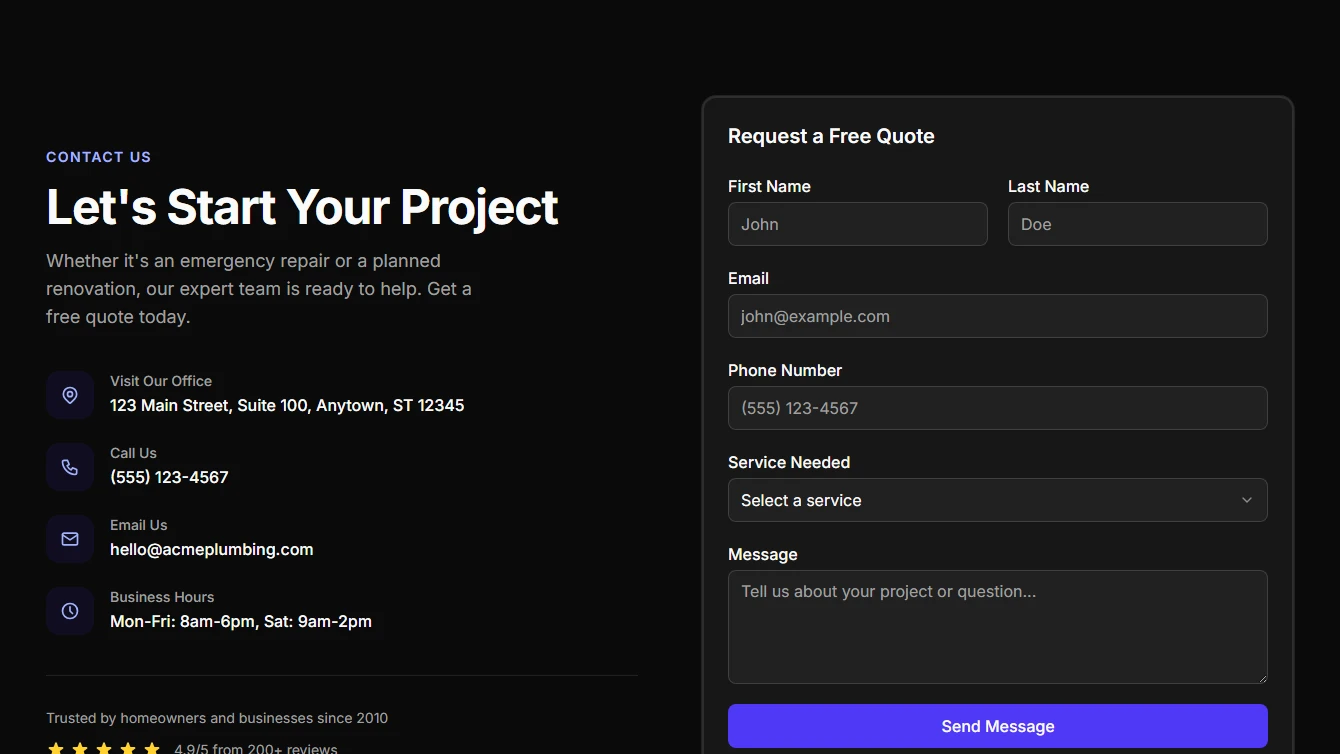
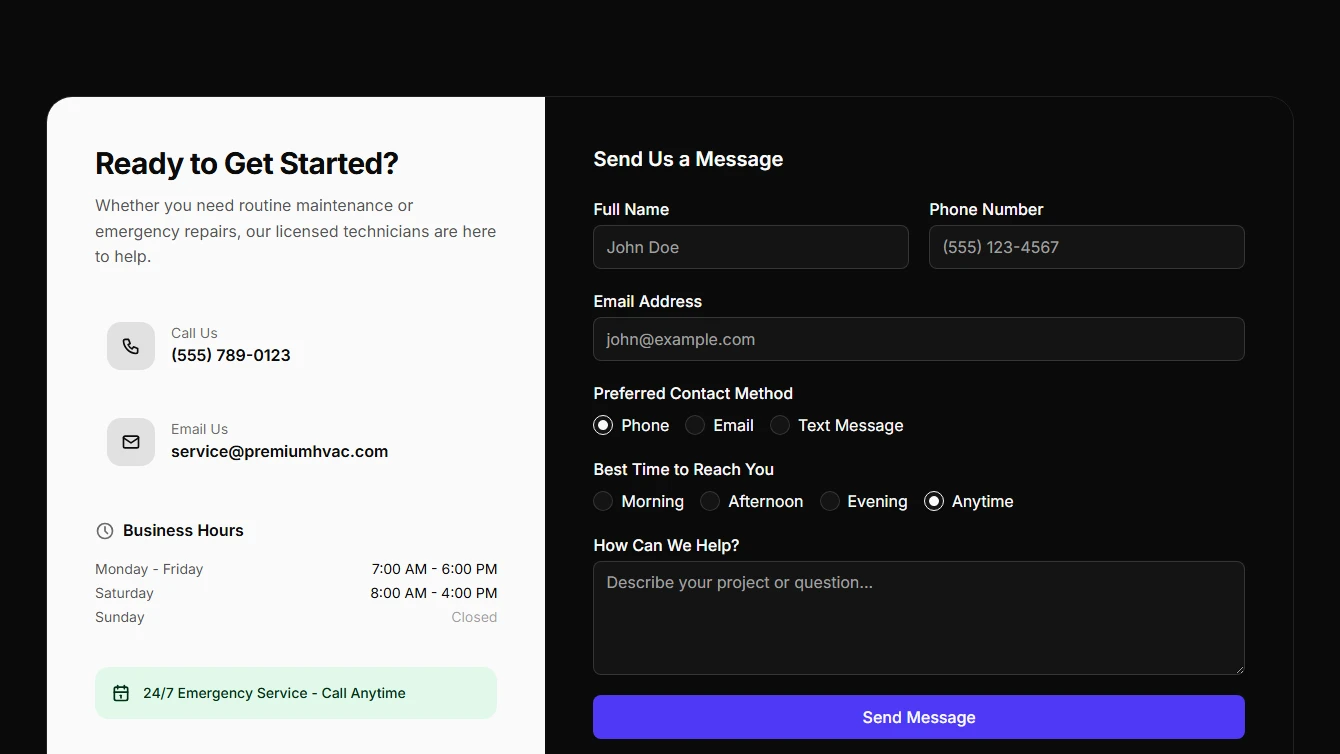
- Contact 1 - Split Layout: Two-column contact section with business info on the left and a comprehensive contact form on the right. Perfect for service businesses.
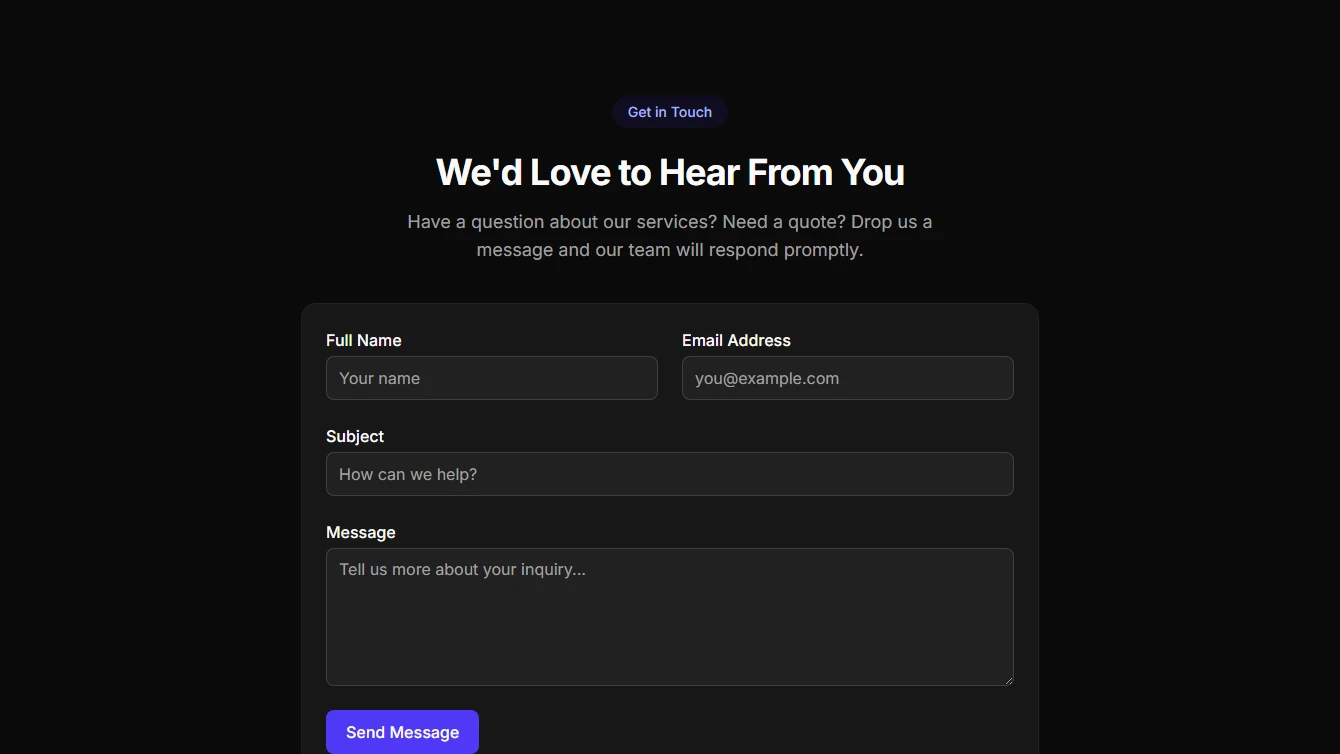
- Contact 2 - Centered Simple: Clean, centered contact form with minimal fields. A simple and elegant design for any business.
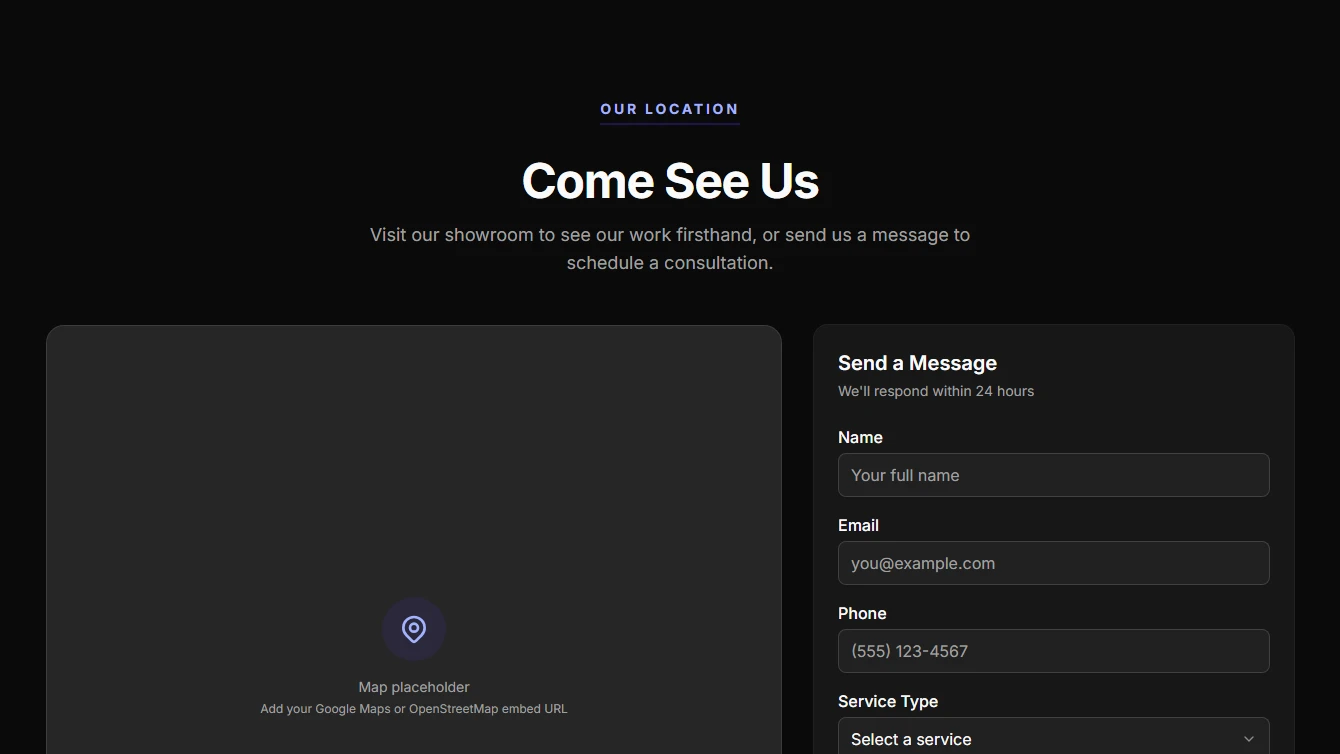
- Contact 3 - Map & Form: Contact section with a large map area and floating contact cards alongside a compact form. Great for businesses with physical locations.
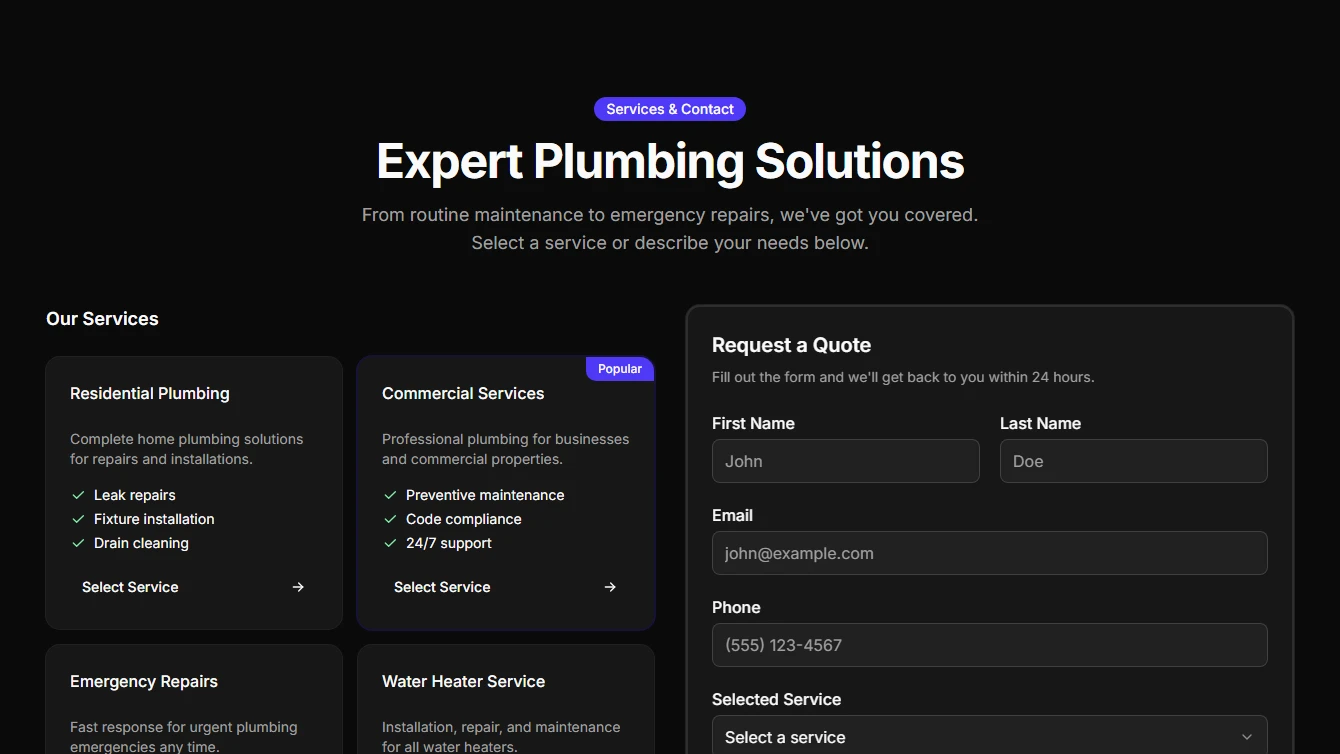
- Contact 4 - Services Grid: Contact section with interactive service cards on the left and a detailed quote request form on the right. Services can be selected to auto-fill the form.
- Contact 5 - Dark Panel: Bold contact section with a dark info panel featuring business hours and contact details alongside a light form. Includes radio groups for contact preferences.
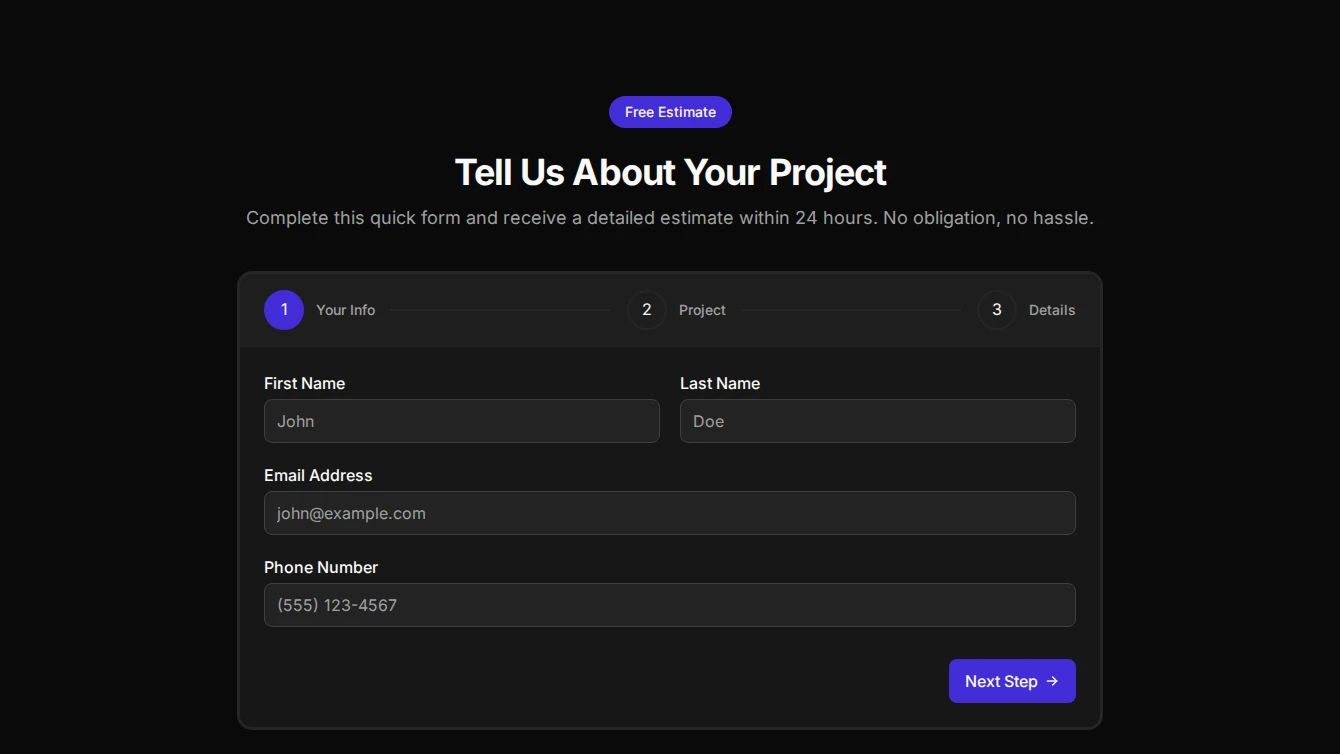
- Contact 6 - Multi-Step Wizard: Interactive multi-step contact form wizard with progress indicators. Breaks down a comprehensive form into manageable steps for better user experience.
Effect
2 new effect blocks.
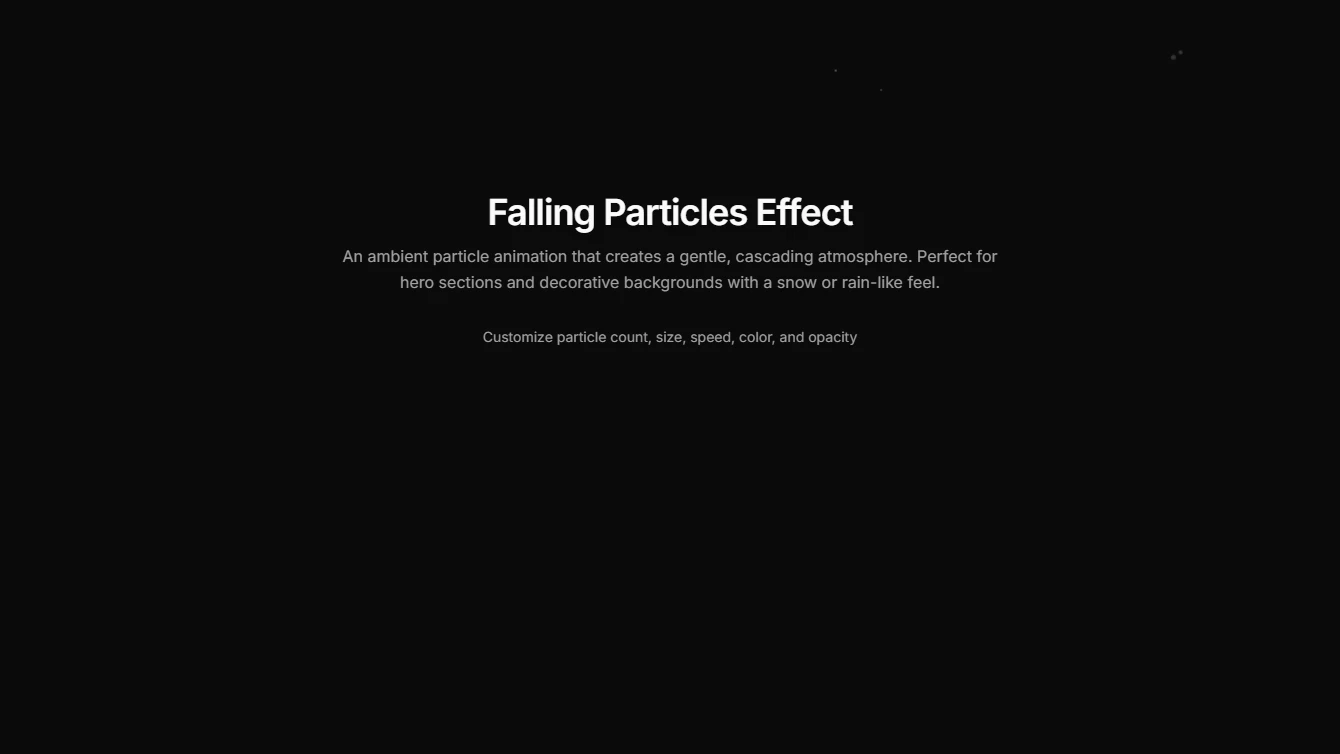
- Effect 11 - Falling Particles: An ambient falling particle animation that creates a gentle, cascading atmosphere for backgrounds.
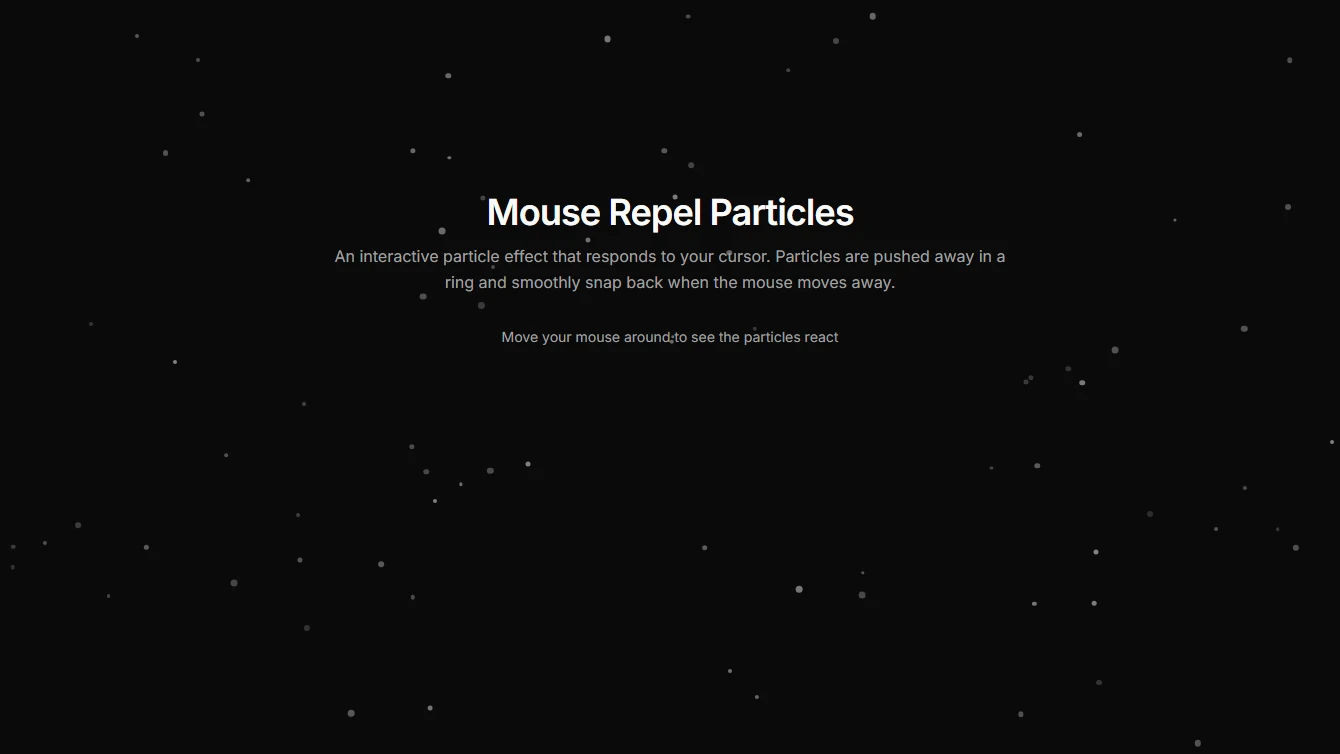
- Effect 12 - Mouse Repel Particles: An interactive particle effect where particles are pushed away from the mouse cursor and smoothly snap back.
Feature
6 new feature blocks.
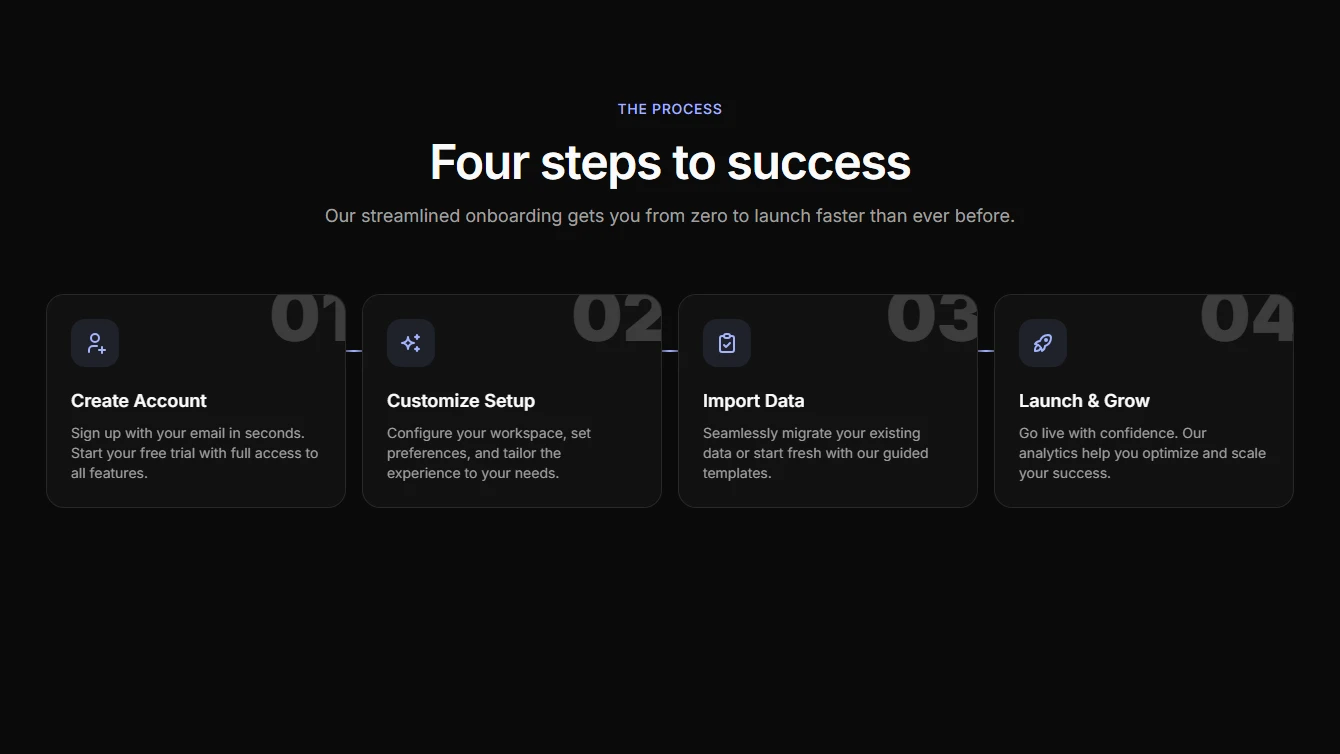
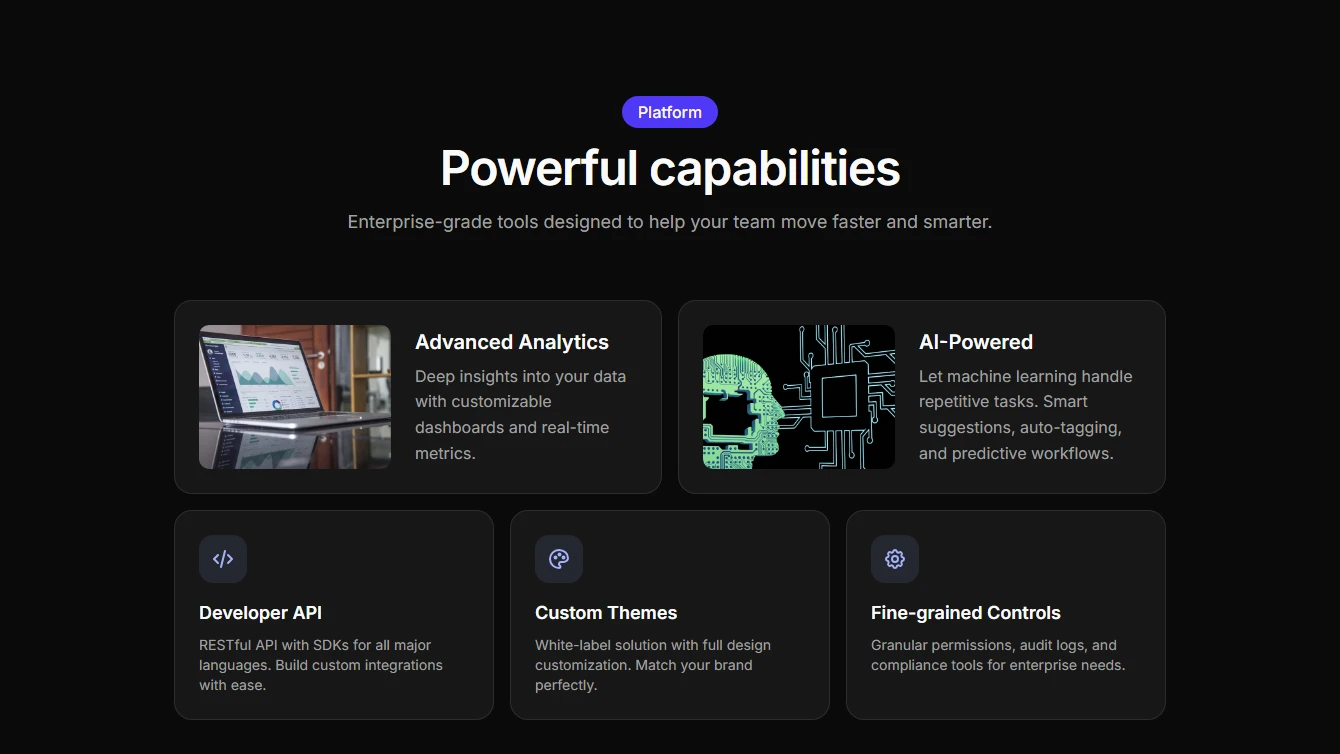
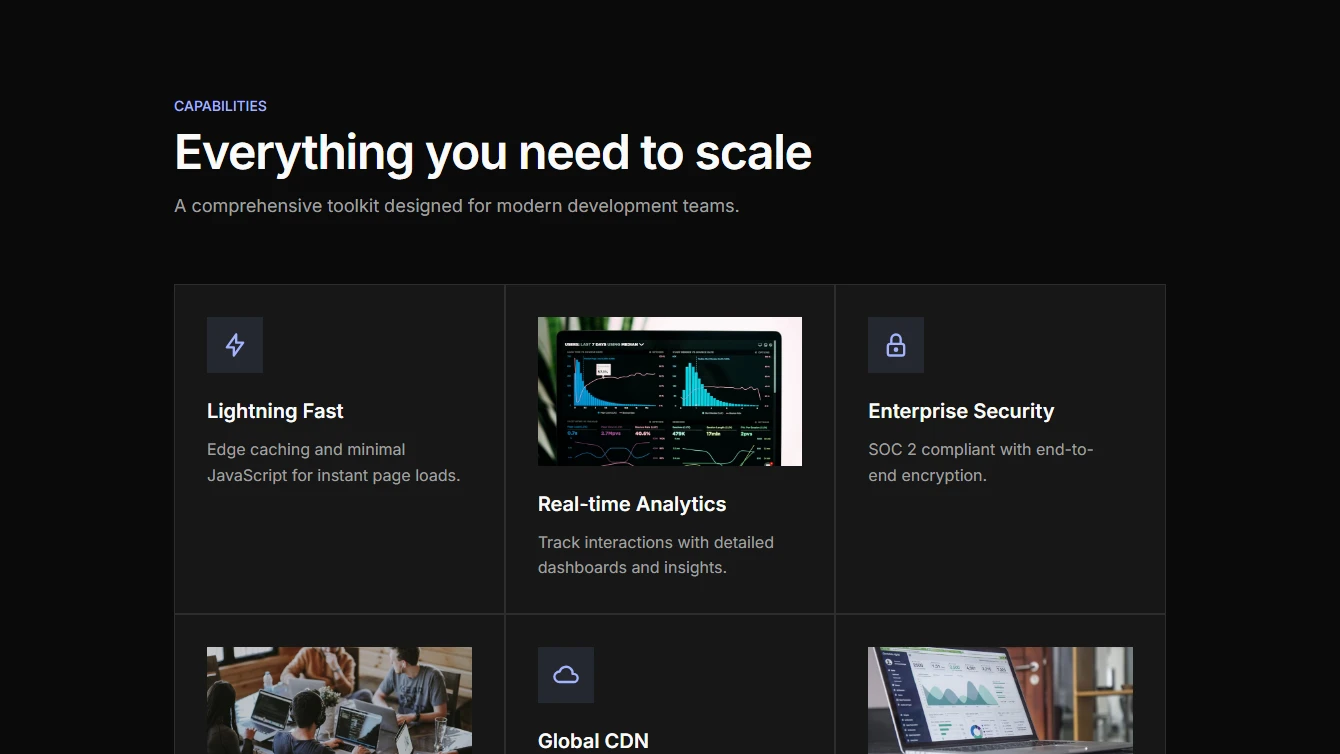
- Feature 17 - Horizontal Steps: Premium horizontal step cards with icons, gradient connectors, and glassmorphism styling. Responsive layout stacks on mobile.
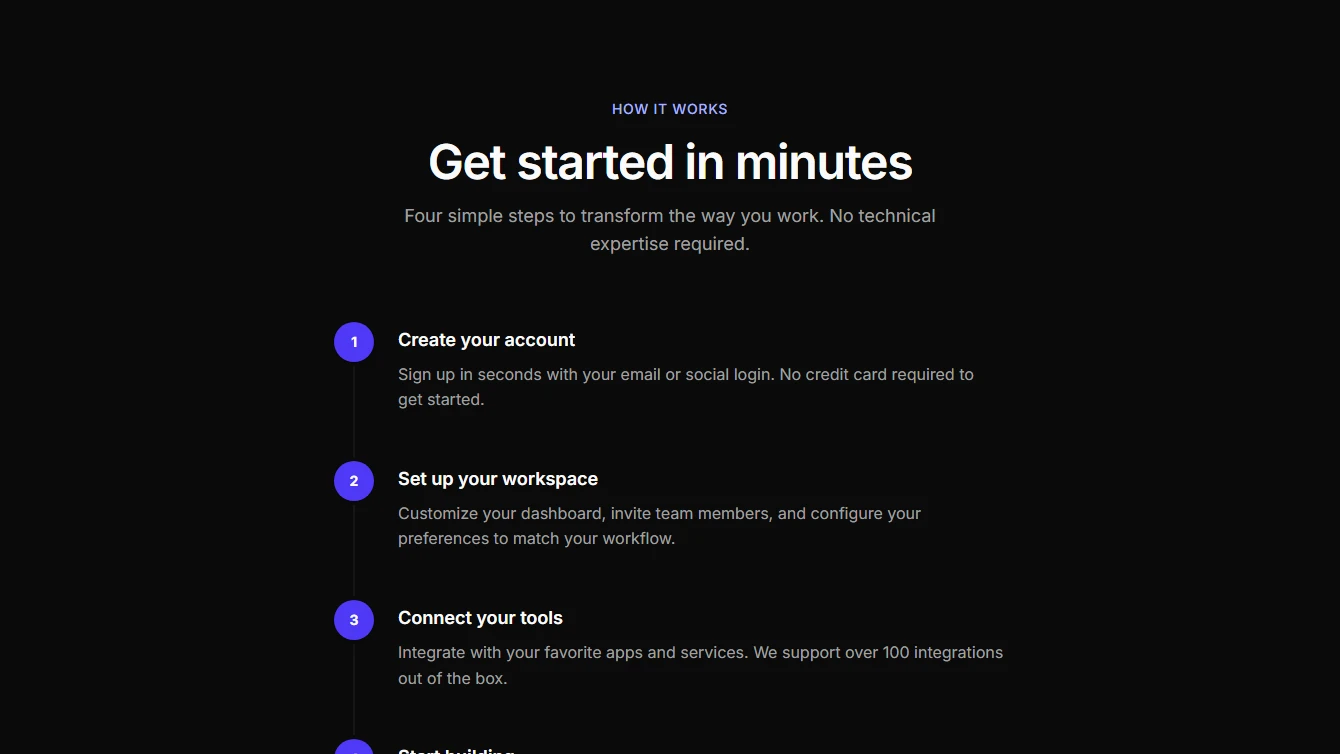
- Feature 18 - Vertical Timeline: Clean vertical timeline with numbered steps and connecting line. Simple and scannable for onboarding or process flows.
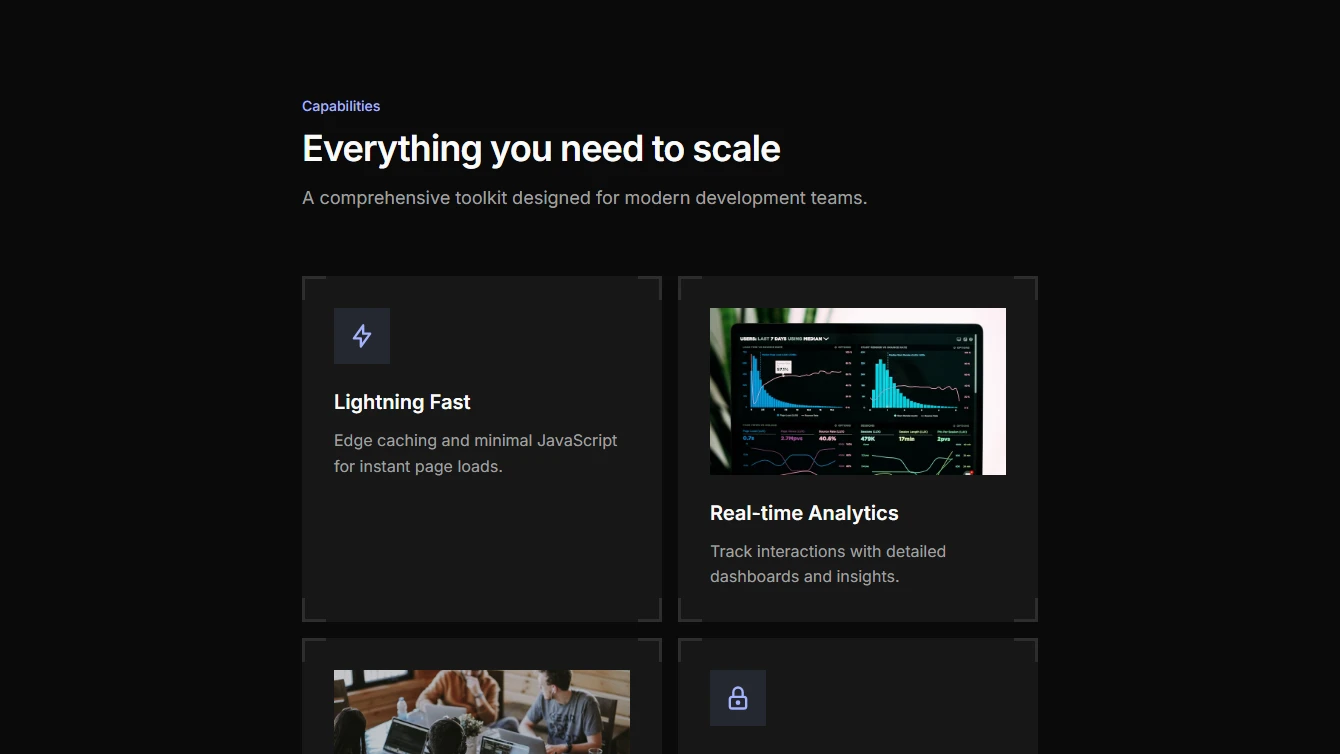
- Feature 19 - Two Column Cards: Two column feature cards with sharp corners and decorative corner borders. Each card supports either an image or icon with title and description.
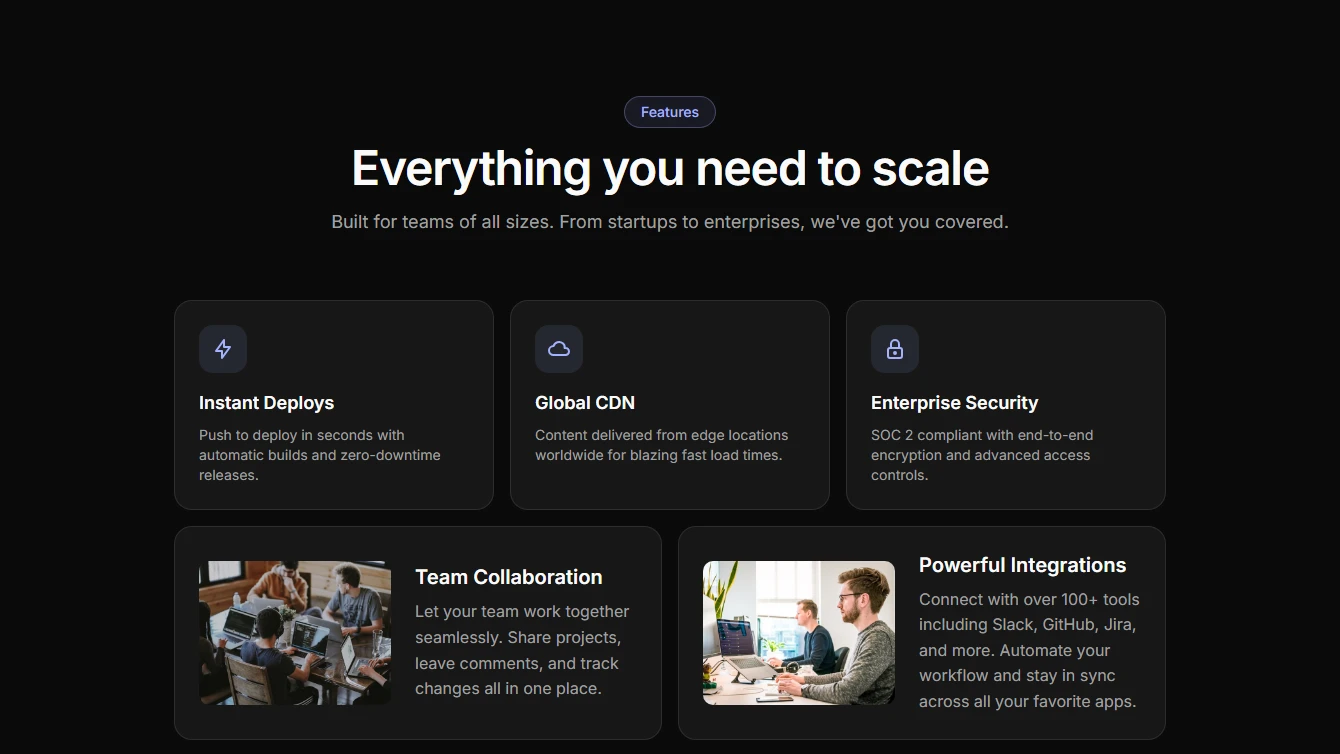
- Feature 20 - Bento Grid (3+2): Bento grid layout with 3 smaller cards on top row and 2 larger cards on bottom row. Each card supports image or icon with title and description.
- Feature 21 - Bento Grid (2+3): Bento grid layout with 2 larger cards on top row and 3 smaller cards on bottom row. Each card supports image or icon with title and description.
- Feature 22 - Bento Grid (3-Column): Bento grid layout with 3 columns and no gap between cards. Sharp corners with simple borders. Each card supports image or icon with title and description.
Footer
4 new footer blocks.
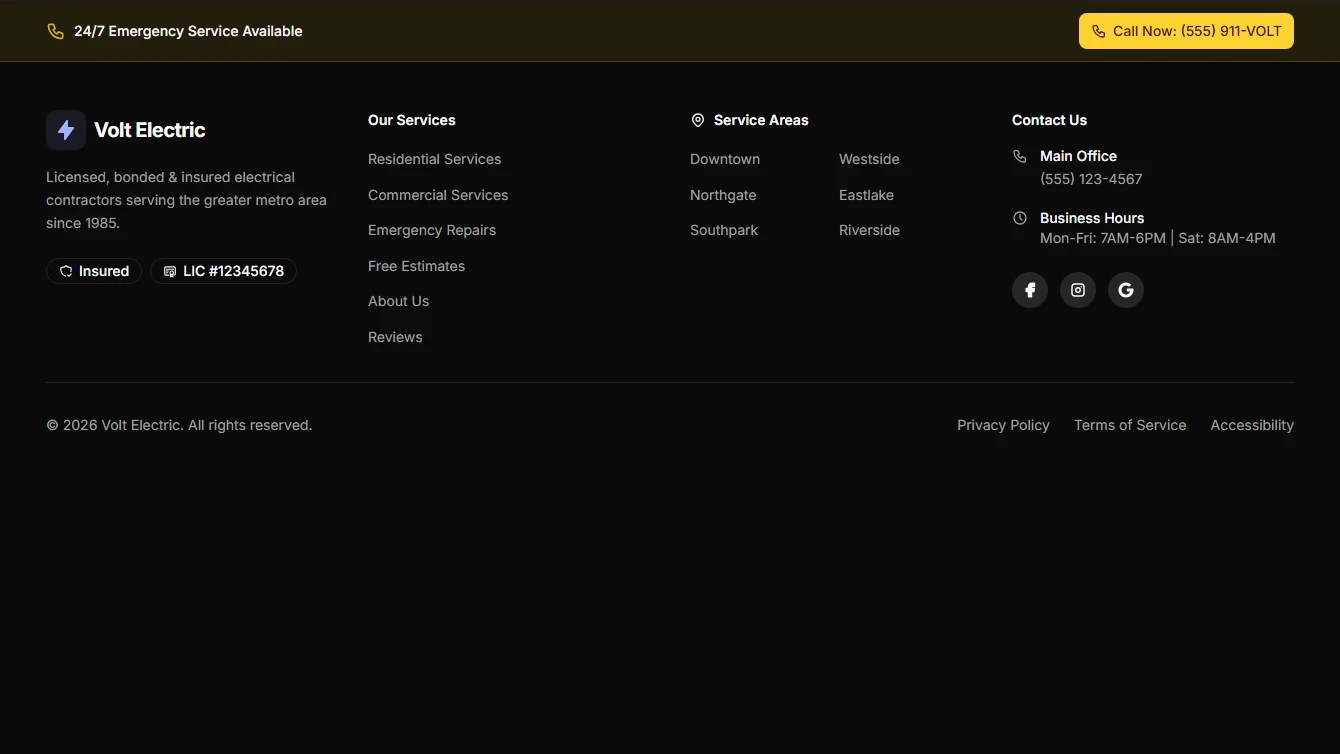
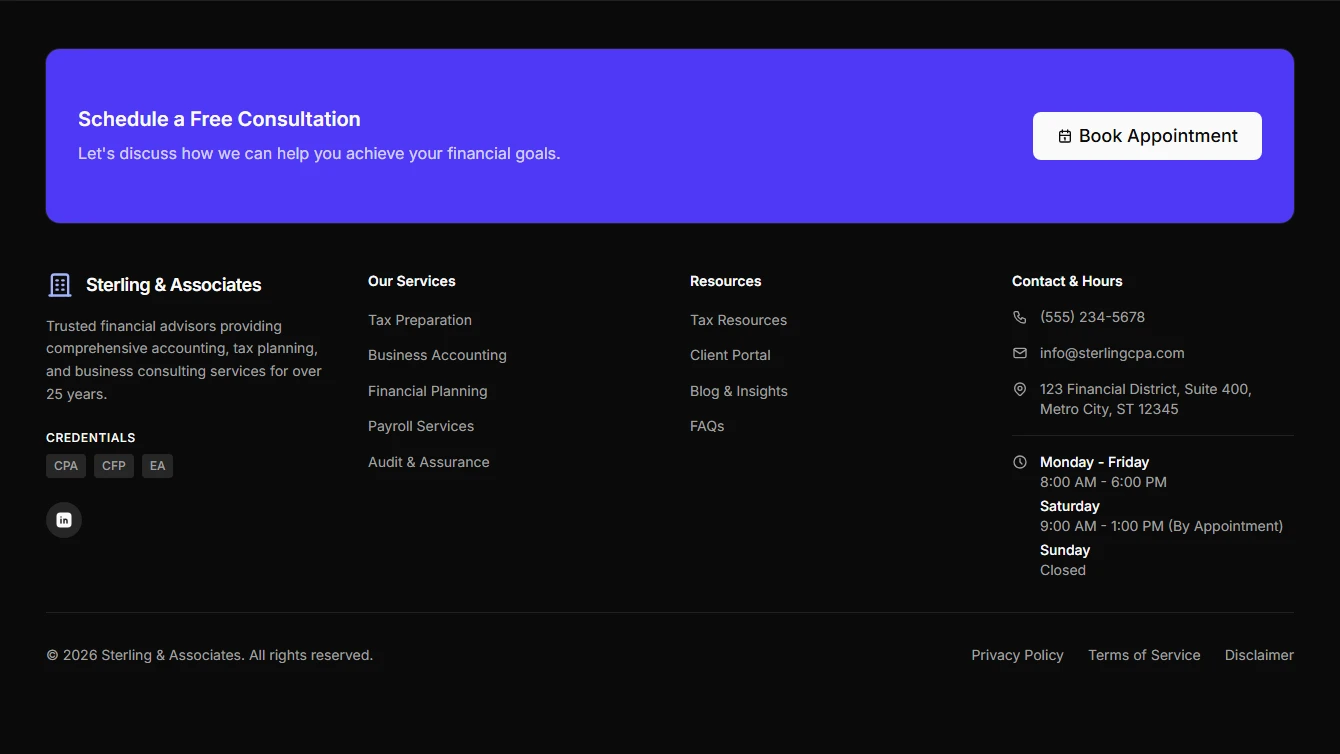
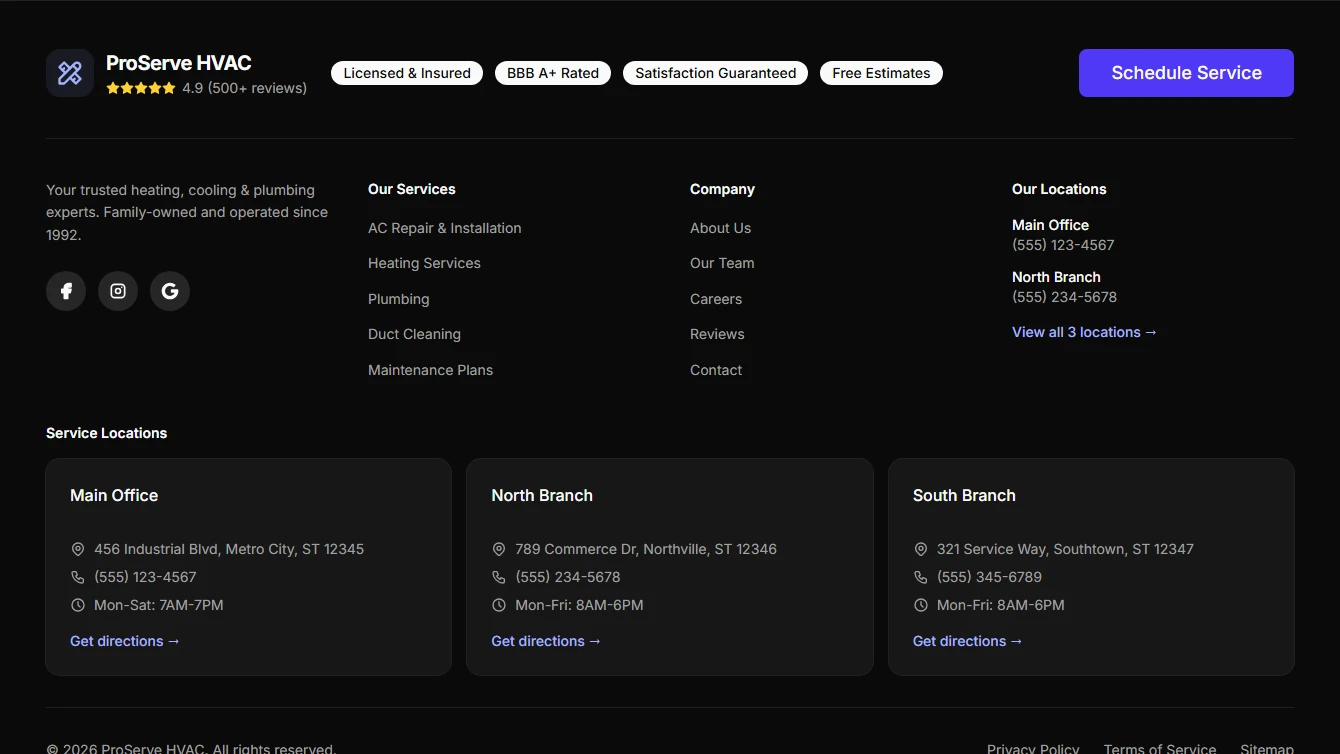
- Footer 6 - Service Business with Emergency Contact: Footer designed for contractors and service businesses featuring emergency contact banner, service areas, licensing info, and business hours.
- Footer 7 - Professional Services with Consultation CTA: Footer designed for accountants and professional service firms featuring consultation CTA, certifications, office hours, and contact information.
- Footer 8 - Multi-Location Service Business: Footer designed for multi-location service businesses featuring location cards, trust badges, Google rating, booking CTA, and comprehensive contact info.
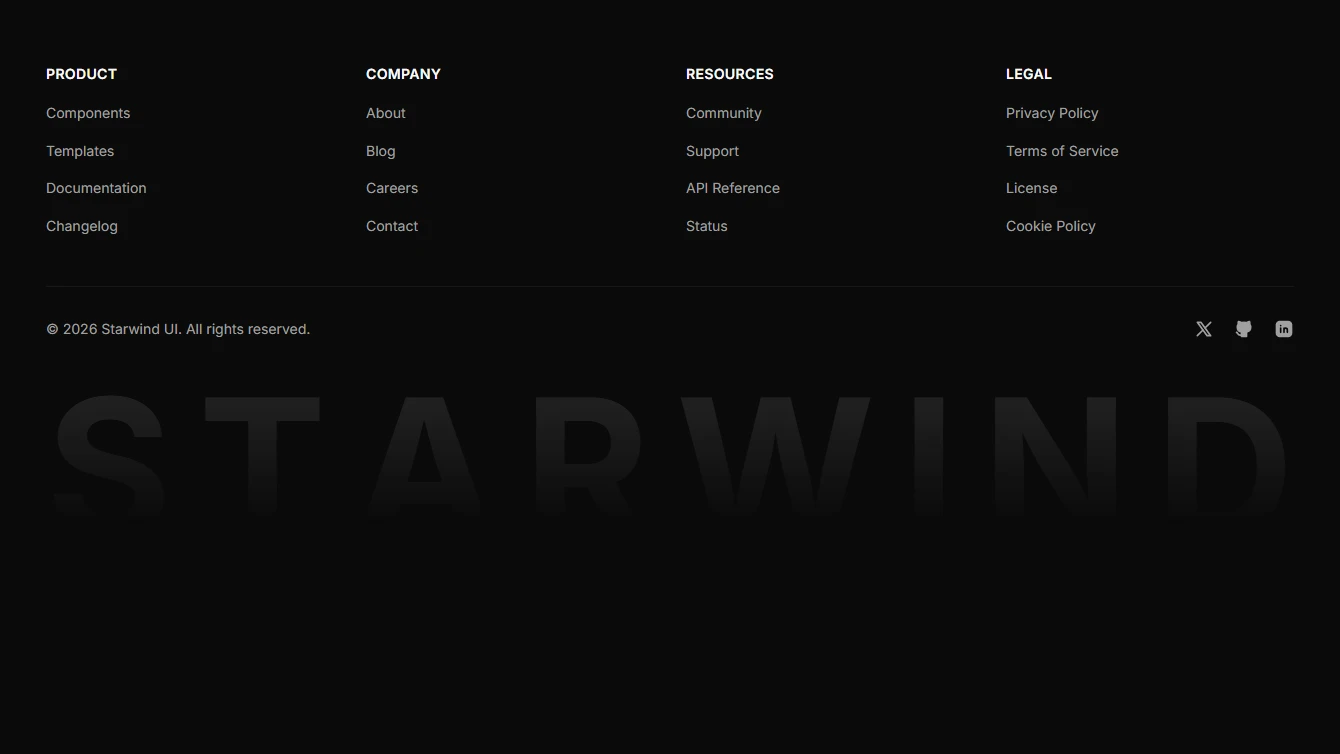
- Footer 9 - Fading Large Text: Modern footer with large decorative text that fades out at the bottom. Features customizable text prop, link columns, and social links.
Form
3 new form blocks.
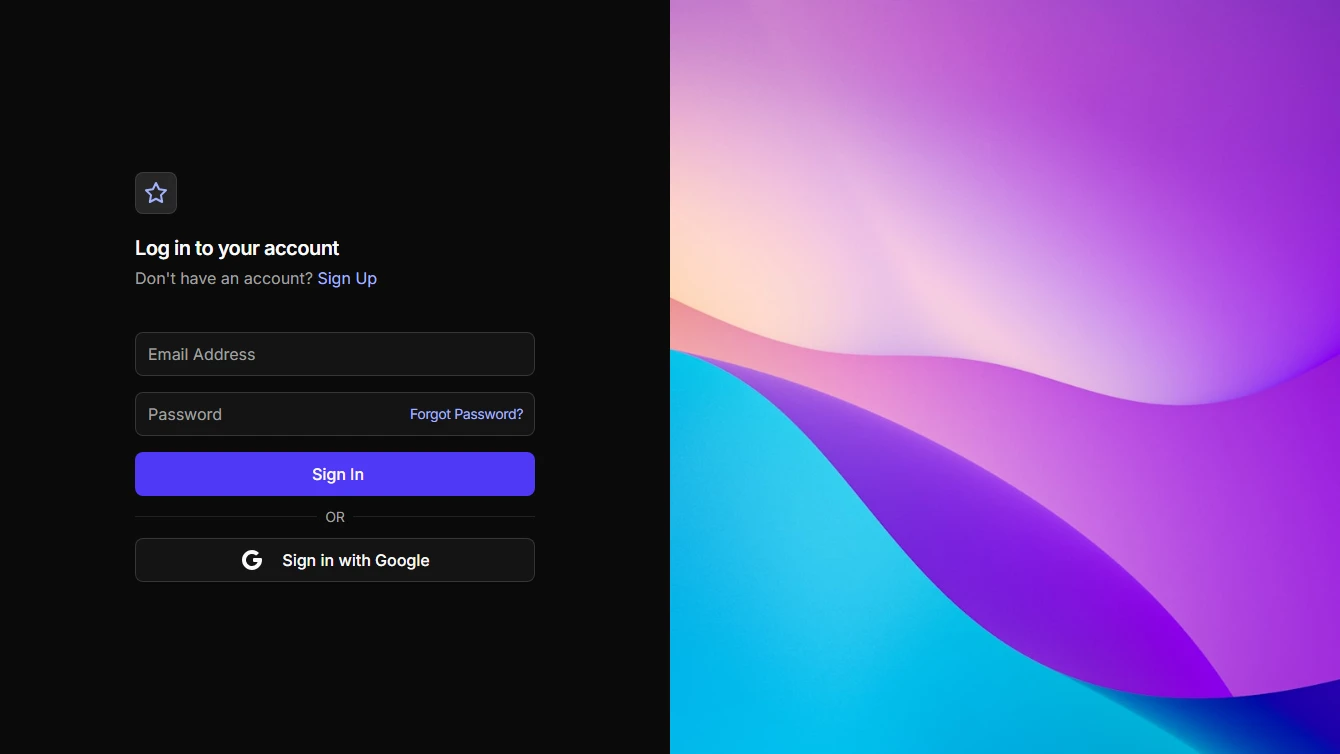
- Login 3 - Split Screen with Image: Full screen login with form on the left and a vertical image on the right.
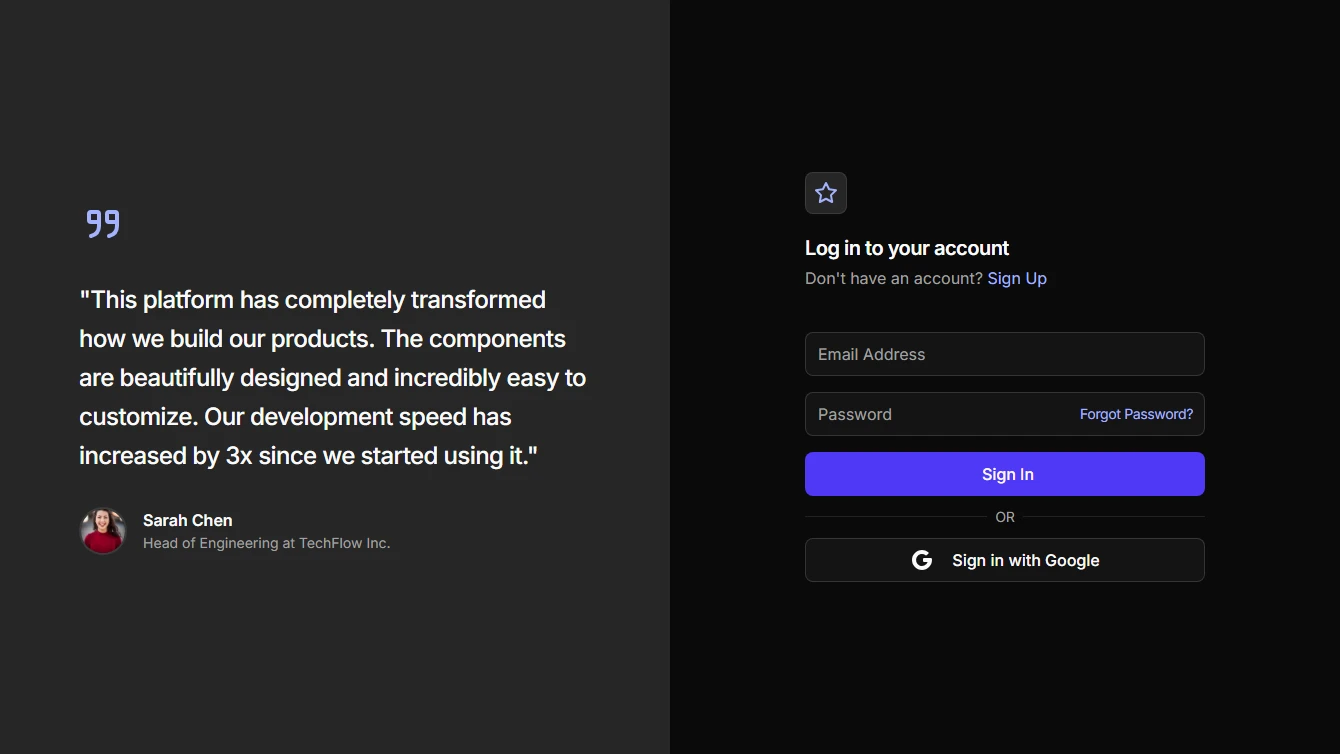
- Login 4 - Split Screen with Testimonial: Full screen login with a large testimonial on the left and form on the right.
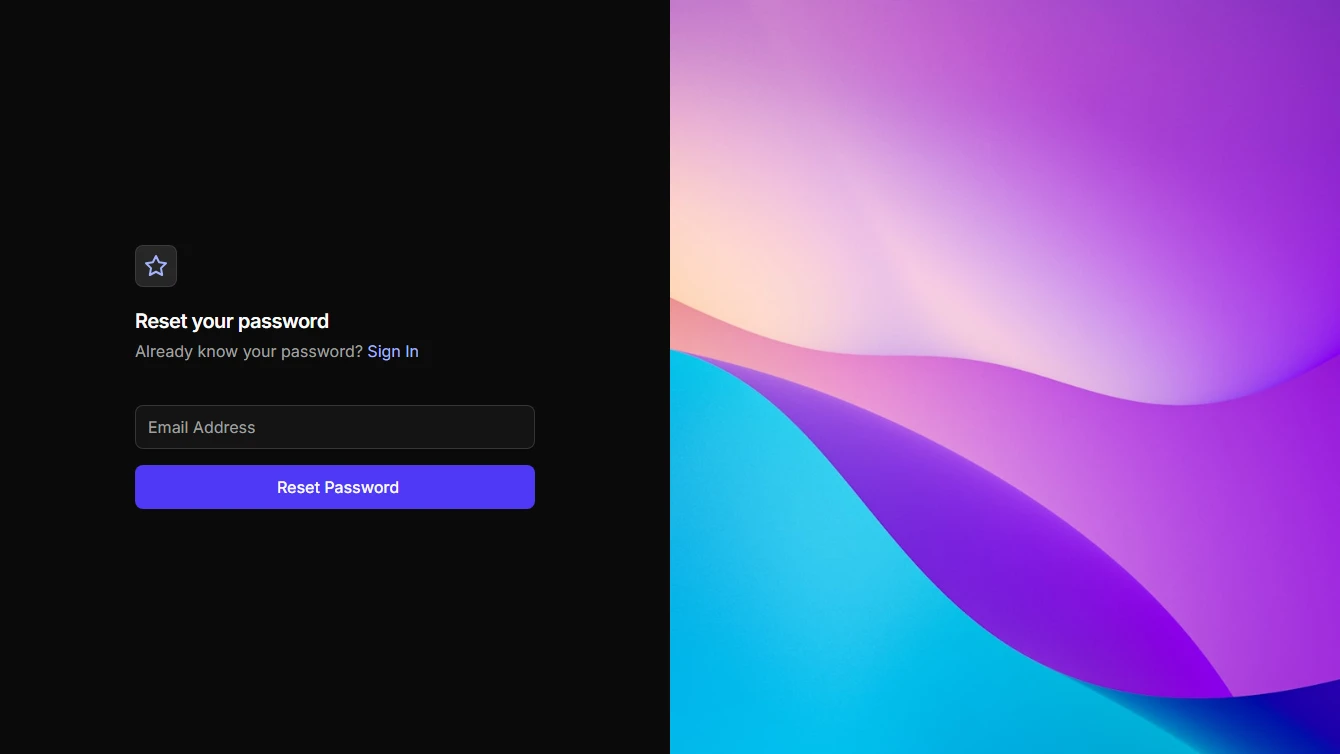
- Password Reset 2 - Split Screen with Image: Full screen password reset with form on the left and a vertical image on the right.
Hero
2 new hero blocks.
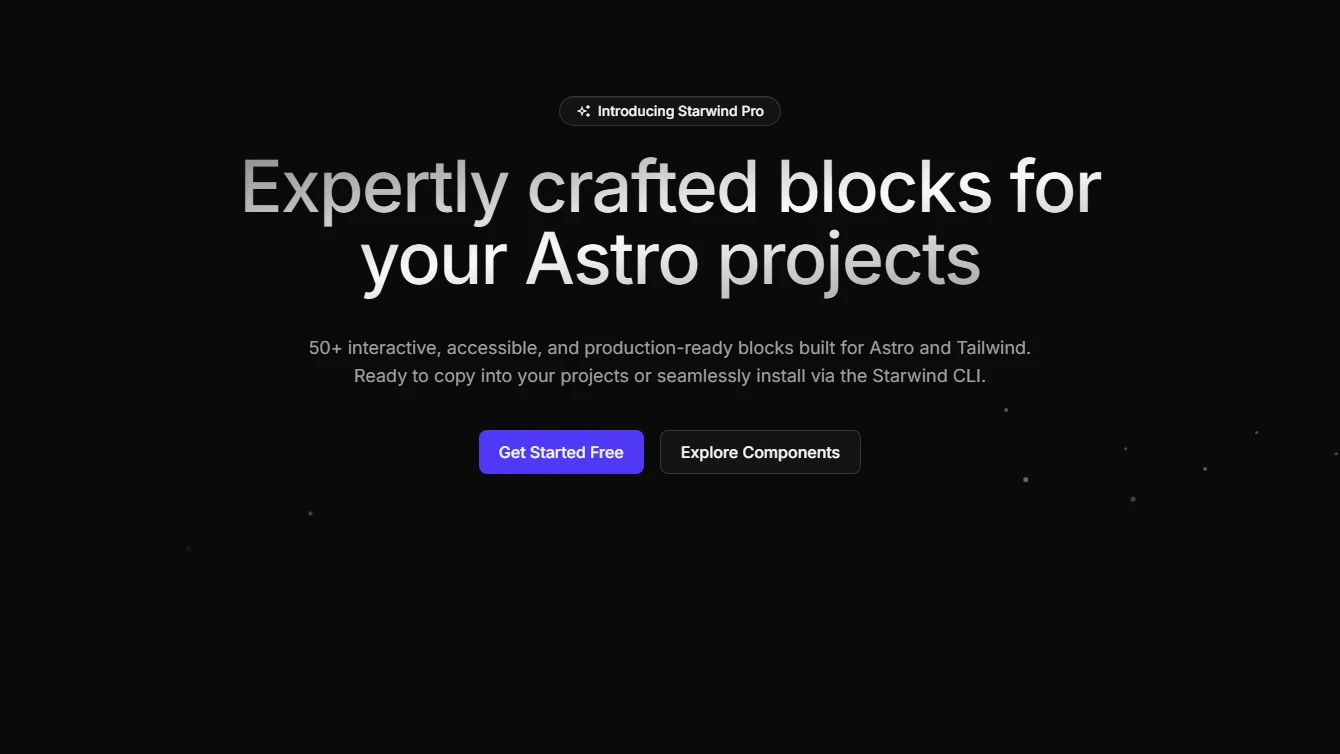
- Hero 13 - Rising Particles: Centered hero section with rising particle animation effect for an engaging visual experience.
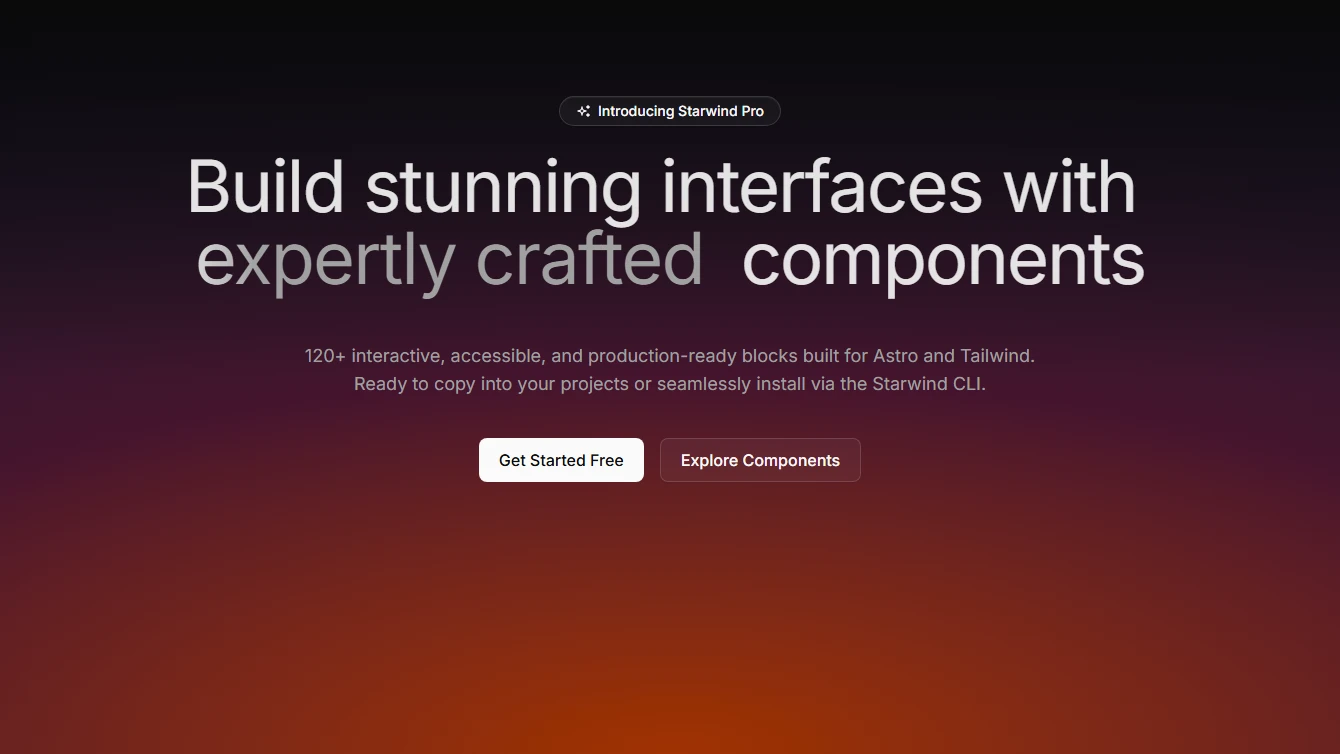
- Hero 14 - Shimmer Text with Gradient: Centered hero section with shimmer text effect and gradient background for a vibrant visual impact.
Logo-cloud
2 new logo-cloud blocks.
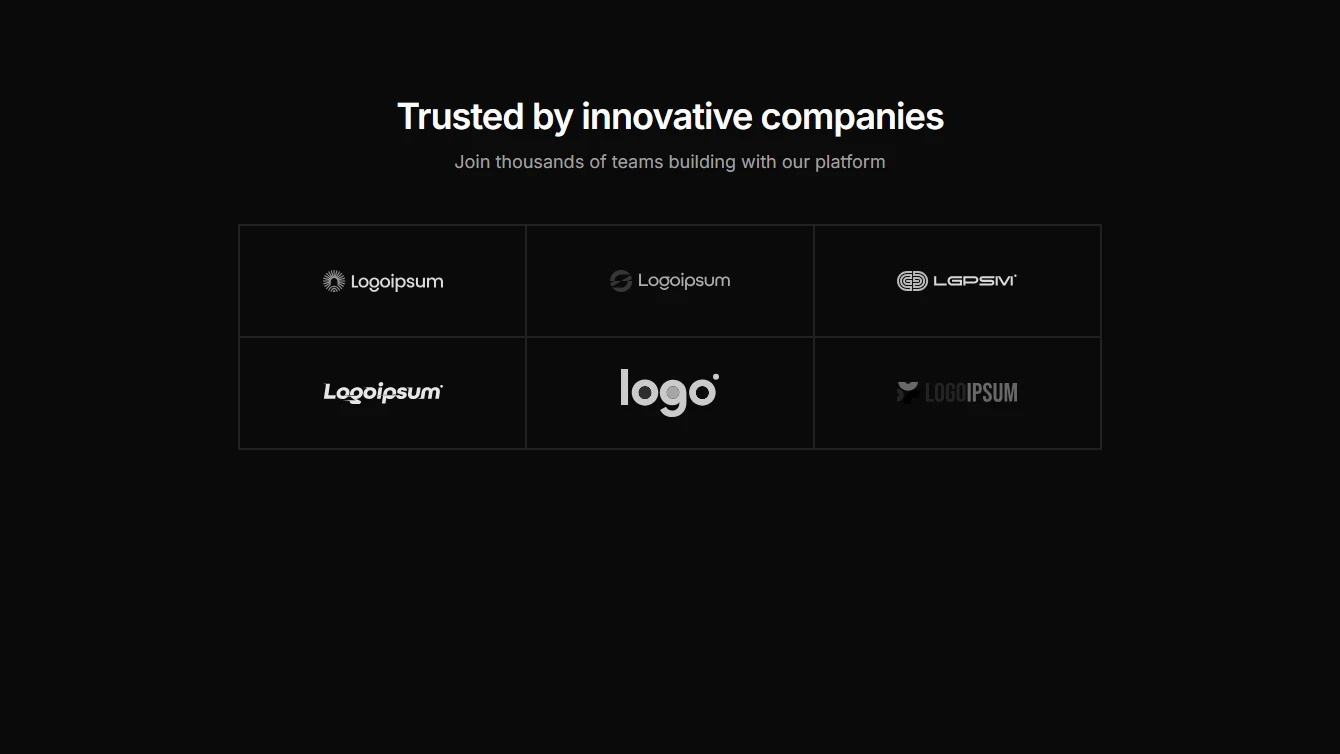
- Logo Cloud 5 - Bordered Colored Grid: A 2x3 bordered grid logo cloud with colored logos. Features clean borders and dark mode support with grayscale filters.
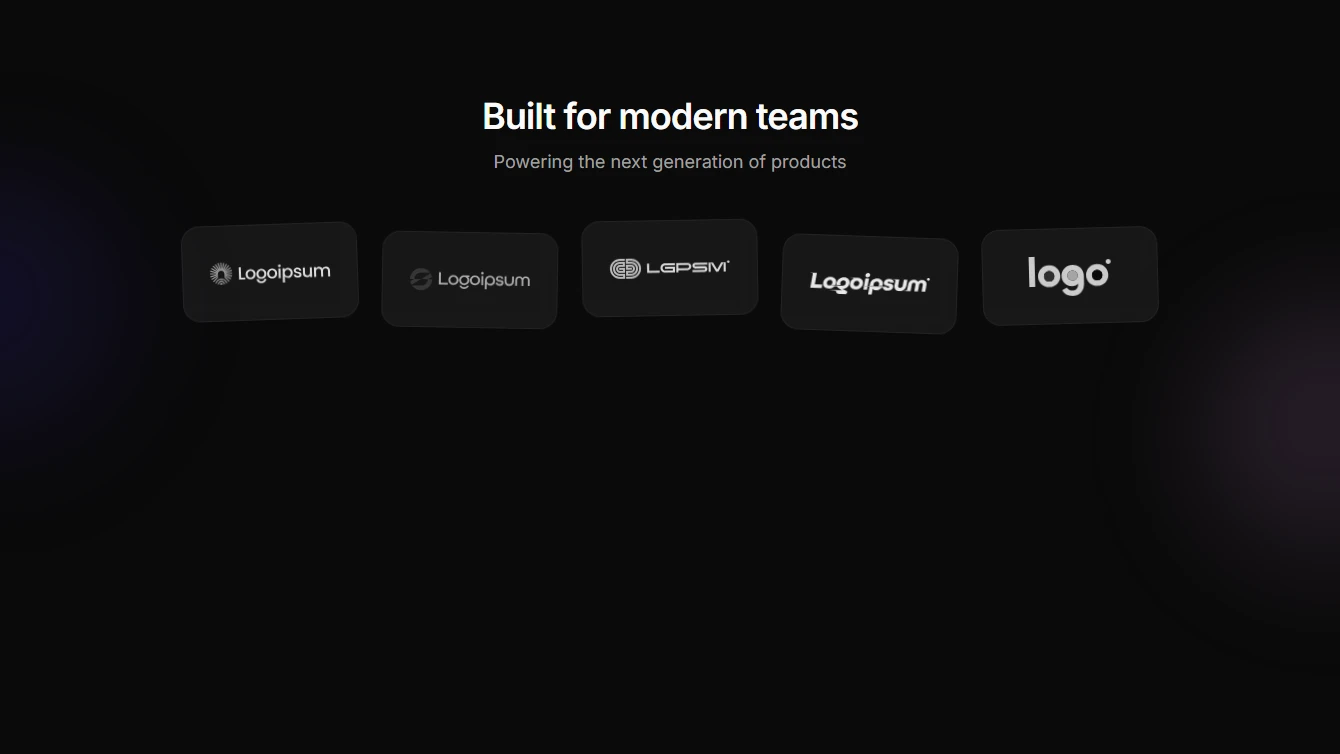
- Logo Cloud 6 - Floating Glass Cards: A creative floating cards logo cloud with glass-morphism styling, staggered rotations, and decorative gradient orbs. Features hover labels and smooth lift animations.
Pricing
2 new pricing blocks.
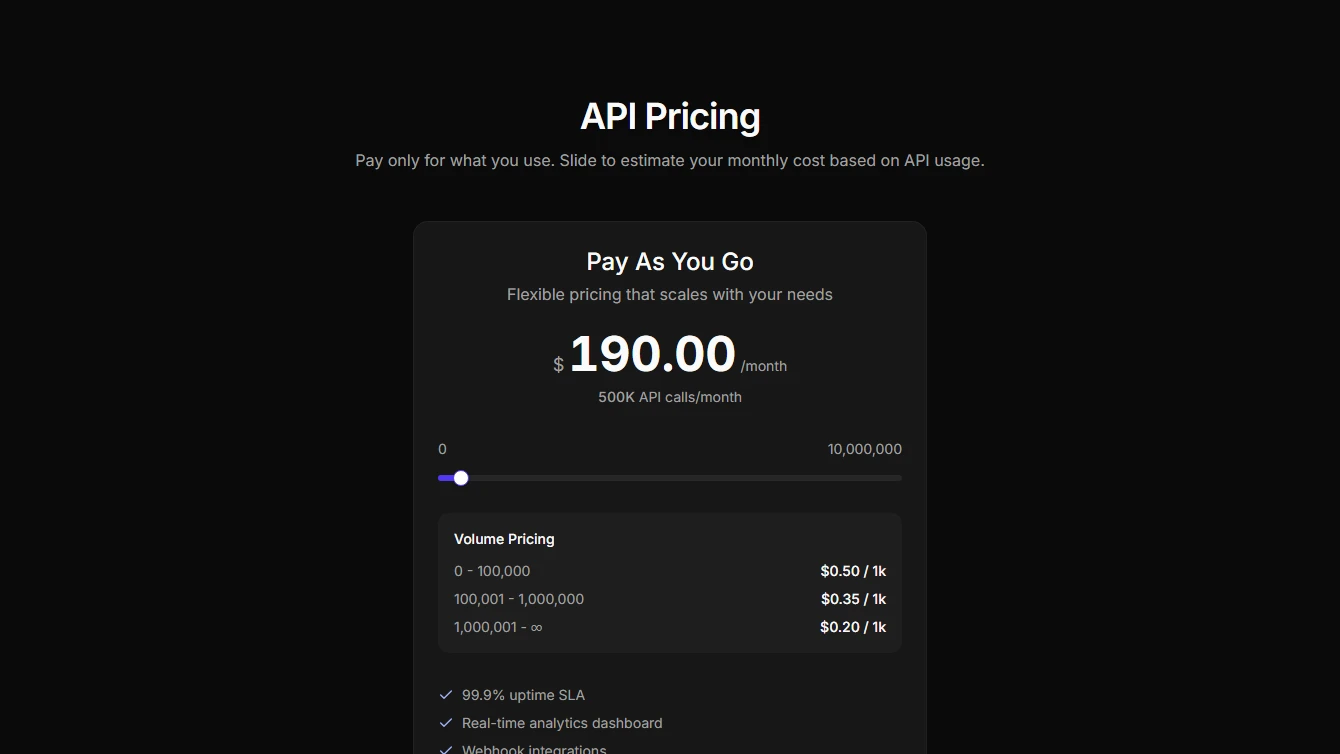
- Pricing 11 - API Slider: Interactive API pricing calculator with slider control. Price updates dynamically as users adjust API call volume.
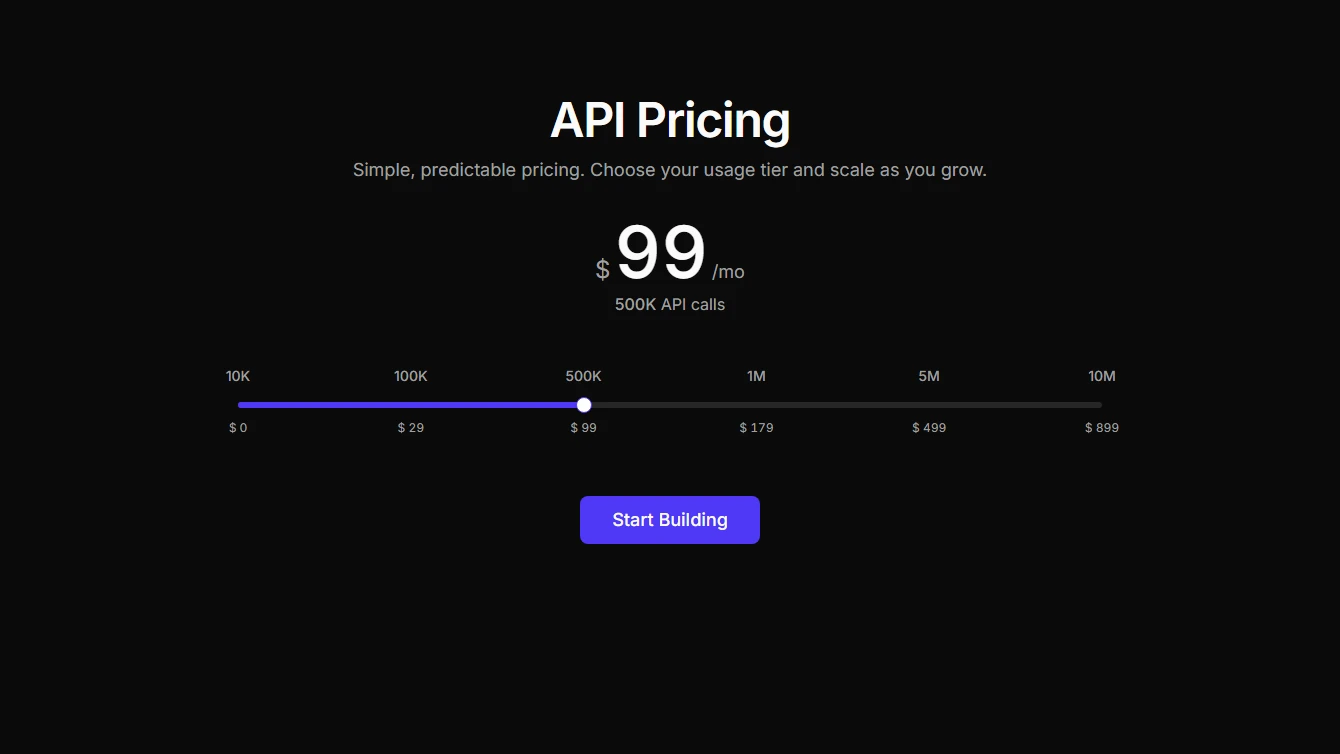
- Pricing 12 - API Steps: Wide API pricing section with discrete step markers. Each pricing tier is defined individually with equidistant slider stops.
Services
8 new services blocks.
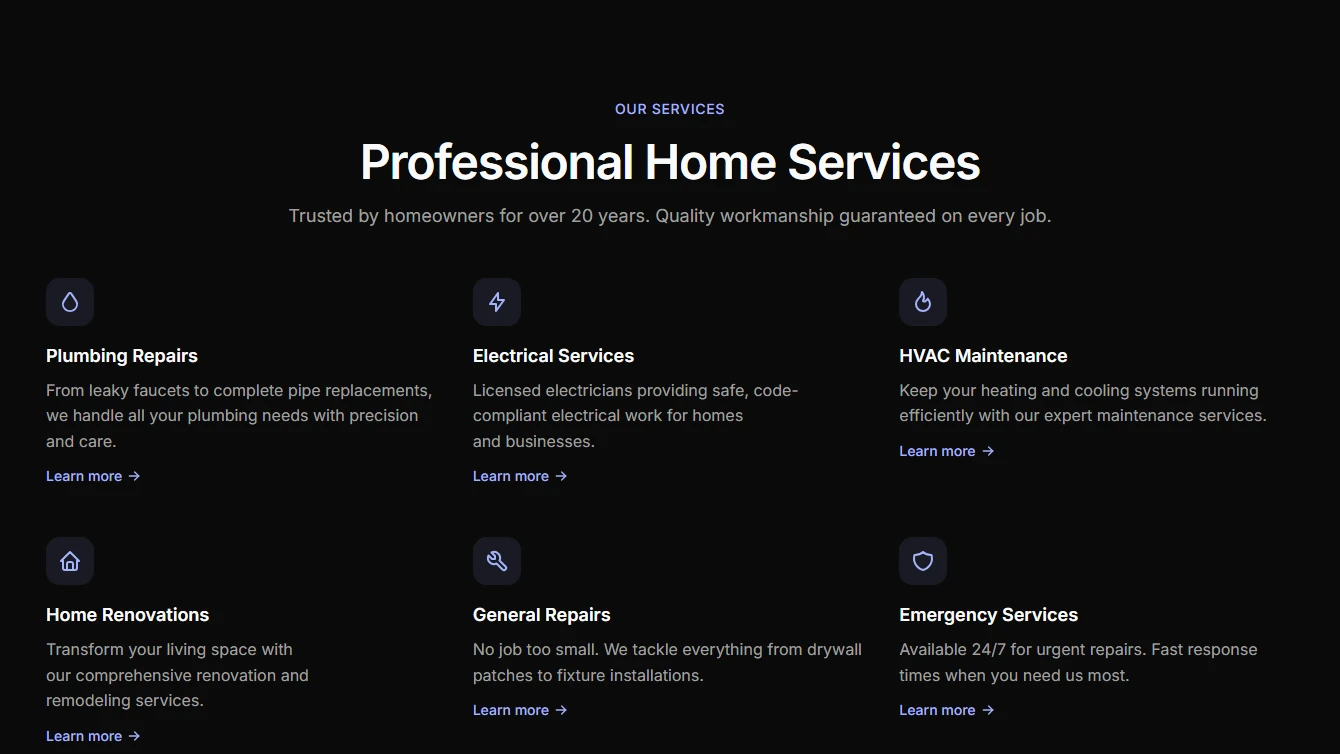
- Services 1 - Simple Grid: Clean grid layout showcasing services with icons and descriptions. Perfect for service-based businesses.
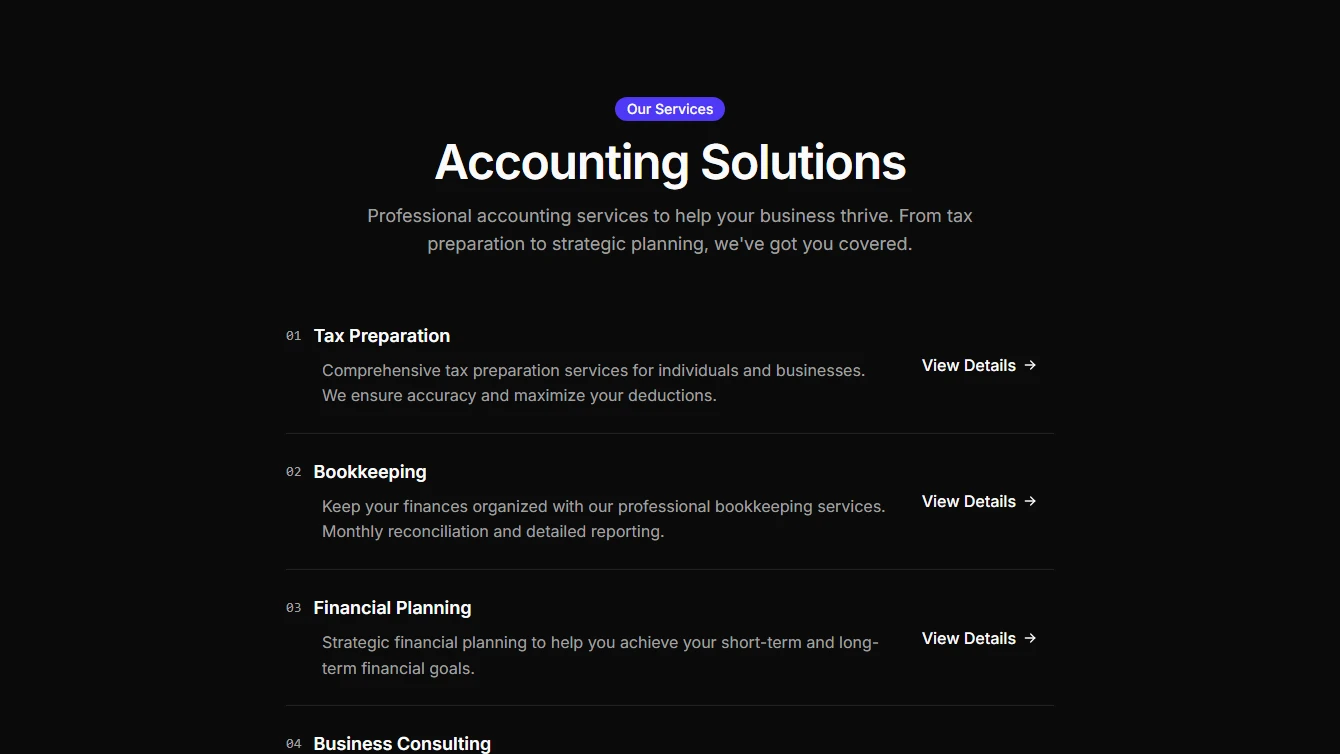
- Services 2 - Centered List: Minimal centered list layout with service items. Clean and straightforward for any service business.
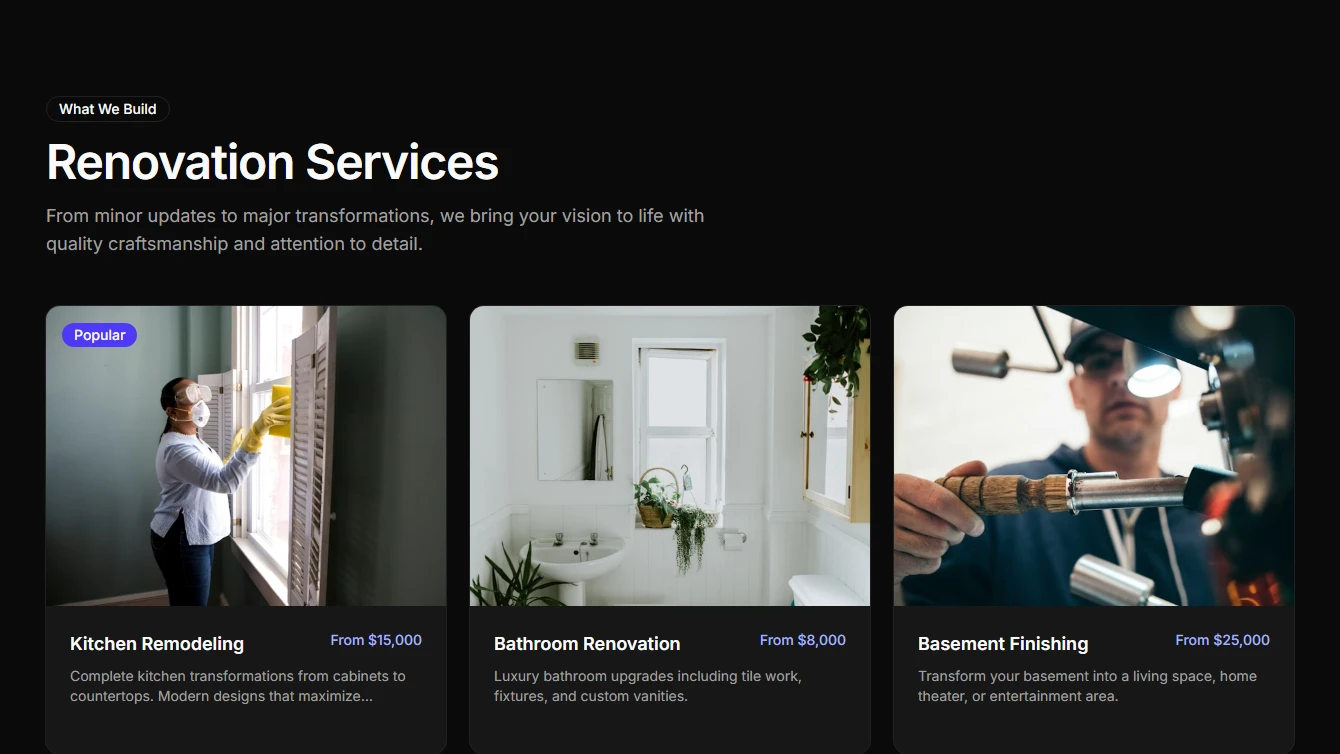
- Services 3 - Image Cards: Service cards with images, hover effects, and pricing indicators. Ideal for showcasing premium services.
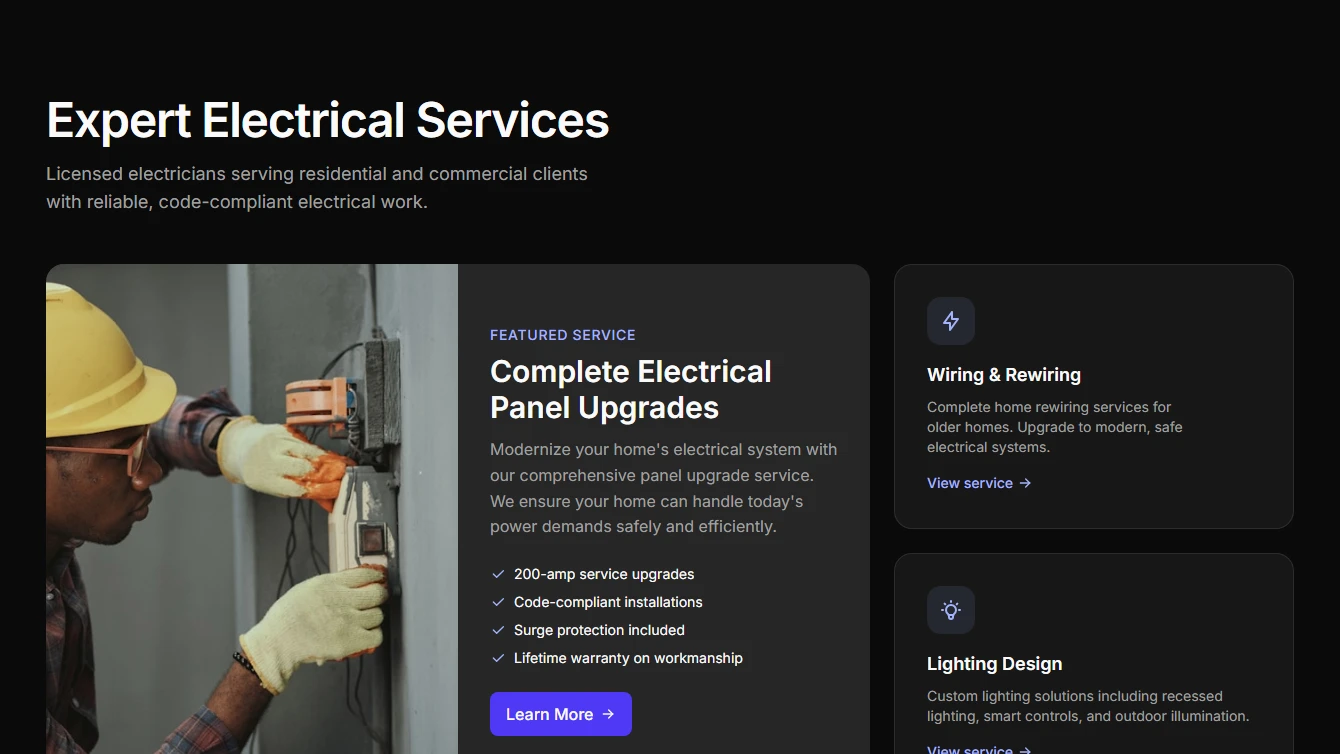
- Services 4 - Bento Grid: Asymmetric bento-style grid with featured service highlight. Modern layout for showcasing key services.
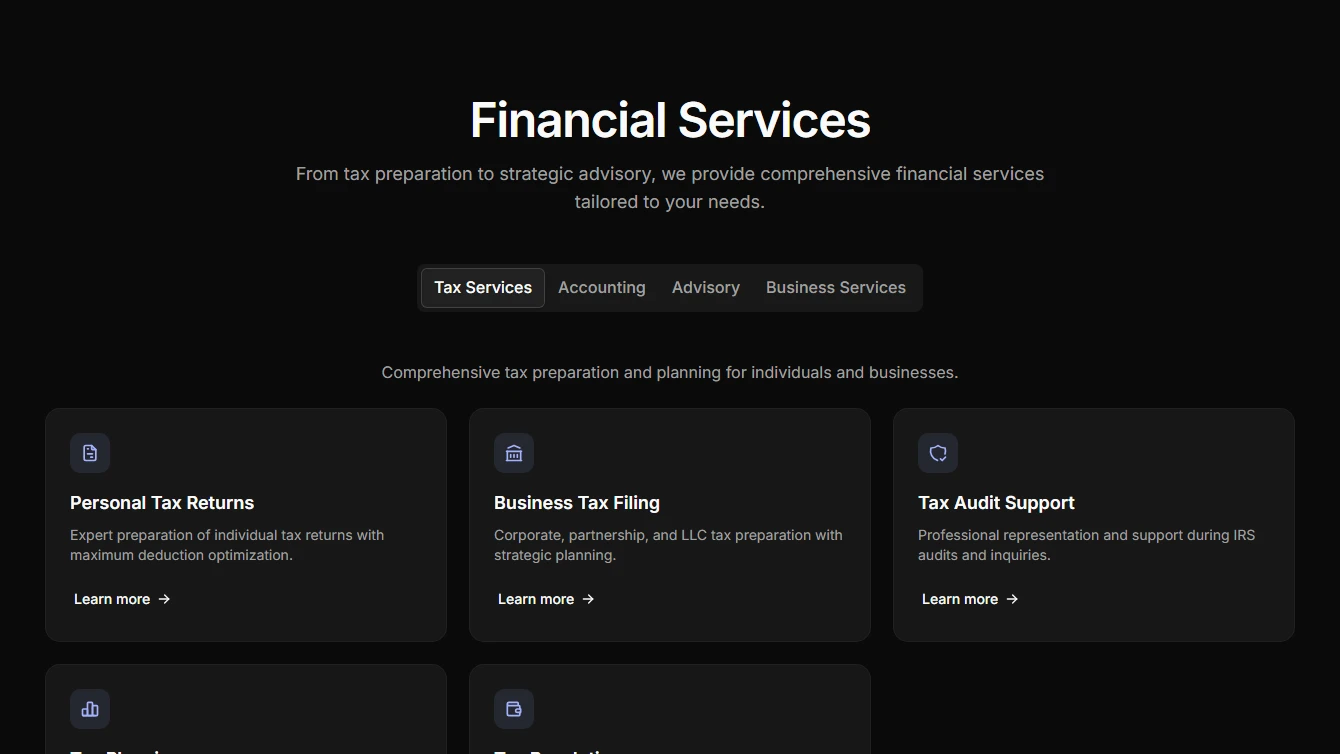
- Services 5 - Tabbed Categories: Interactive tabbed interface organizing services by category. Great for businesses with diverse service offerings.
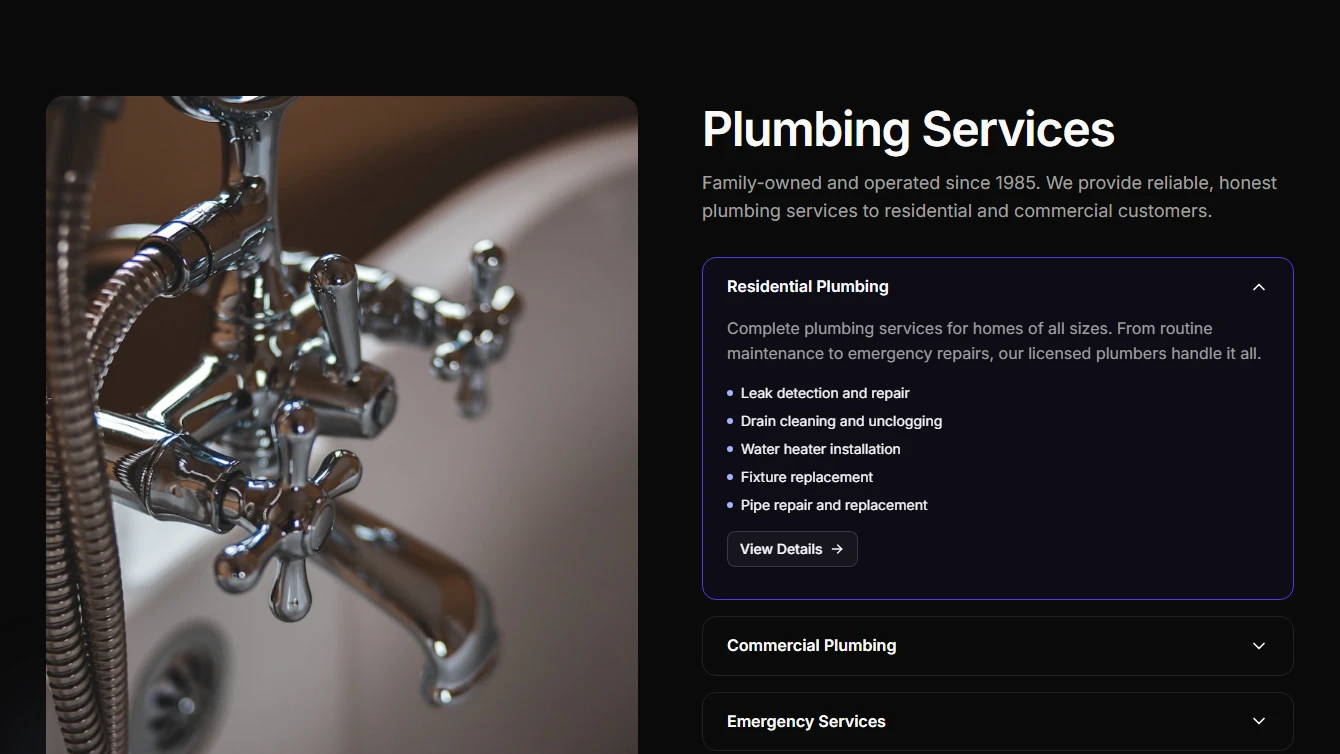
- Services 6 - Split Accordion: Split layout with image on one side and expandable service accordion on the other. Elegant and informative.
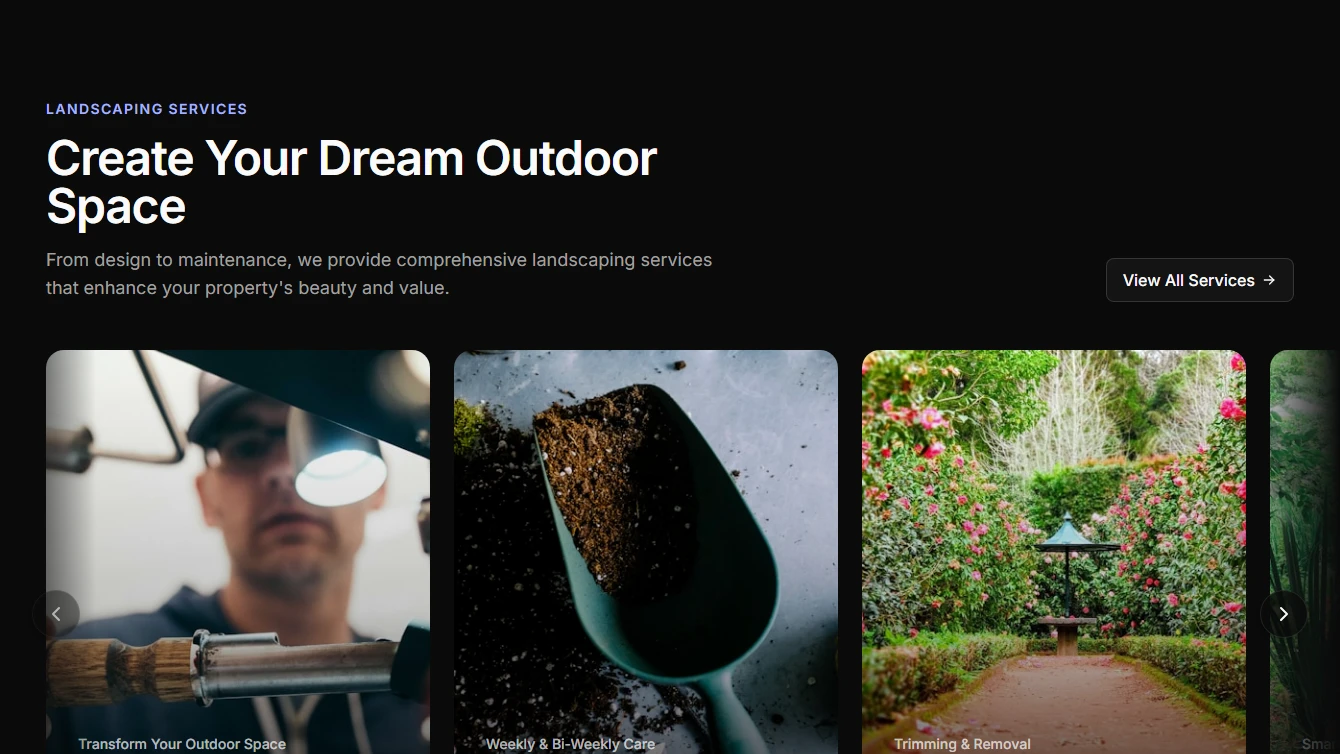
- Services 7 - Horizontal Scroll: Horizontally scrolling service cards with large imagery and overlay text. Dramatic and immersive presentation.
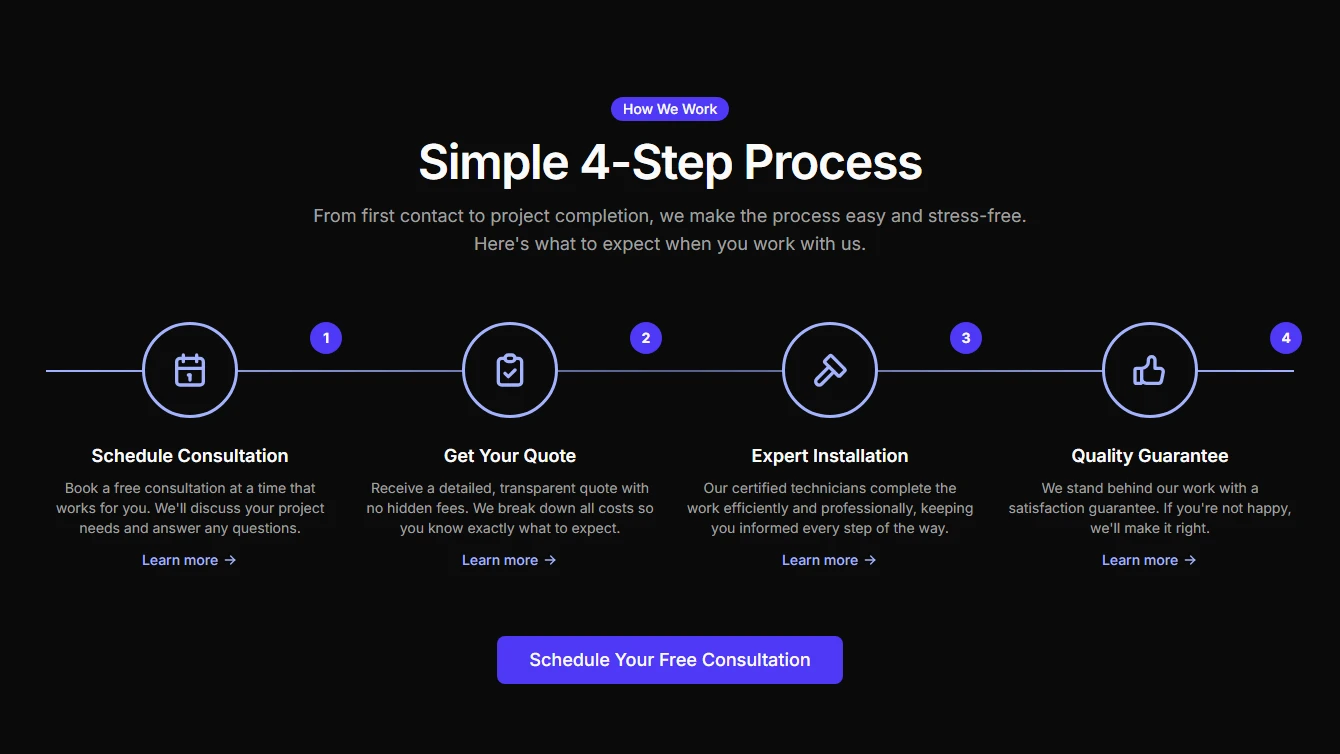
- Services 8 - Process Timeline: Services presented as a step-by-step process timeline. Perfect for explaining service workflows and customer journeys.
Specialized-components
1 new specialized-components block.
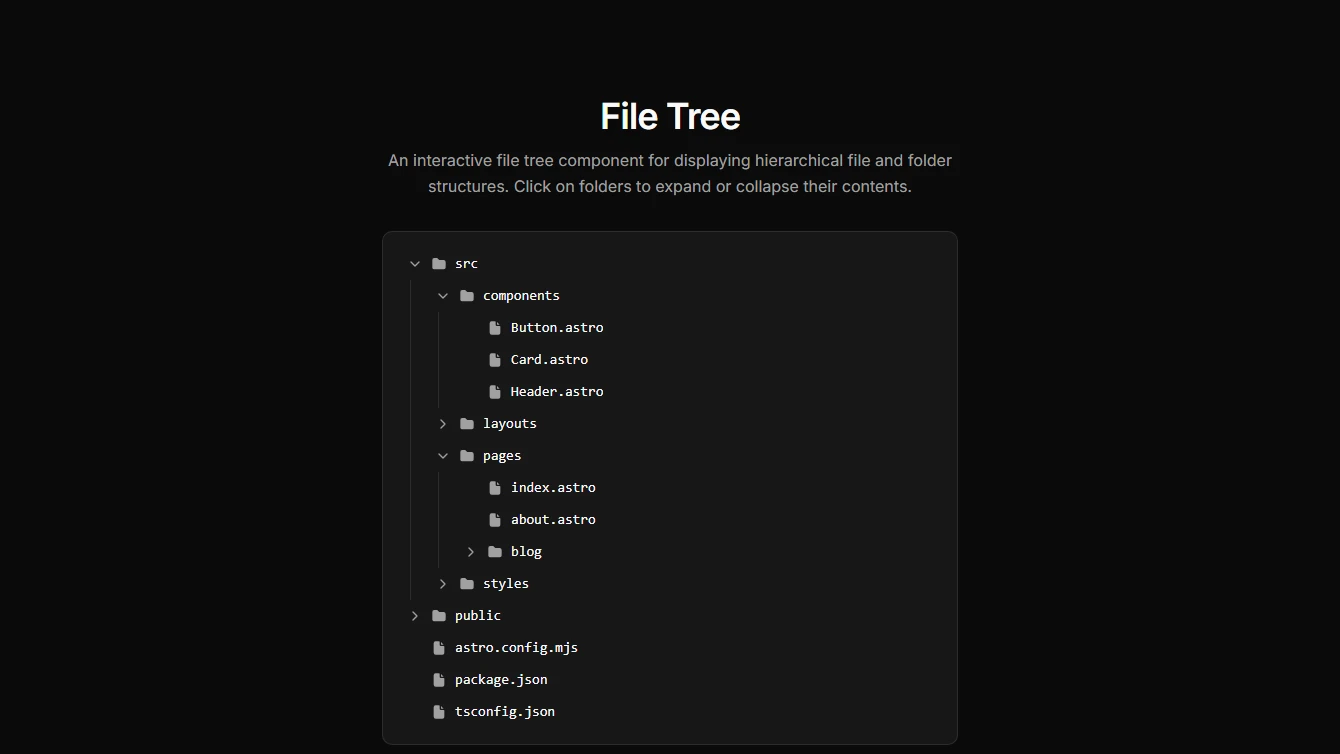
- File Tree 1 - Collapsible: A file tree component that displays hierarchical file and folder structures using collapsible sections.
Browse all blocks at /components or install with the Starwind CLI.