Introducing the Starwind UI Theme Designer: Visual Customization Made Free
Customize your Starwind UI theme visually with our new free tool. Edit colors, typography, radius, and spacing with live preview.

Editing CSS variables manually can be tedious. You have to switch between your code and the browser, guessing if that shade of blue matches your brand or if 0.5rem radius feels right.
We wanted to make this process faster and more visual.
Introducing the Starwind UI Theme Designer, a completely free tool to customize your Starwind UI components.
Visual Control Over Your Theme
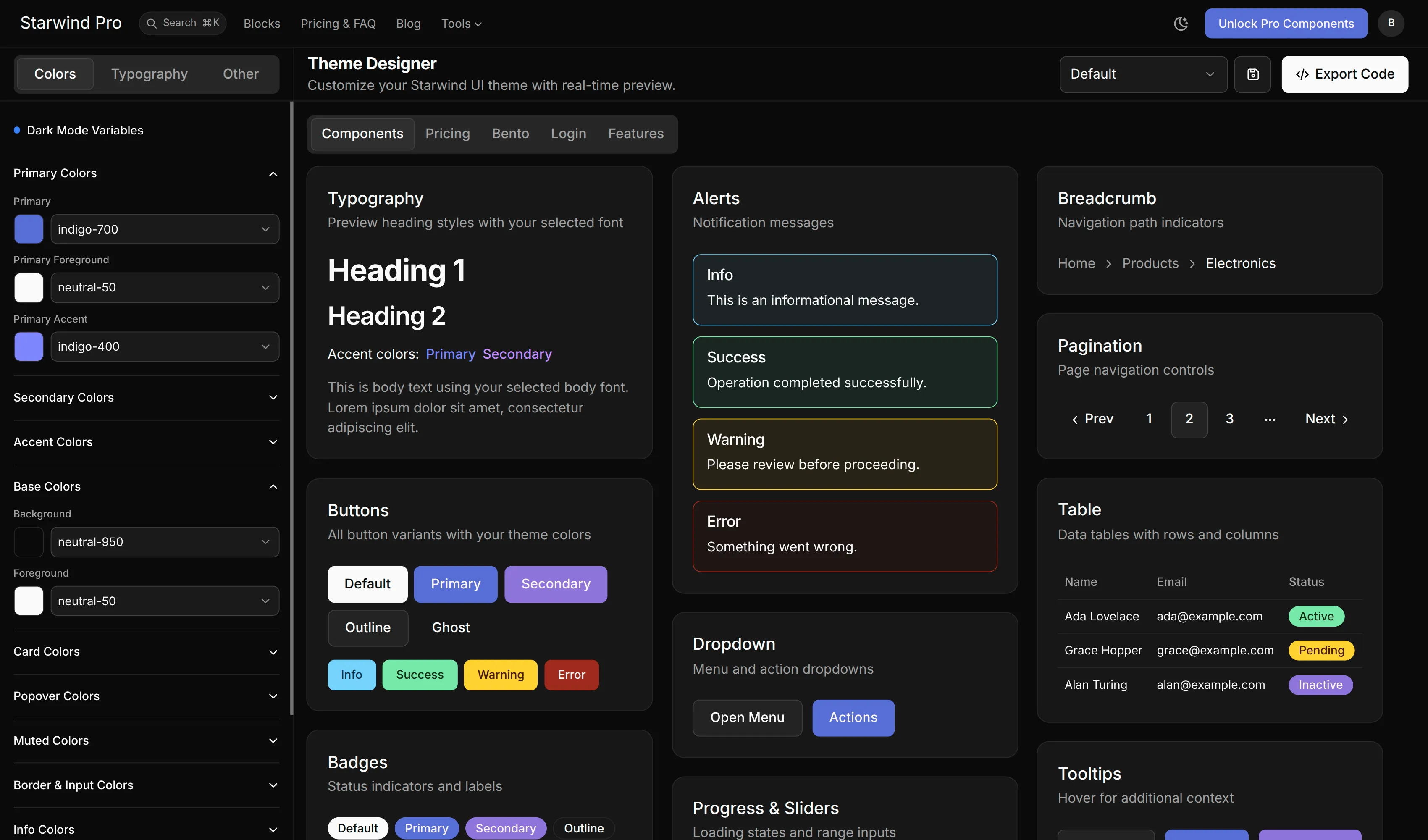
The Theme Designer gives you a control panel for your design system. Instead of hunting through CSS files, you can tweak values and see the results instantly.
Colors
Adjust your primary, secondary, accent, and other colors for both light and dark modes. The tool helps you visualize how these colors interact with common Starwind UI components and a variety of section demos.
Typography
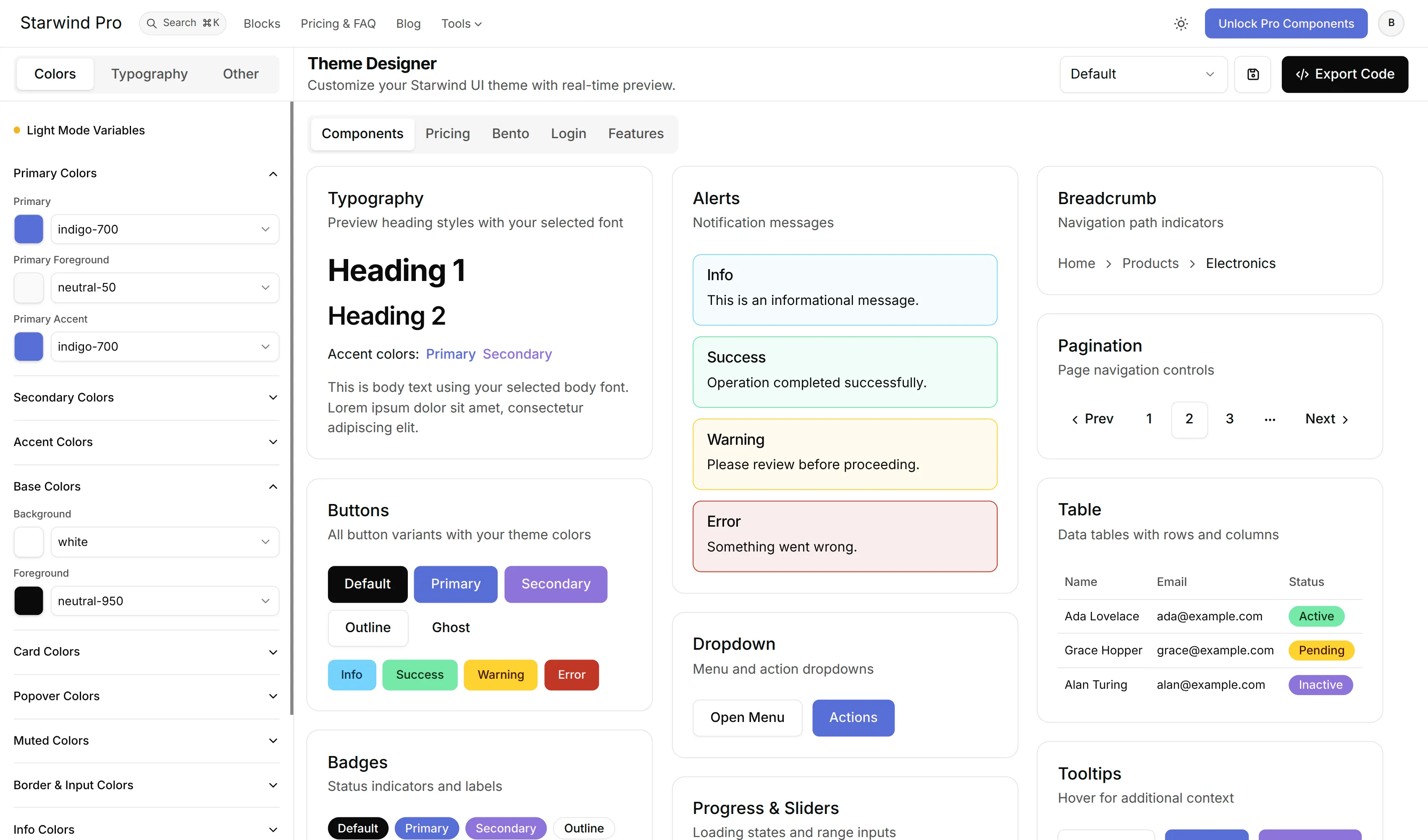
Choose from a curated list of fonts from Fontsource for your heading, body, and monospace text. See how different font combinations change the personality of your UI.
Radius and Spacing
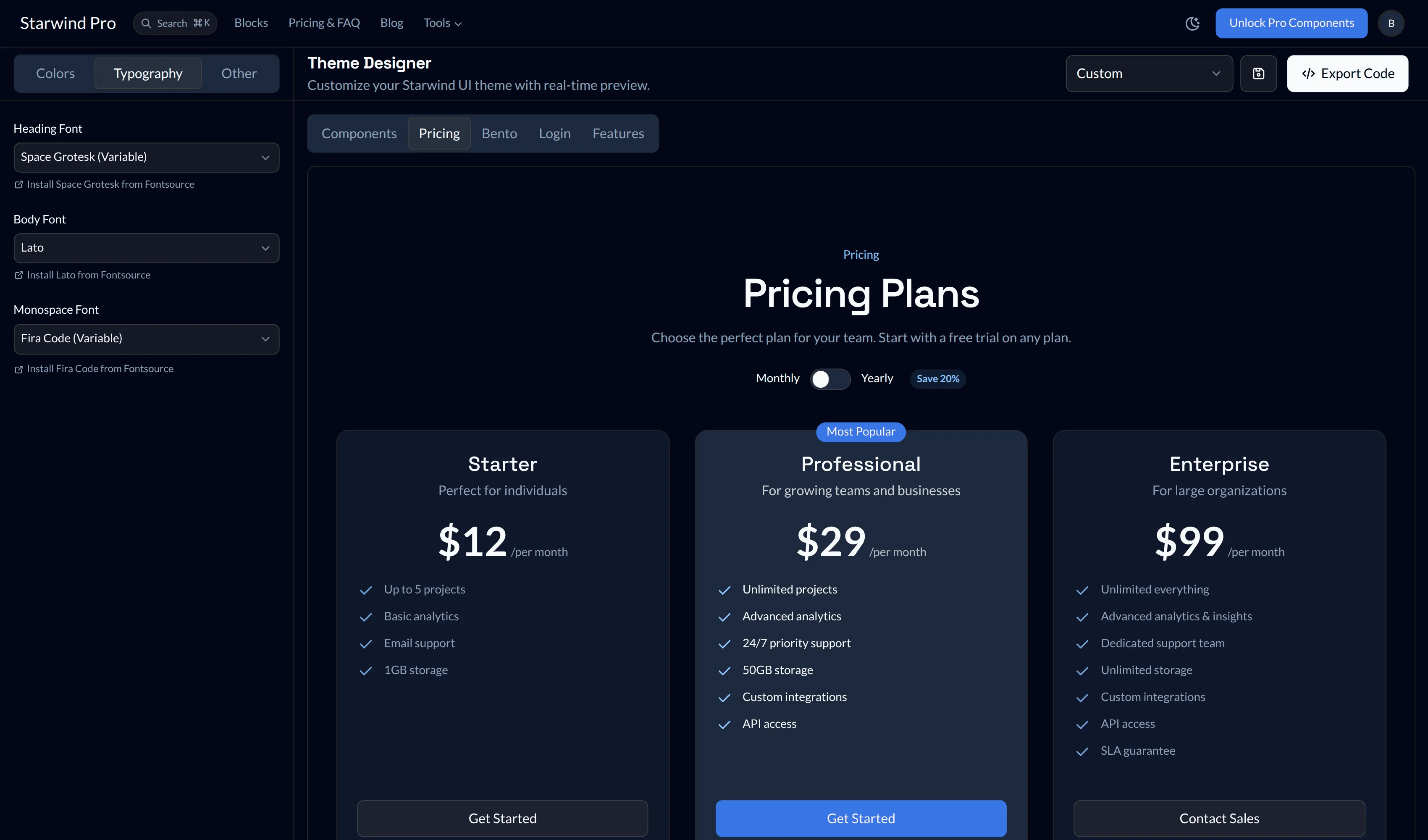
Fine-tune the look and feel. Go for a sharp, technical look with no border radius, or a friendly, playful vibe with rounded corners. Adjust the base spacing to control the density of your layout.
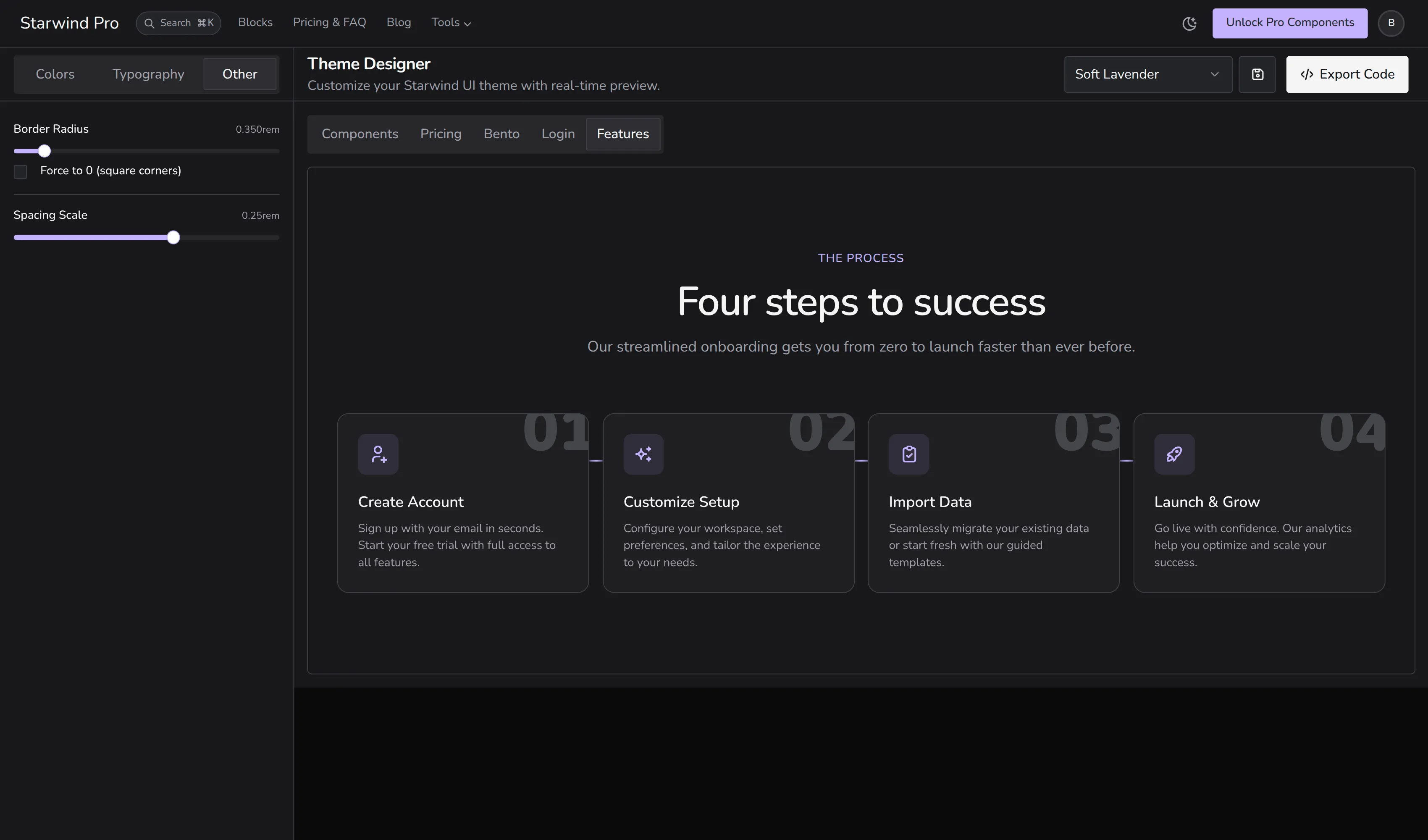
Live Preview
All changes are reflected immediately in a comprehensive preview area. You can see your theme applied to:
- Buttons and inputs
- Cards and dialogs
- Navigation and tabs
- Pricing, Bento, Login, and Features blocks
This ensures your theme looks consistent across the entire library, not just on a single component.
Save and Export
Found the perfect setup?
- Save Locally: Your theme is saved to your browser’s local storage, so you don’t lose your work if you close the tab.
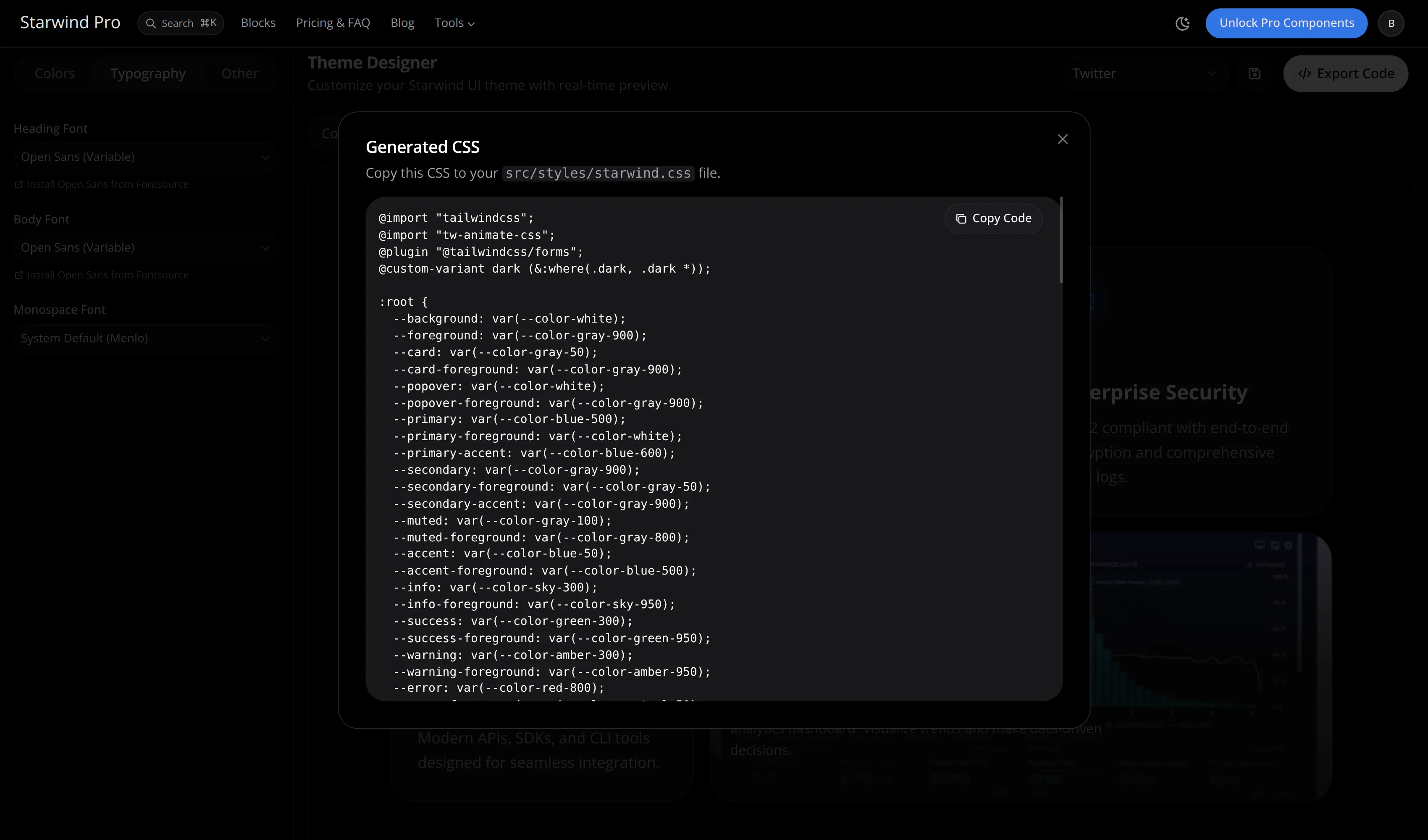
- Export to CSS: One click generates the CSS variables you need.
- Drop it in: Copy the code and paste it into your
src/styles/starwind.css(or wherever your global styles live).
Free for Everyone
This tool is 100% free. You don’t need a Starwind Pro license to use it. It works with the open-source Starwind UI library and Starwind Pro blocks alike.
Try It Now
Ready to design your unique theme?