Glyph Print
Pro
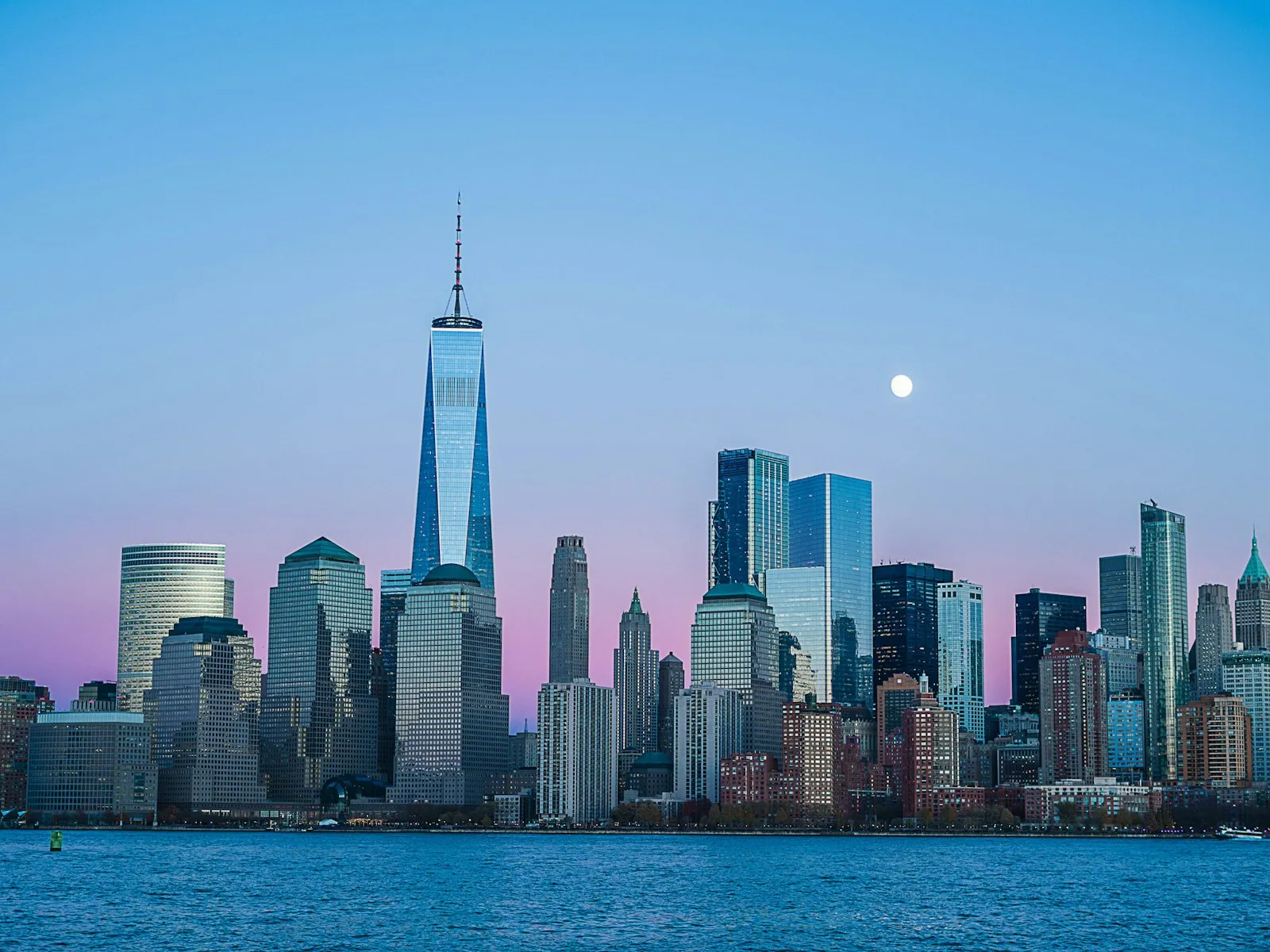
Prints an image as a grid of star glyphs that grow with the tone, in two inks, with a lens near the pointer that shows the image colors.
Loading code...
Starwind Dependencies
Sign in to view code and copy install commands.
Sign inThis component requires Starwind Pro.
Get lifetime access to all premium components, updates, and priority support.
Upgrade to ProFailed to load code. Please try again.
Code
Usage
<ShaderGlyphPrint
  accentInkColor="#f0703c"
  inkColor="#e8e2d4"
  paperColor="#0c0d0c"
  imageSrc="https://images.unsplash.com/photo-1514565131-fce0801e5785?w=1600&h=1200&fit=crop"
  accentStart={0.88}
  imageContrast={0.6}
  glyphSize={9}
  imageColorMix={0}
  lensRadius={120}
  pointerEnabled={true}
  invertTone={false}
  opacity={1}
/>
Props
| prop | type | default | description |
|---|---|---|---|
imageSrc | string | required | Image URL. The URL must be same-origin or served with CORS headers. |
imageAlt | string | required | Alternative text for the image. Pass an empty string for a decorative image. |
imageWidth | number | 1600 | Image width in pixels. Sets the aspect ratio with imageHeight. Defaults to 1600. |
imageHeight | number | 1200 | Image height in pixels. Sets the aspect ratio with imageWidth. Defaults to 1200. |
imageFit | "cover" | "contain" | cover | How the image fits the box. |
paperColor | string | #0c0d0c | Color behind the glyphs. CSS colors are supported. |
inkColor | string | #e8e2d4 | Color of the glyphs. CSS colors are supported. |
accentInkColor | string | #f0703c | Color of the largest glyphs. CSS colors are supported. |
glyphSize | number | 9 | Size of each glyph cell in pixels. Range 4 to 28. |
imageContrast | number | 0.6 | Contrast of the image before it becomes glyphs. Range 0 to 1. |
accentStart | number | 0.88 | Glyph size where the accent ink starts. 1 turns the accent ink off. Range 0 to 1. |
imageColorMix | number | 0 | How much each glyph takes the color of the image under it. Range 0 to 1. |
lensRadius | number | 120 | Size of the pointer lens in pixels. Range 20 to 320. |
invertTone | boolean | false | Swaps which tones get the largest glyphs. |
opacity | number | 1 | Sets the overall opacity of the shader wrapper. |
maxDpr | number | 1.5 | Caps device pixel ratio for sharper output without runaway GPU cost. |
pointerEnabled | boolean | true | Toggles the pointer response. |