Image Dithering
Free
Dithers an image with random or ordered patterns in two, three, or many colors, with an option to keep the image colors. Adapted from Image Dithering by Paper Shaders (shaders.paper.design) under the Apache 2.0 license.
Loading code...
Starwind Dependencies
Sign in to view code and copy install commands.
Sign inThis component requires Starwind Pro.
Get lifetime access to all premium components, updates, and priority support.
Upgrade to ProFailed to load code. Please try again.
Code
Usage
<ShaderImageDithering
  backgroundColor="#000c38"
  ditherColor="#94ffaf"
  highlightColor="#eaff94"
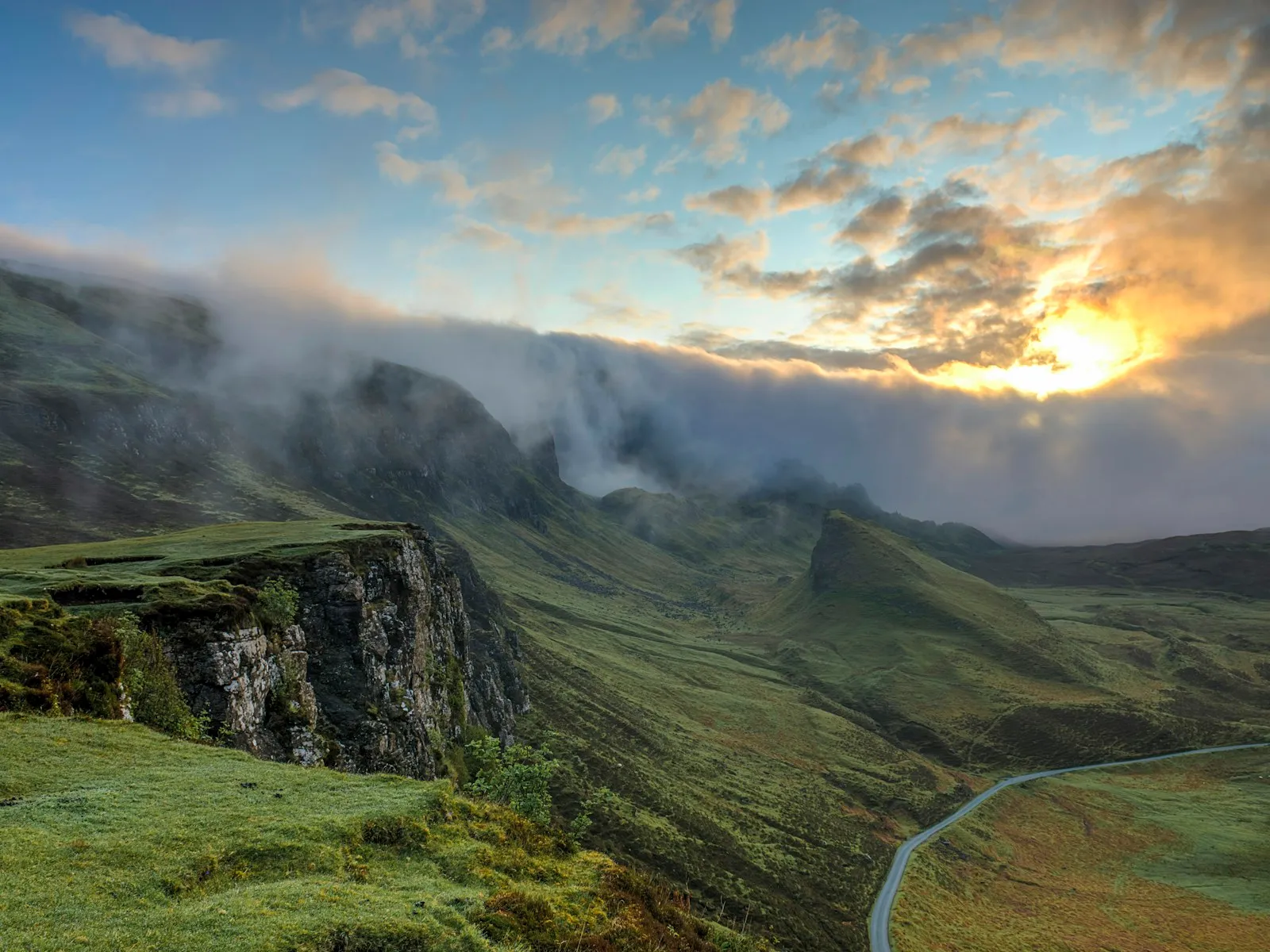
  imageSrc="https://images.unsplash.com/photo-1470071459604-3b5ec3a7fe05?w=1600&h=1200&fit=crop"
  ditherPattern="8x8"
  ditherColorSteps={2}
  pixelSize={2}
  useImageColors={false}
  invertLuminance={false}
  graphicScale={1}
  graphicRotation={0}
  graphicOffsetX={0}
  graphicOffsetY={0}
/>
Props
| prop | type | default | description |
|---|---|---|---|
imageSrc | string | required | Image URL. The URL must be same-origin or served with CORS headers. |
imageAlt | string | required | Alternative text for the image. Pass an empty string for a decorative image. |
imageWidth | number | 1600 | Image width in pixels. Sets the aspect ratio with imageHeight. Defaults to 1600. |
imageHeight | number | 1200 | Image height in pixels. Sets the aspect ratio with imageWidth. Defaults to 1200. |
backgroundColor | string | #000c38 | Dark color. Needs image colors off. Accepts any CSS color. |
ditherColor | string | #94ffaf | Light color. Needs image colors off. Accepts any CSS color. |
highlightColor | string | #eaff94 | Second light color. Set it to the dither color for classic two-color dithering. Accepts any CSS color. |
useImageColors | boolean | false | Use the image colors instead of the palette. |
invertLuminance | boolean | false | Invert the image brightness. |
ditherPattern | "random" | "2x2" | "4x4" | "8x8" | 8x8 | Dithering pattern. |
pixelSize | number | 2 | Size of each dither pixel in screen pixels. Range 0.5 to 20. |
ditherColorSteps | number | 2 | Number of colors in each channel. Range 1 to 7. |
graphicScale | number | 1 | Overall zoom level of the graphic. |
graphicRotation | number | 0 | Rotation of the graphic in degrees. |
graphicOffsetX | number | 0 | Horizontal offset of the graphic center. |
graphicOffsetY | number | 0 | Vertical offset of the graphic center. |
graphicFit | "none" | "contain" | "cover" | cover | How the graphic fits the box. |
opacity | number | 1 | Sets the opacity of the whole block, including the fallback image. |
maxDpr | number | 1.5 | Caps device pixel ratio for sharper output without runaway GPU cost. |