Lens Distortion
Free
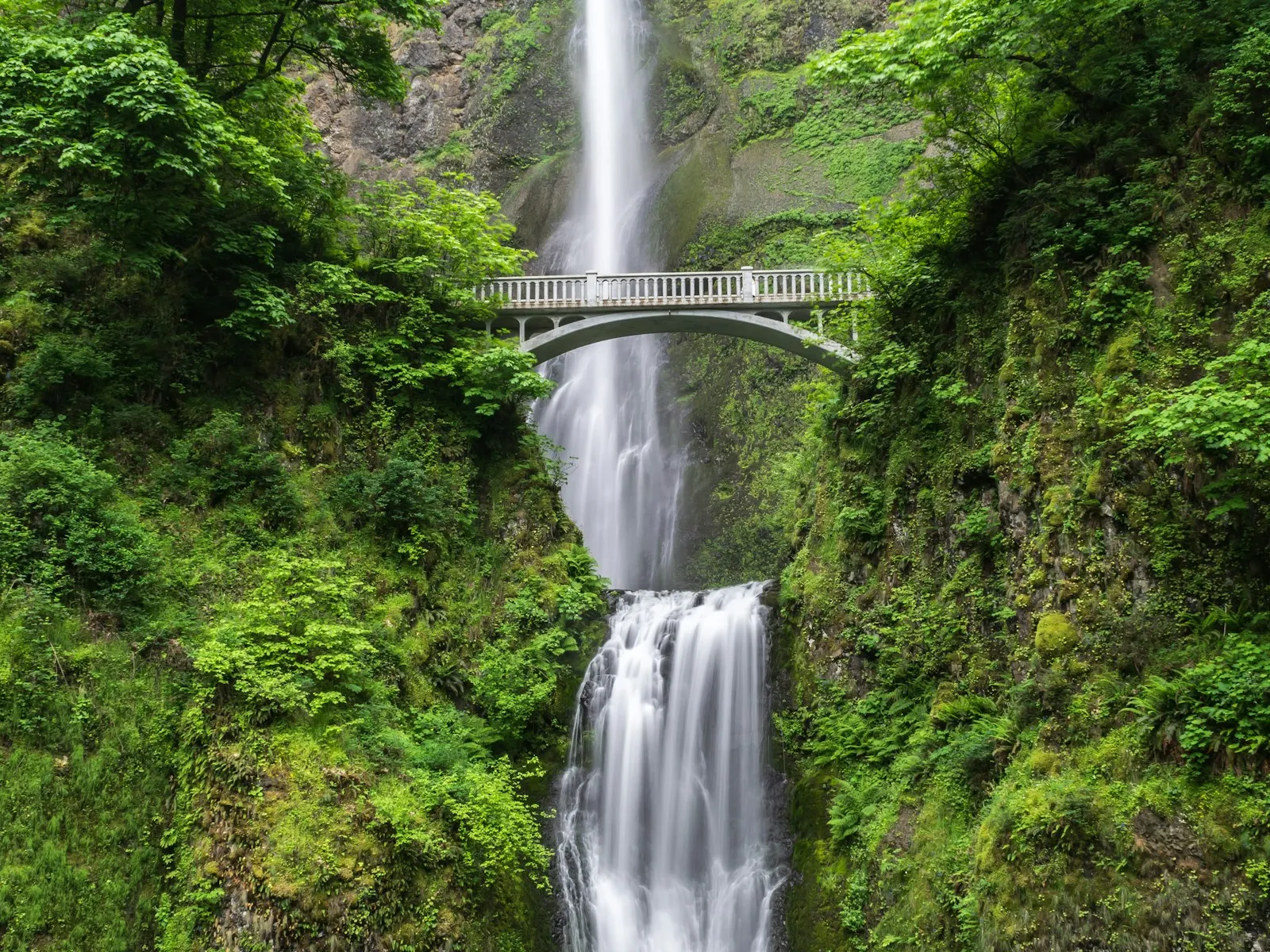
Splits an image into shifted color layers like chromatic aberration and bends it with barrel or pincushion lens warp. Adapted from Lens Distortion by Paper Shaders (shaders.paper.design) under the Apache 2.0 license.
Loading code...
Starwind Dependencies
Sign in to view code and copy install commands.
Sign inThis component requires Starwind Pro.
Get lifetime access to all premium components, updates, and priority support.
Upgrade to ProFailed to load code. Please try again.
Code
Usage
<ShaderLensDistortion
  imageSrc="https://images.unsplash.com/photo-1433086966358-54859d0ed716?w=1600&h=1200&fit=crop"
  centerFocus={0.8}
  layerSpread={0.6}
  dispersion={1}
  dispersionHue={0.6}
  dispersionShift={0}
  edgeFocus={1}
  grainOverlay={0}
  imagePanX={0}
  imagePanY={0}
  layerGrain={0}
  layerCount={35}
  lensBulge={0}
  lensCircle={0}
  spreadNoise={0}
  noiseFrequency={0.25}
  noiseOffset={0}
  spreadPerspective={0.1}
  spreadAngle={0}
  spreadBias={1}
  spreadSwirl={0.35}
  graphicScale={1}
  graphicRotation={0}
  graphicOffsetX={0}
  graphicOffsetY={0}
/>
Props
| prop | type | default | description |
|---|---|---|---|
imageSrc | string | required | Image URL. The URL must be same-origin or served with CORS headers. |
imageAlt | string | required | Alternative text for the image. Pass an empty string for a decorative image. |
imageWidth | number | 1600 | Image width in pixels. Sets the aspect ratio with imageHeight. Defaults to 1600. |
imageHeight | number | 1200 | Image height in pixels. Sets the aspect ratio with imageWidth. Defaults to 1200. |
layerSpread | number | 0.6 | How far the color layers move apart. At 0 there is no split. Range 0 to 1. |
spreadBias | number | 1 | Moves the layers toward one end of the spread. Range -1 to 1. |
spreadAngle | number | 0 | Direction of the color spread in degrees. Range 0 to 360. |
spreadPerspective | number | 0.1 | At 0 the layers move in a line. At 1 they move out from the center. Range 0 to 1. |
layerCount | number | 35 | Number of color layers. More layers look like blur. Range 2 to 50. |
dispersion | number | 1 | How much each layer takes its own color from the spectrum. Range 0 to 1. |
dispersionShift | number | 0 | At -1 dispersion stays in the center. At 1 it stays at the edges. Range -1 to 1. |
dispersionHue | number | 0.6 | Turns the layer colors around the hue wheel. Range 0 to 1. |
centerFocus | number | 0.8 | Pulls the layers together in the center. Range 0 to 1. |
edgeFocus | number | 1 | Pulls the layers together at the edges. Range 0 to 1. |
spreadSwirl | number | 0.35 | Bends the spread around the center. Range -1 to 1. |
spreadNoise | number | 0 | Noise distortion along the spread. Range 0 to 1. |
noiseFrequency | number | 0.25 | Detail of the noise distortion. Range 0 to 1. |
noiseOffset | number | 0 | Moves the noise pattern. Works as a seed. Range 0 to 1. |
lensBulge | number | 0 | Positive values bulge like a fisheye. Negative values pinch. Range -1 to 1. |
lensCircle | number | 0 | Pulls the image into a circle. Range 0 to 1. |
layerGrain | number | 0 | Grain that breaks up the layer edges. Range 0 to 1. |
grainOverlay | number | 0 | Black and white grain added over the result. Range 0 to 1. |
imagePanX | number | 0 | Moves the image sideways behind the effect. Range -1 to 1. |
imagePanY | number | 0 | Moves the image up or down behind the effect. Range -1 to 1. |
graphicScale | number | 1 | Overall zoom level of the graphic. |
graphicRotation | number | 0 | Rotation of the graphic in degrees. |
graphicOffsetX | number | 0 | Horizontal offset of the graphic center. |
graphicOffsetY | number | 0 | Vertical offset of the graphic center. |
graphicFit | "none" | "contain" | "cover" | cover | How the graphic fits the box. |
opacity | number | 1 | Sets the opacity of the whole block, including the fallback image. |
maxDpr | number | 1.5 | Caps device pixel ratio for sharper output without runaway GPU cost. |