Tritone
Pro
Maps the shadows, midtones, and highlights of an image to three colors, with a movable pivot, flat tone steps, and grain.
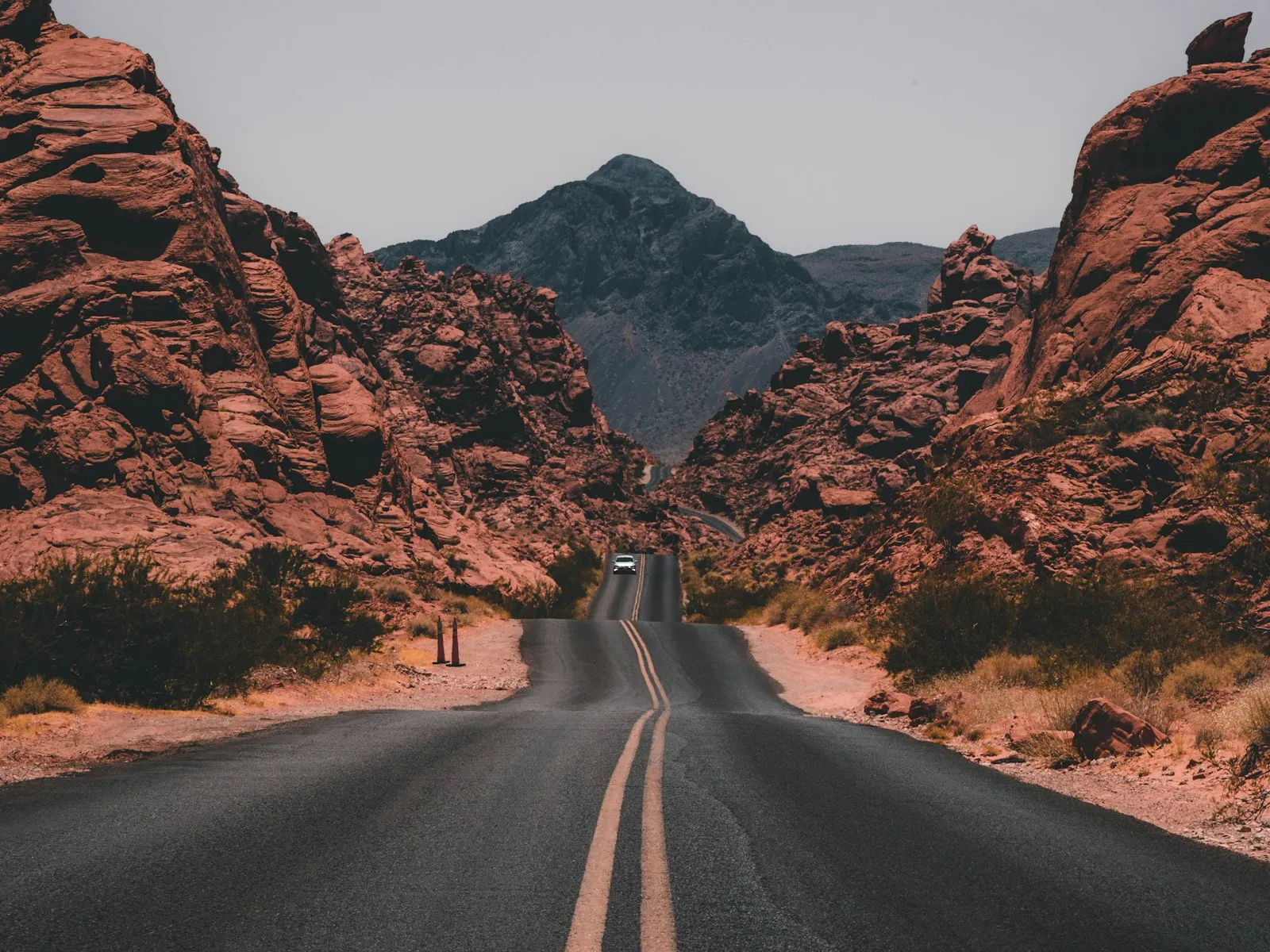
Loading code...
Starwind Dependencies
Sign in to view code and copy install commands.
Sign inThis component requires Starwind Pro.
Get lifetime access to all premium components, updates, and priority support.
Upgrade to ProFailed to load code. Please try again.
Code
Usage
<ShaderTritone
  highlightColor="#f6e7c8"
  midtoneColor="#c9563c"
  shadowColor="#14212b"
  imageSrc="https://images.unsplash.com/photo-1500530855697-b586d89ba3ee?w=1600&h=1200&fit=crop"
  toneContrast={0.55}
  grainAmount={0.25}
  tonePivot={0.5}
  toneStrength={1}
  toneSteps={0}
  opacity={1}
/>
Props
| prop | type | default | description |
|---|---|---|---|
imageSrc | string | required | Image URL. The URL must be same-origin or served with CORS headers. |
imageAlt | string | required | Alternative text for the image. Pass an empty string for a decorative image. |
imageWidth | number | 1600 | Image width in pixels. Sets the aspect ratio with imageHeight. Defaults to 1600. |
imageHeight | number | 1200 | Image height in pixels. Sets the aspect ratio with imageWidth. Defaults to 1200. |
imageFit | "cover" | "contain" | cover | How the image fits the box. |
shadowColor | string | #14212b | Color of the dark tones. CSS colors are supported. |
midtoneColor | string | #c9563c | Color of the middle tones. CSS colors are supported. |
highlightColor | string | #f6e7c8 | Color of the light tones. CSS colors are supported. |
tonePivot | number | 0.5 | Tone that maps to the midtone color. Range 0.05 to 0.95. |
toneContrast | number | 0.55 | Contrast of the image before the color map. Range 0 to 1. |
toneStrength | number | 1 | Mix of the color map with the original image. Range 0 to 1. |
toneSteps | number | 0 | Number of flat tone bands. 0 gives a smooth ramp. Range 0 to 8. |
grainAmount | number | 0.25 | Amount of film grain. Range 0 to 1. |
opacity | number | 1 | Sets the overall opacity of the shader wrapper. |
maxDpr | number | 1.5 | Caps device pixel ratio for sharper output without runaway GPU cost. |